
WooCommerce marketing automation means setting up rules in your store that market to customers for you: a reminder when someone leaves a cart, a back-in-stock alert, a reward for coming back, a clear badge on a product that is on offer. You set each workflow up once, and it keeps working every day, including nights, weekends and holidays.
For a small or mid-sized online store, this matters more than for a big brand. You probably don’t have a marketing team. You may be handling orders, support and product listings yourself. Automation lets a small team give customers the timely, personal follow-up that normally needs many more people.
This guide walks you through nine practical workflows you can build in any WooCommerce store, in what order to set them up, and how to measure whether they work. It is written for store owners anywhere in the world, so where local rules apply (for example email consent or privacy laws), we point you to check them rather than guess.
What WooCommerce Marketing Automation Really Covers
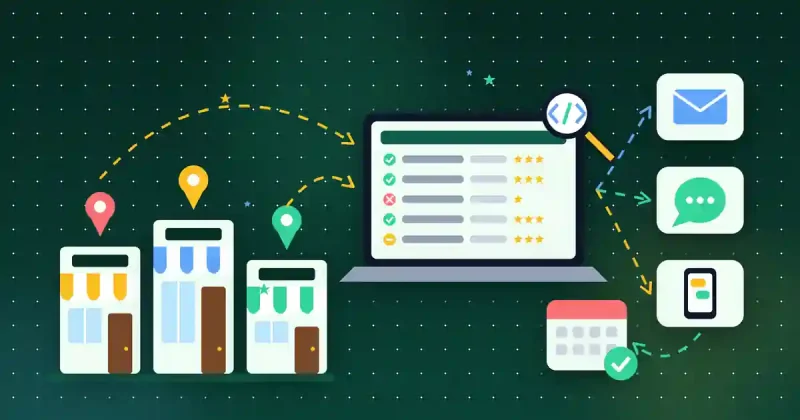
Many people think marketing automation only means email campaigns. In a WooCommerce store it is wider than that. It includes any rule that reacts to what a shopper does and nudges them towards buying, or buying again. That can be:
- Messages sent after an action, such as an abandoned checkout or a product coming back in stock.
- On-site changes that happen automatically, such as badges, product visibility rules or a faster checkout.
- Loyalty logic, such as points earned on every order.
- Data that updates itself, such as reports and customer purchase history you can use to plan offers.
If you are new to automating your store in general, start with our overview of WooCommerce automation for efficiency and profit, then come back here for the marketing side.
Before You Start: Three Foundations
Automated marketing only works if the basics are right. Check these three things first.
- Working store email. Most marketing workflows send email. Make sure WordPress can send mail reliably (many stores use an SMTP plugin or their host’s mail service) and send yourself a test order to confirm the emails arrive and don’t land in spam.
- Clear consent. Rules on marketing email and data collection differ between countries and regions. Add a clear opt-in at checkout where needed, keep a privacy policy page up to date, and check your local rules or ask a legal adviser if you are unsure.
- A baseline. Write down your current numbers before you switch anything on: monthly orders, average order value, how many carts are started but not finished, and how many customers buy more than once. Without a baseline you can’t tell which workflow is paying off.
The 9 Workflows That Sell While You Sleep
Here are the nine workflows, roughly in the order most stores should set them up. Start with the first three, because they recover sales you are already close to winning.
1. Abandoned Checkout Recovery
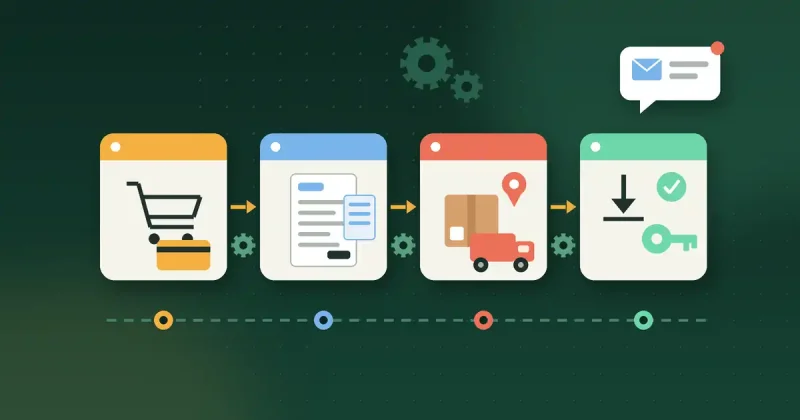
Many shoppers start a checkout and leave. Some were distracted, some had a question, some wanted to compare prices. An automated reminder sent a little while later brings a share of them back. Keep the first message friendly and helpful: remind them what they picked, link straight back to the checkout, and answer common doubts (delivery, refunds, support). Only add a discount in a later reminder, if at all, so you don’t train customers to abandon carts on purpose.
2. Back-in-Stock Alerts
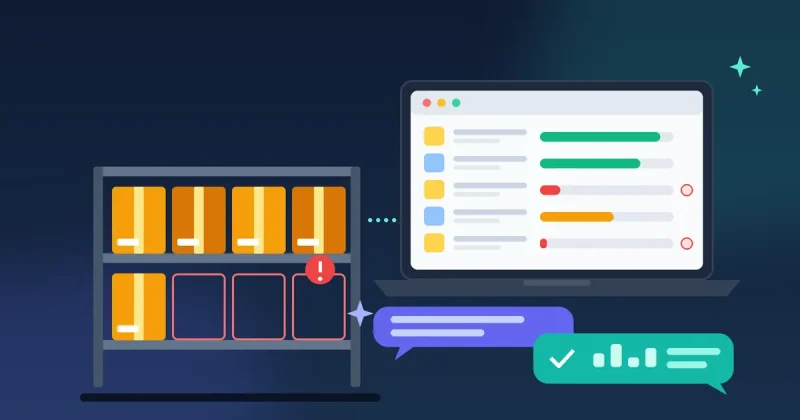
When a product sells out, visitors who wanted it usually leave and forget. A back-in-stock alert lets them sign up on the product page, and the store emails them automatically when stock returns. These are some of the warmest leads you will ever have, because the shopper has already chosen the product.
3. A Faster Checkout
Every extra field and page in checkout loses some buyers. Two automated fixes help: remove checkout fields you don’t need (for digital products you rarely need a full shipping address), and offer a one-click checkout popup for simple purchases so buyers can pay without leaving the product page.
4. Loyalty Points and Rewards
Winning a repeat order is usually cheaper than finding a new customer. A points system that awards points automatically on every order gives buyers a reason to come back to you instead of a competitor. Keep the rules simple enough to explain in one sentence, and show the points balance in the customer’s account.
5. Automatic Product Badges
Badges such as “New”, “Sale” or “Best value” draw the eye on shop and category pages. Setting them by rule, rather than editing each product, keeps them accurate as your catalogue changes. Only use badges that are true: a “Sale” badge should mean a real reduction.
6. Product Visibility Rules
Not every product should be shown to everyone at all times. Visibility rules let you hide products automatically, for example out-of-season items or products meant only for certain customers. A cleaner catalogue makes it easier for shoppers to find what they actually want to buy.
7. Bulk Discount Requests
Business buyers often want to order larger quantities but expect to ask for a better price first. A bulk discount request form turns that conversation into a structured lead you can reply to, instead of a lost sale or a long email thread.
8. Instant Digital Delivery and License Keys
If you sell software, templates or other digital products, speed is part of the experience. Automatic license key delivery after purchase means buyers can start using the product straight away, even if you are asleep, which reduces support requests and refund requests.
9. Customer Timelines and Reports for Smarter Campaigns
The last workflow feeds all the others. A customer purchase timeline shows what each buyer ordered and when, and a reports dashboard shows which products and periods sell best. Use this data to decide which products to promote, who to invite back, and which workflows to improve next. Export your customer and product data when you need it in another tool, such as an email marketing service.
How to Roll Out the Workflows Step by Step
- Week 1: Set up abandoned checkout recovery and back-in-stock alerts. Test both with a dummy order and a test product.
- Week 2: Simplify checkout. Remove unneeded fields and switch on a quick checkout option for simple products.
- Week 3: Launch loyalty points with simple rules, and add accurate product badges.
- Week 4: Add visibility rules, bulk discount requests and (if you sell digital goods) automatic license delivery.
- Every month: Review your reports against the baseline you wrote down. Keep what works, adjust what doesn’t, and change one thing at a time so you know what made the difference.
Doing It All With One Plugin: WooFlow Manager
You can build these workflows with a separate plugin for each job, but every extra plugin means more settings screens, more updates and more chances of conflicts. WooFlow Manager is a WooCommerce automation plugin that brings 17 store tools into one dashboard, including several of the workflows above:
- Abandoned checkout recovery (workflow 1)
- Back-in-stock alerts (workflow 2)
- Checkout field manager and one-click checkout popup (workflow 3)
- Loyalty points and rewards (workflow 4)
- Product badge manager (workflow 5) and visibility rules (workflow 6)
- Bulk discount requests (workflow 7)
- Product license delivery (workflow 8)
- Customer purchase timeline, advanced reports dashboard and product imports and exports (workflow 9)
It also includes an advanced order manager, invoice and packing slip generator, shipment tracking manager, bulk product editor and product image link manager for the day-to-day side of running a store. It is built for WordPress 6.x and WooCommerce 8.x or newer on PHP 7.4 or newer, and its email-based modules need a working WordPress mail setup. It is a one-time payment with lifetime access, not a monthly subscription.
WooCommerce Marketing Automation Checklist
- ☐ Store emails tested and arriving in the inbox, not spam
- ☐ Marketing consent and privacy policy checked against your local rules
- ☐ Baseline numbers written down (orders, average order value, abandoned checkouts, repeat buyers)
- ☐ Abandoned checkout recovery switched on and tested
- ☐ Back-in-stock alerts available on popular products
- ☐ Checkout fields trimmed; quick checkout available for simple products
- ☐ Loyalty points rules written in one simple sentence
- ☐ Product badges accurate and rule-based
- ☐ Visibility rules and bulk discount requests set up where useful
- ☐ Automatic license delivery tested (digital products)
- ☐ Monthly review date in your calendar
Conclusion
WooCommerce marketing automation is not about sending more messages. It is about reacting at the right moment: when a shopper leaves a checkout, when a wanted product comes back, when a loyal customer has earned a reward. Set up the nine workflows in order, measure against your baseline, and improve one thing at a time. Your store will keep selling while you focus on the work only you can do.
If you want most of these workflows in one place, take a look at WooFlow Manager. Purchases are covered by our refund policy, and if you have a question before buying, contact us.