Running a WooCommerce store can feel like juggling a dozen tasks at once. From managing inventory and processing orders to engaging customers and analyzing sales, the daily grind can quickly become overwhelming, especially for small business owners with limited resources. What if you could put many of these repetitive tasks on autopilot, freeing up your time to focus on growth and strategy?
Enter WooCommerce automation – the secret weapon for modern e-commerce success. By leveraging the right tools and strategies, you can transform your bustling online store into a highly efficient, self-sustaining machine. This comprehensive guide will walk you through the essential automation workflows that will not only save you countless hours but also dramatically improve your store’s profitability and customer satisfaction.
Why Automation is Non-Negotiable for WooCommerce Stores
In today’s fast-paced digital landscape, efficiency is paramount. Manual processes are not only time-consuming but also prone to human error. Here’s why embracing automation is crucial for your WooCommerce store:
- Save Time & Resources: Automating repetitive tasks like order status updates, inventory checks, and email follow-ups frees up valuable time for you and your team, allowing you to focus on strategic initiatives like marketing, product development, and customer service.
- Reduce Errors: Automated systems follow predefined rules, significantly minimizing the risk of mistakes that can occur with manual data entry or processing. This leads to fewer shipping errors, correct pricing, and accurate inventory counts.
- Improve Customer Experience: Swift order confirmations, timely shipping notifications, personalized recommendations, and proactive support messages create a seamless and professional experience that keeps customers coming back.
- Increase Sales & Revenue: Automated abandoned cart recovery, targeted promotions, and loyalty programs can directly boost your conversion rates and customer lifetime value.
- Enhance Scalability: As your business grows, manual processes become bottlenecks. Automation allows your store to handle increased order volumes and customer interactions without a proportional increase in manual effort, making your business more scalable.
- Gain Competitive Advantage: Businesses that embrace automation can operate more leanly, respond faster to market changes, and offer a superior customer experience, putting them ahead of competitors still relying on manual methods.
Key Areas for WooCommerce Automation
Let’s dive into specific areas where automation can make the biggest impact on your WooCommerce operations.
1. Order Management & Fulfillment
The journey from a customer clicking ‘buy’ to receiving their product involves multiple steps. Automating these processes ensures a smooth, efficient, and transparent experience.
- Automated Order Status Updates: Automatically change order statuses (e.g., from ‘processing’ to ‘completed’ or ‘shipped’) based on actions like payment confirmation or shipping carrier updates.
- Customer Notifications: Send automated emails for order confirmation, shipping updates with tracking numbers, and delivery notifications. This keeps customers informed and reduces ‘where is my order?’ inquiries.
- Shipping Label Generation: Integrate with shipping carriers to automatically generate shipping labels and manifest files as soon as an order is placed.
- Refund & Return Processing: Streamline the process for returns by automatically initiating refunds or generating return labels once a return request is approved.
- Fraud Detection: Implement tools that automatically flag suspicious orders for manual review, reducing financial risk.
For comprehensive order control, including advanced status management, refund processing, and even abandoned cart recovery workflows, a dedicated plugin like WooFlow Manager can be invaluable. It provides powerful features to automate the entire order lifecycle, ensuring efficiency from checkout to delivery.
2. Product Management & Inventory
Keeping your product catalog accurate and your inventory levels optimized is critical for preventing overselling and ensuring customer satisfaction.
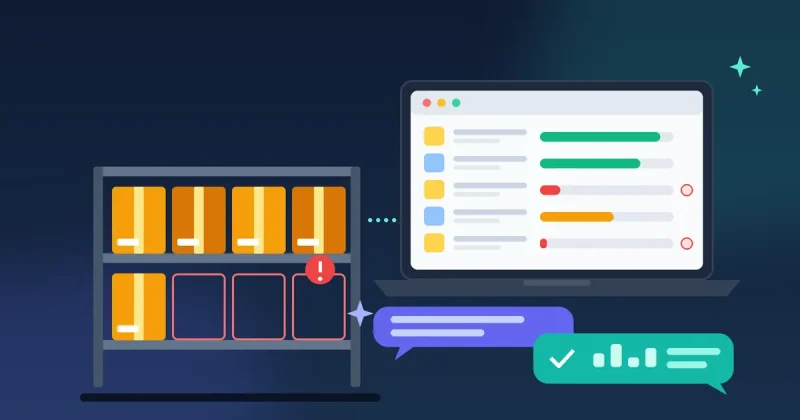
- Stock Alerts & Replenishment: Automatically receive notifications when product stock levels hit a predefined threshold, prompting you to reorder.
- Out-of-Stock Management: Automatically hide or mark products as ‘out of stock’ when inventory runs out, preventing customers from purchasing unavailable items. You can also automate ‘back in stock’ notifications for interested customers.
- Price Updates: Schedule automatic price changes for sales, promotions, or regular adjustments based on supplier feeds.
- Product Visibility: Automatically publish or unpublish products based on dates, stock levels, or other criteria.
- Digital Product Delivery: For digital goods, automatically grant access or send download links immediately after purchase.
Beyond basic stock alerts, tools like WooFlow Manager offer robust product automation features, allowing you to automatically update product visibility, manage pricing rules, and even deliver digital licenses upon purchase. This ensures your product catalog is always current and efficiently managed.
3. Customer Engagement & Marketing
Automation can transform how you interact with your customers, fostering loyalty and driving repeat business without constant manual effort.
- Welcome Sequences: Automatically send a series of welcome emails to new subscribers or first-time customers, introducing your brand and offering incentives.
- Abandoned Cart Recovery: Send automated reminder emails to customers who added items to their cart but didn’t complete the purchase, often including a discount to encourage conversion.
- Post-Purchase Follow-ups: Automate emails requesting product reviews, offering related product recommendations, or providing helpful tips for using their new purchase.
- Loyalty Programs & Rewards: Automatically award loyalty points for purchases, birthdays, or referrals, and notify customers when they have rewards available.
- Birthday & Anniversary Offers: Send personalized discounts or special offers to customers on their birthday or the anniversary of their first purchase.
To truly elevate your customer engagement, consider powerful solutions such as WooFlow Manager, which enables you to set up sophisticated reward programs, trigger personalized emails based on customer actions, and streamline post-purchase follow-ups, directly impacting customer retention and satisfaction.
4. Reporting & Data Management
Understanding your store’s performance is crucial. Automation can simplify data collection and reporting, giving you actionable insights without manual compilation.
- Automated Sales Reports: Schedule daily, weekly, or monthly sales reports to be generated and emailed to key stakeholders.
- Inventory Reports: Automatically track inventory levels, best-selling products, and slow-moving items to inform purchasing decisions.
- Customer Segmentation: Automatically segment customers based on purchase history, spending habits, or engagement levels for targeted marketing.
- Data Exports: Automatically export order data, customer lists, or product information to integrate with accounting software, CRM systems, or other business intelligence tools.
For deeper insights and easier data portability, plugins like WooFlow Manager provide extensive reporting capabilities and flexible export options, allowing you to integrate your sales data seamlessly with other business tools for comprehensive analysis.
Implementing Automation: Tools and Strategies
Getting started with WooCommerce automation doesn’t have to be complicated. Here’s how to approach it:
- Identify Bottlenecks: Start by pinpointing the most time-consuming and error-prone manual tasks in your current workflow. These are your prime candidates for automation.
- Leverage Core WooCommerce Features: WooCommerce itself offers some basic automation, such as automatic order status changes upon payment. Familiarize yourself with these.
- Choose the Right Plugins: For more advanced and specific automation, dedicated WooCommerce plugins are your best bet. A robust solution like WooFlow Manager can provide a comprehensive suite of automation tools specifically designed for WooCommerce stores, covering everything from order and product management to rewards and recovery workflows.
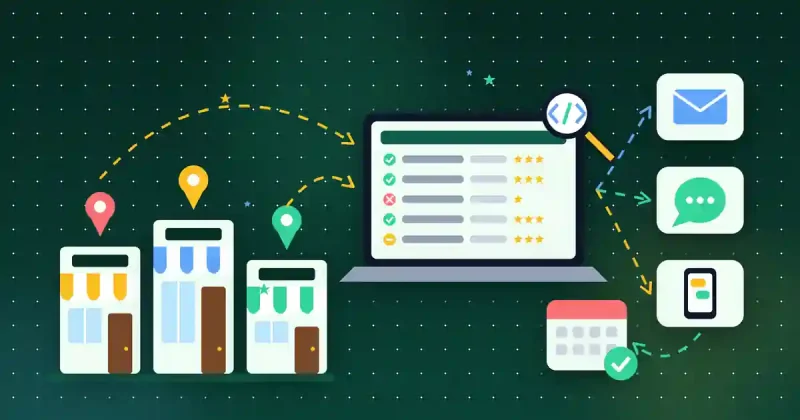
- Consider Third-Party Integrations: For highly complex, cross-platform workflows (e.g., integrating WooCommerce with a separate CRM, email marketing service, or ERP system), tools like Zapier or Make.com can connect different applications.
- Start Small, Test, and Scale: Begin by automating one or two simple workflows. Thoroughly test them to ensure they function as expected before rolling them out fully. Once confident, gradually expand your automation efforts.
- Monitor and Optimize: Automation isn’t a ‘set it and forget it’ solution. Regularly review your automated workflows, analyze their performance, and make adjustments to improve efficiency and effectiveness.
Best Practices for WooCommerce Automation
- Prioritize Customer Experience: Ensure your automation enhances, rather than detracts from, the customer journey. Personalization is key.
- Maintain a Human Touch: While automation is powerful, don’t eliminate all human interaction. Some situations require a personal touch, especially in customer service.
- Keep it Simple: Overly complex automation can be difficult to manage and troubleshoot. Strive for elegant, straightforward solutions.
- Security First: Ensure any plugins or integrations you use are reputable and adhere to strong security practices to protect your customer data.
- Stay Compliant: Be mindful of data privacy regulations (e.g., GDPR, CCPA) when automating data collection and customer communication.
Conclusion
WooCommerce automation is no longer a luxury; it’s a necessity for any small business looking to thrive in the competitive e-commerce landscape. By strategically automating your order management, product workflows, customer engagement, and reporting, you can unlock unprecedented levels of efficiency, reduce operational costs, and create a superior experience for your customers.
Embrace the power of tools like WooFlow Manager to streamline your operations, allowing you to reclaim your time, reduce errors, and ultimately focus on what truly matters: growing your business and delighting your customers. Start your automation journey today and watch your WooCommerce store transform into a lean, mean, revenue-generating machine.
Want these workflows ready-made? WooFlow Manager adds abandoned cart recovery, order control, invoices and loyalty rewards to your WooCommerce store for a one-time $29.