

Description
Complete Module & Feature Specification Catalog
Explore the comprehensive technical, functional, and visual architecture of all 87 integrated modules. Engineered to replace fragmented software subscriptions with a unified multi-backend automation powerhouse.
Module 1 of 87
Central Command Operations Dashboard
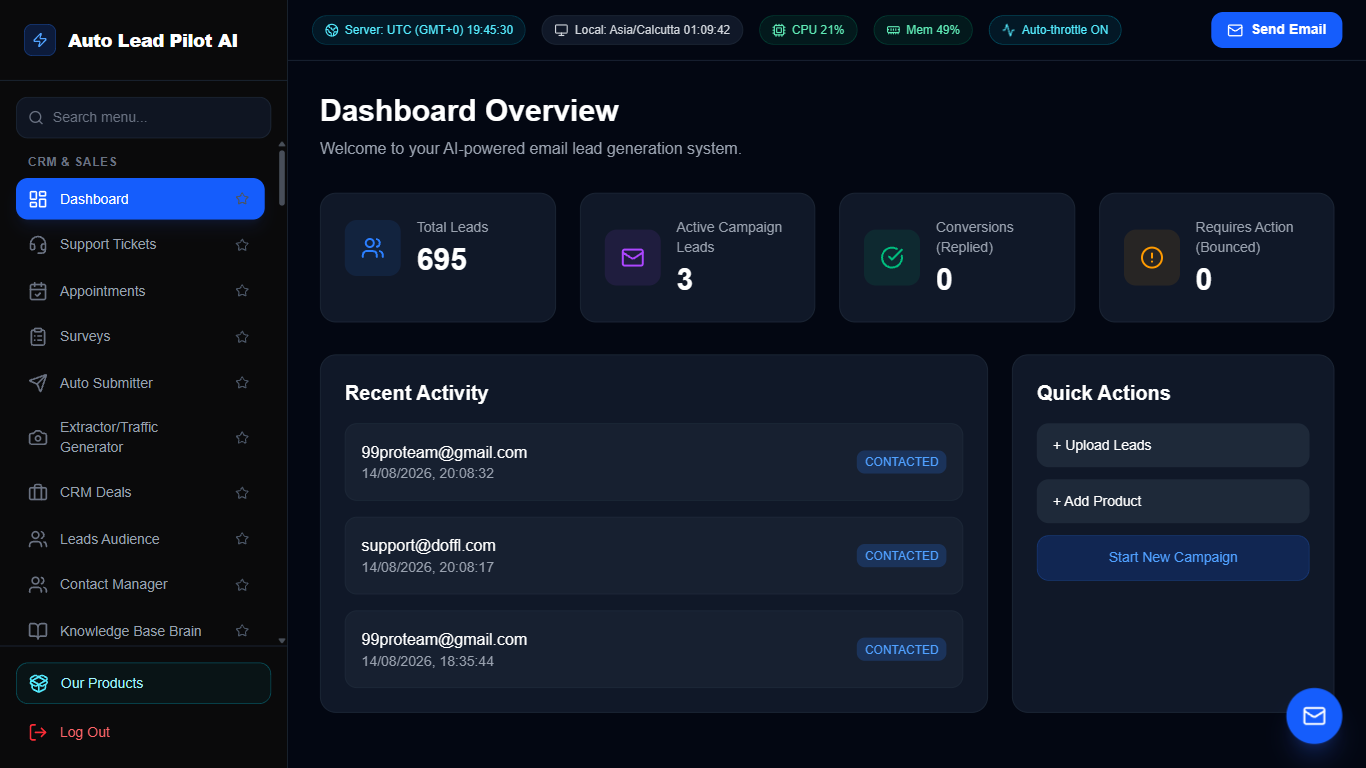
Figure 1: Central Command Operations Dashboard Interface Preview
📋 Module Overview & Purpose
The Operations Command Center provides business owners and executive teams with a bird’s-eye view of all pipeline activities, system health, resource utilization, and revenue metrics. It aggregates live metrics from all 87 modules into real-time visual KPI widgets, active background process feeds, and instant quick-action controls.
📑 Internal Navigation & Tabs Structure
⚡ In-Depth Features & Autonomous Capabilities
- ✓
Real-Time KPI Metric Cards:
Monitors total leads gathered, emails dispatched, conversion percentages, active appointments, and live revenue. - ✓
Server & Cron Telemetry:
Real-time CPU, RAM, server UTC clock, local time, and adaptive auto-throttler status badges. - ✓
One-Click Outreach Launcher:
Instant quick-action modals to dispatch manual emails, launch broadcasts, and schedule meetings. - ✓
Activity Audit Stream:
Live chronological log of all incoming customer messages, ticket updates, completed scrapers, and automated sales events. - ✓
Custom White-Label Header:
Branded business title, dynamic version badge, and tenant identity indicators.
Module 2 of 87
Omni-Channel Support Ticket Helpdesk
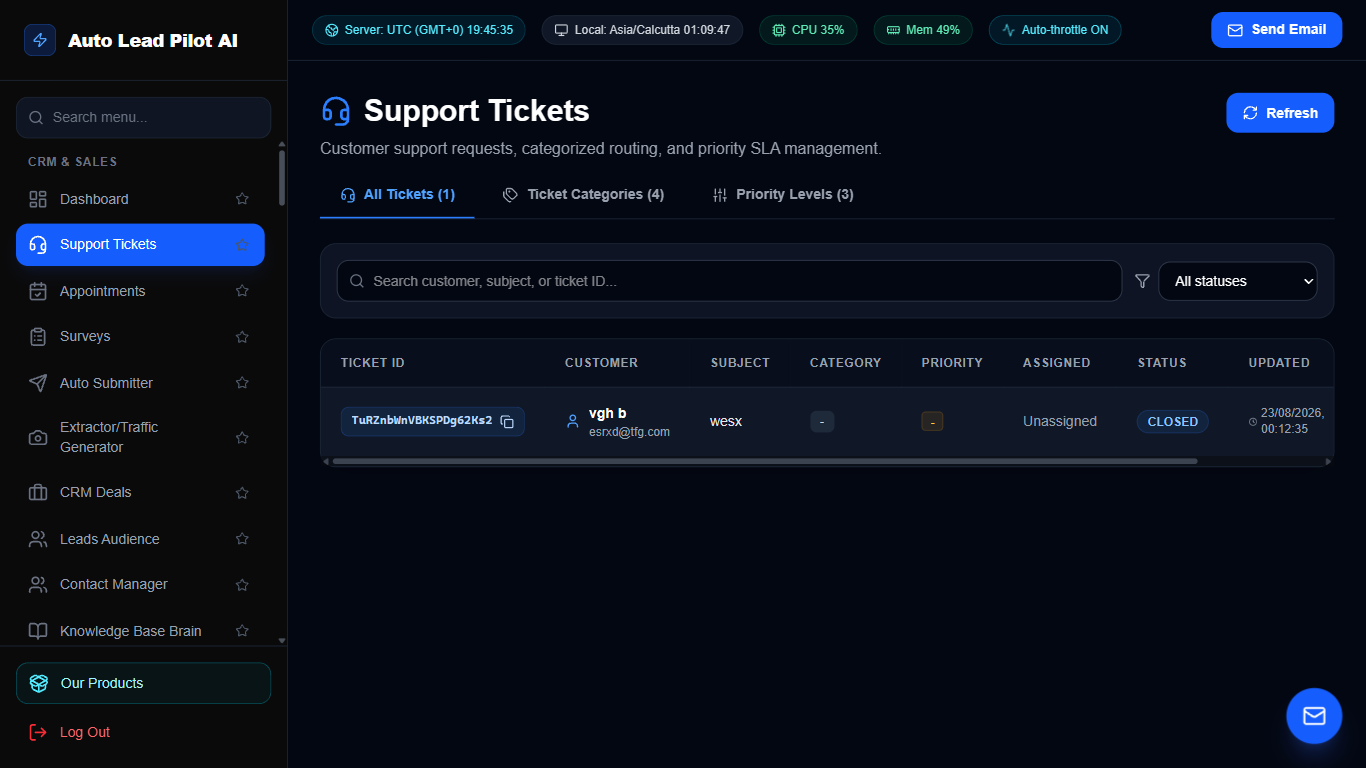
Figure 2: Omni-Channel Support Ticket Helpdesk Interface Preview
📋 Module Overview & Purpose
A complete customer support ticket desk engineered for high-velocity teams. Converts customer inquiries from web forms, emails, and live chat into structured, assignable support tickets with SLA countdown timers, priority categorization, internal agent notes, and satisfaction resolution workflows.
📑 Internal Navigation & Tabs Structure
⚡ In-Depth Features & Autonomous Capabilities
- ✓
Multi-Channel Ingestion:
Automatically parses incoming customer emails and form submissions into centralized support tickets. - ✓
Priority & Status Management:
Visual tags for Urgent, High, Normal, and Low priorities with real-time status transitions (Open, Pending, Resolved). - ✓
Internal Team Notes:
Collaborate privately inside tickets with team-only notes hidden from customers. - ✓
Canned Reply Library:
Insert pre-approved instant response templates for common inquiries with keyboard shortcuts. - ✓
Ticket Audit Trail & History:
Full timestamped ledger tracking ticket assignments, state changes, customer replies, and resolution timestamps.
Module 3 of 87
Real-Time Appointments & Calendar Scheduling Engine
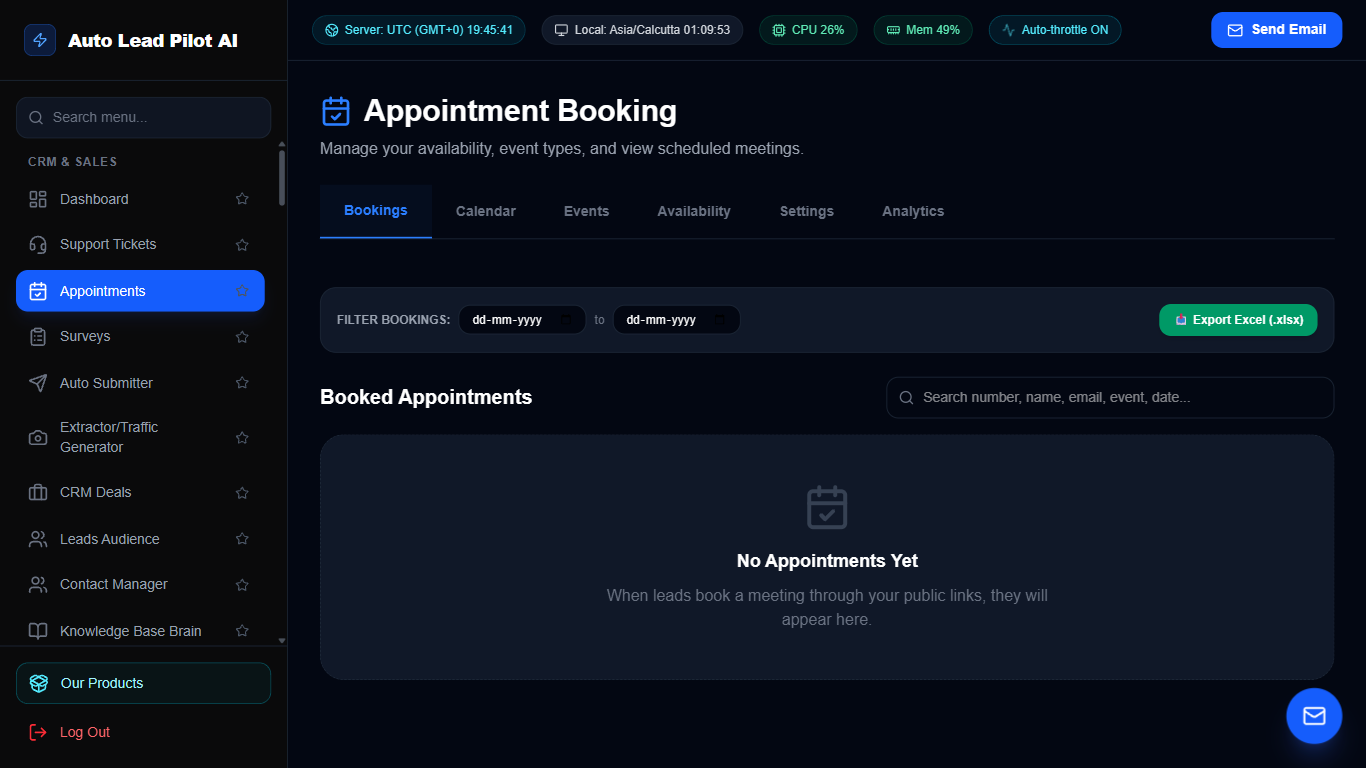
Figure 3: Real-Time Appointments & Calendar Scheduling Engine Interface Preview
📋 Module Overview & Purpose
An enterprise-grade scheduling platform that eliminates calendar friction. Allows clients and prospects to book 1-on-1 consultations, product demos, and group webinars seamlessly. Features automated buffer times, timezone detection, double-booking prevention, and global SMS & email reminders.
📑 Internal Navigation & Tabs Structure
⚡ In-Depth Features & Autonomous Capabilities
- ✓
Multi-Format Event Types:
Create 15-minute discovery chats, 30-minute consultations, or 60-minute deep-dives with custom pricing and duration. - ✓
Responsive Grid Booking Display:
Beautiful public booking page dynamically adapting 1, 2, or 3 event types per row. - ✓
Automated Default SMS & Email Reminders:
Integrates with your global notification accounts to send confirmation and reminder alerts automatically. - ✓
Custom Buffer Times & Daily Caps:
Prevent meeting fatigue with automated pre/post-meeting buffers and daily maximum booking limits. - ✓
Google Calendar & Video Sync:
Automatically generates Google Meet video links and syncs booked appointments directly to Google Calendar.
Module 4 of 87
Dynamic Interactive Survey & Feedback Builder
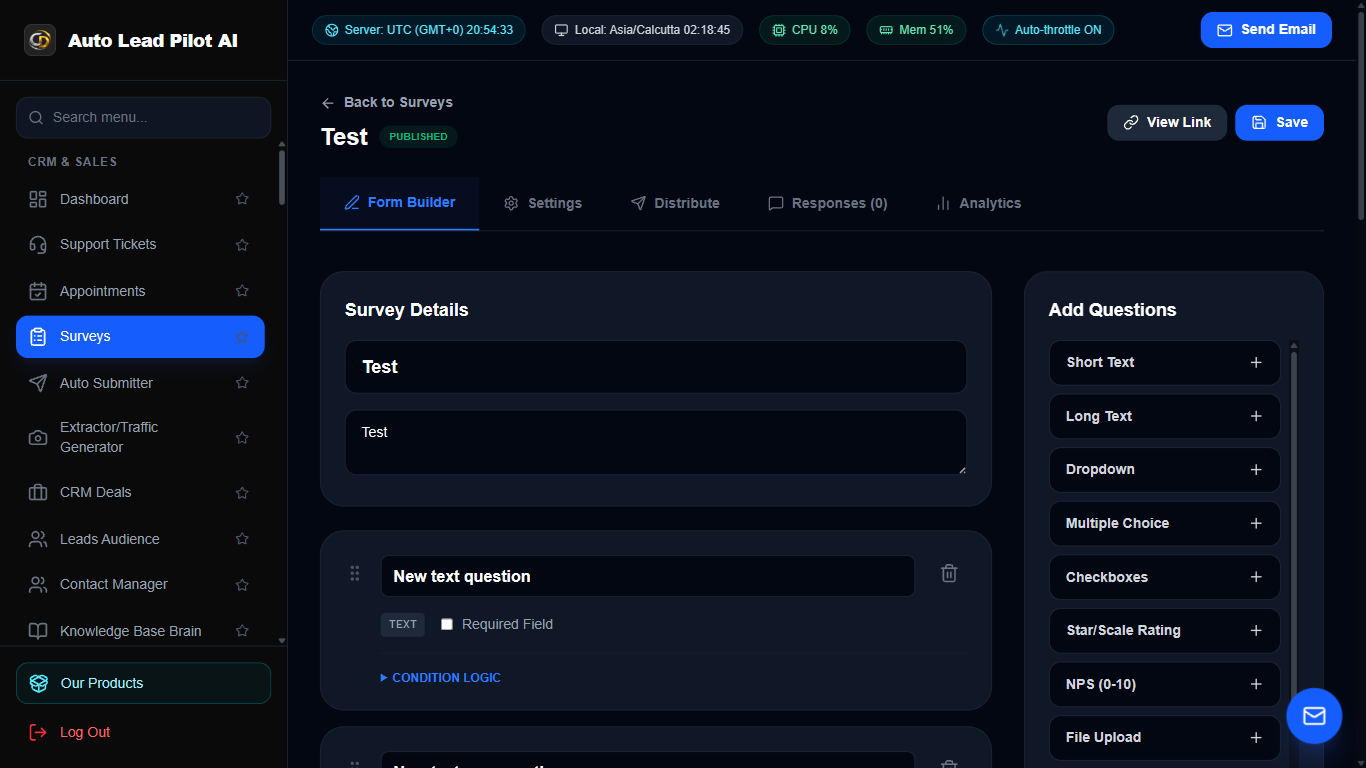
Figure 4: Dynamic Interactive Survey & Feedback Builder Interface Preview
📋 Module Overview & Purpose
Create multi-step interactive customer surveys, market research questionnaires, and employee satisfaction forms without writing code. Gather quantitative metrics, Net Promoter Scores (NPS), and qualitative answers with responsive shareable links.
📑 Internal Navigation & Tabs Structure
⚡ In-Depth Features & Autonomous Capabilities
- ✓
Versatile Question Formats:
Supports multiple choice, rating scales (1-10), text inputs, checkboxes, and CSAT star ratings. - ✓
Public Shareable Links:
Instant hosted URLs ready for embedding in emails, WhatsApp messages, and website popups. - ✓
Real-Time Response Logging:
Live feed of all survey submissions with participant metadata and submission timestamps. - ✓
Scoring & Sentiment Analytics:
Automatic percentage breakdown of customer satisfaction, average ratings, and completion rates. - ✓
CSV & Excel Export:
Export full raw submission datasets for custom business intelligence analysis.
Module 5 of 87
High-Volume Auto Submitter & Directory Poster
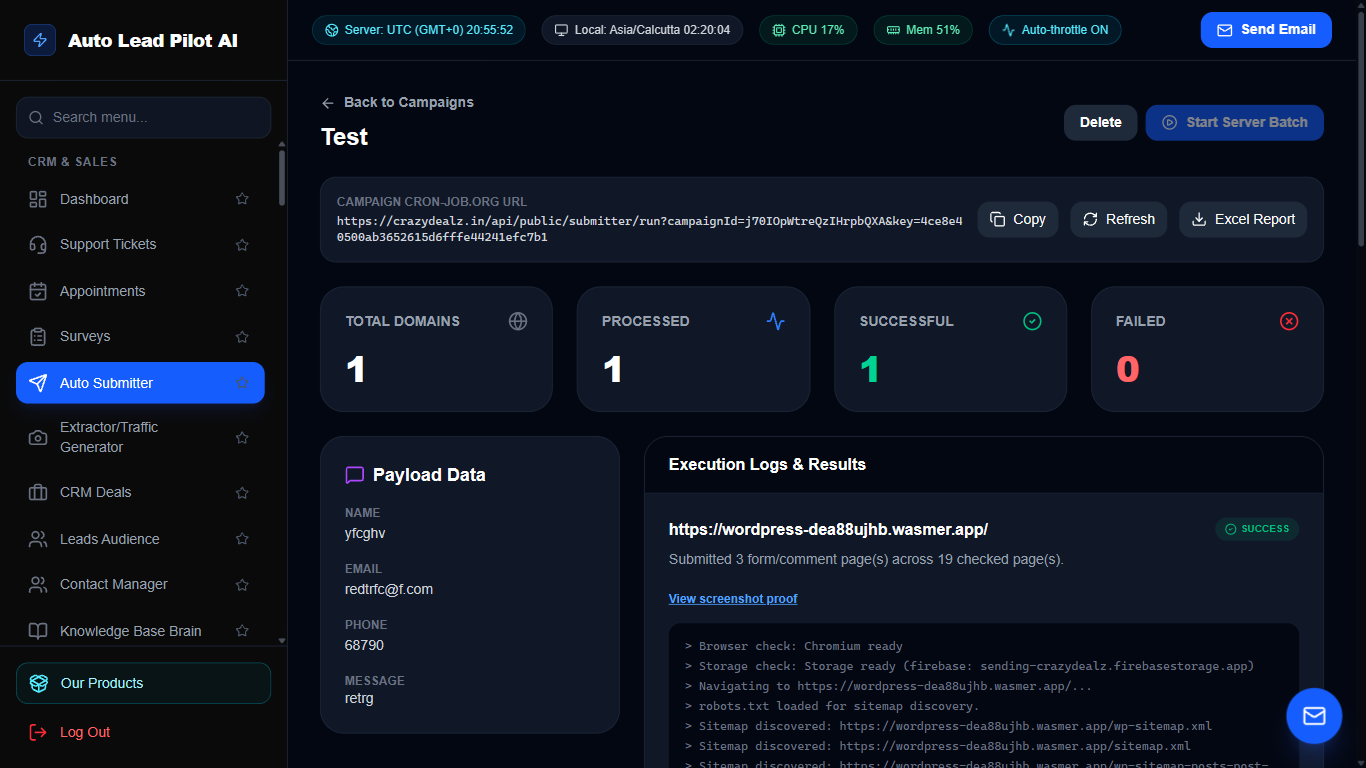
Figure 5: High-Volume Auto Submitter & Directory Poster Interface Preview
📋 Module Overview & Purpose
An automated web form submission and directory backlink engine. Dispatches business listings, promotional messages, and contact form inquiries across targeted external business directories and portals with proxy rotation and pacing protection.
📑 Internal Navigation & Tabs Structure
⚡ In-Depth Features & Autonomous Capabilities
- ✓
Multi-Threaded Submission Engine:
Dispatches automated payloads across directory lists with customizable request delays. - ✓
Dynamic Macro Variables:
Automatically personalizes submissions with company name, email, website URL, and custom pitch. - ✓
Proxy & Pacing Protection:
Prevents IP blocking by staggering requests with configurable random sleep intervals. - ✓
Submission Status Ledger:
Categorizes responses into Successful, Failed, and Queued with direct error message inspection. - ✓
Payload Template Vault:
Save and switch between multiple sales copy angles and affiliate offers.
Module 6 of 87
Traffic Generator & SERP Backlink Extractor
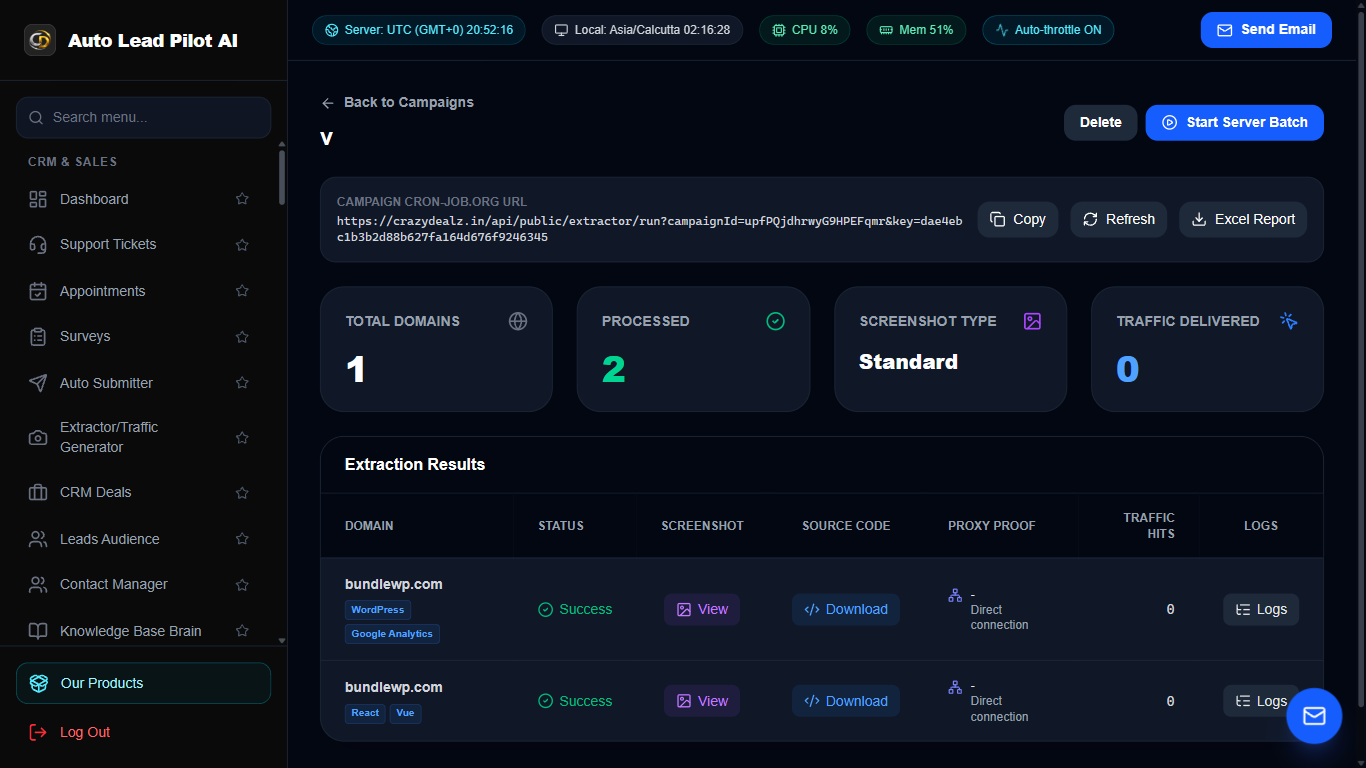
Figure 6: Traffic Generator & SERP Backlink Extractor Interface Preview
📋 Module Overview & Purpose
An intelligent SEO traffic generator and backlink exploration suite. Scours search engines for high-ranking competitor pages, extracts backlink profiles, discovers guest posting targets, and generates high-converting keyword targets.
📑 Internal Navigation & Tabs Structure
⚡ In-Depth Features & Autonomous Capabilities
- ✓
Competitor SERP Mining:
Identifies the top 100 ranking URLs for target commercial keywords. - ✓
Backlink Target Extraction:
Pulls public backlink sources and directory opportunities from competing domains. - ✓
Search Volume & Difficulty Estimator:
Identifies high-opportunity, low-competition long-tail keywords. - ✓
Automated Outbound URL Validator:
Checks HTTP status, domain authority indicators, and live link presence. - ✓
Exportable Link Dossiers:
Download comprehensive link prospect lists in CSV format for outreach campaigns.
Module 7 of 87
Visual Kanban CRM Sales Pipeline
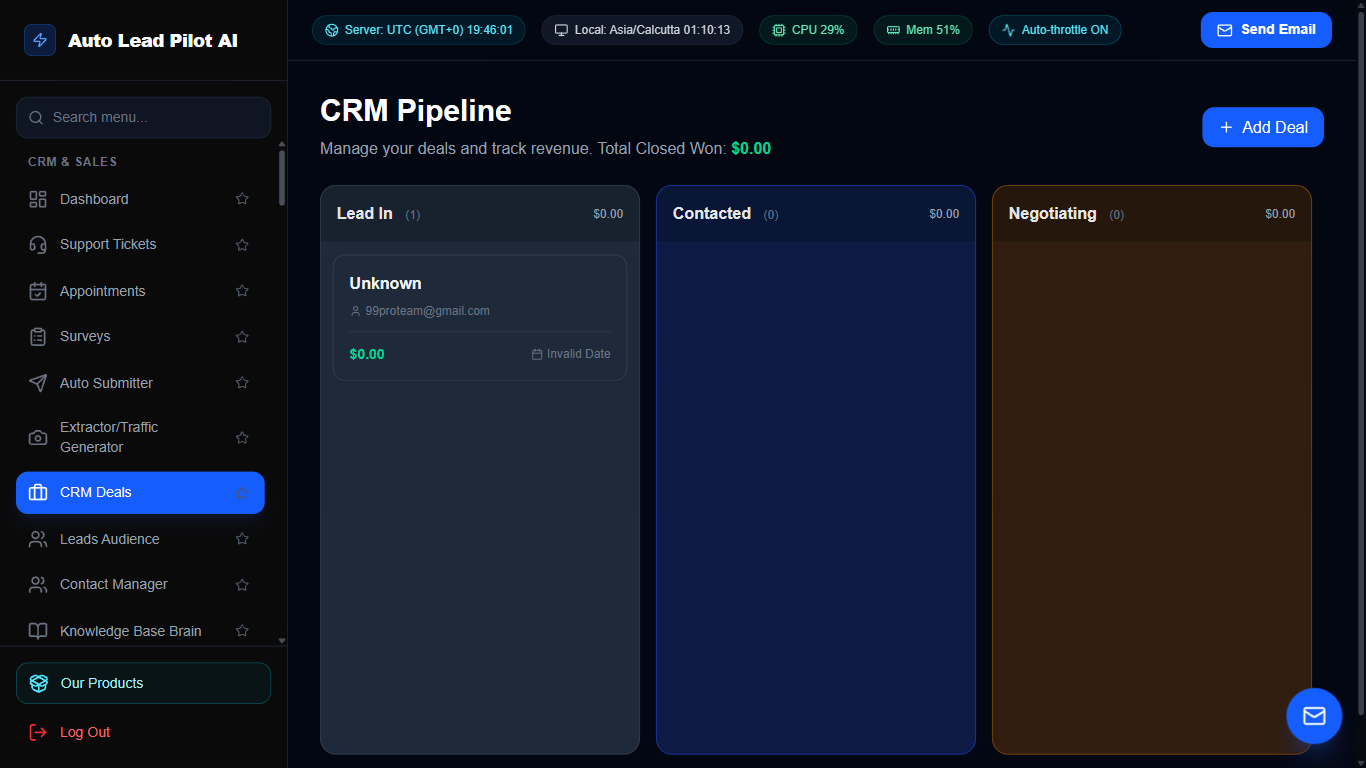
Figure 7: Visual Kanban CRM Sales Pipeline Interface Preview
📋 Module Overview & Purpose
A visual sales pipeline and opportunity tracking CRM. Move prospective deals across customizable stages (Lead, Qualified, Demo Scheduled, Proposal Sent, Negotiation, Closed Won/Lost) with drag-and-drop velocity and deal value forecasting.
📑 Internal Navigation & Tabs Structure
⚡ In-Depth Features & Autonomous Capabilities
- ✓
Visual Drag-and-Drop Pipeline:
Move deals fluidly between stages with instantaneous cloud synchronization. - ✓
Custom Deal Valuation:
Assign monetary values and currency to each deal to calculate weighted stage pipeline totals. - ✓
Deal Contact Linking:
Directly attach existing contacts, lead records, and company profiles to specific sales deals. - ✓
Stage Conversion Metrics:
Track velocity, stage drop-off rates, and deal cycle duration from inception to close. - ✓
Lost Reason Analysis:
Record and analyze reasons for deal losses to refine sales scripts and product pricing.
Module 8 of 87
Targeted Leads Audience Management Hub
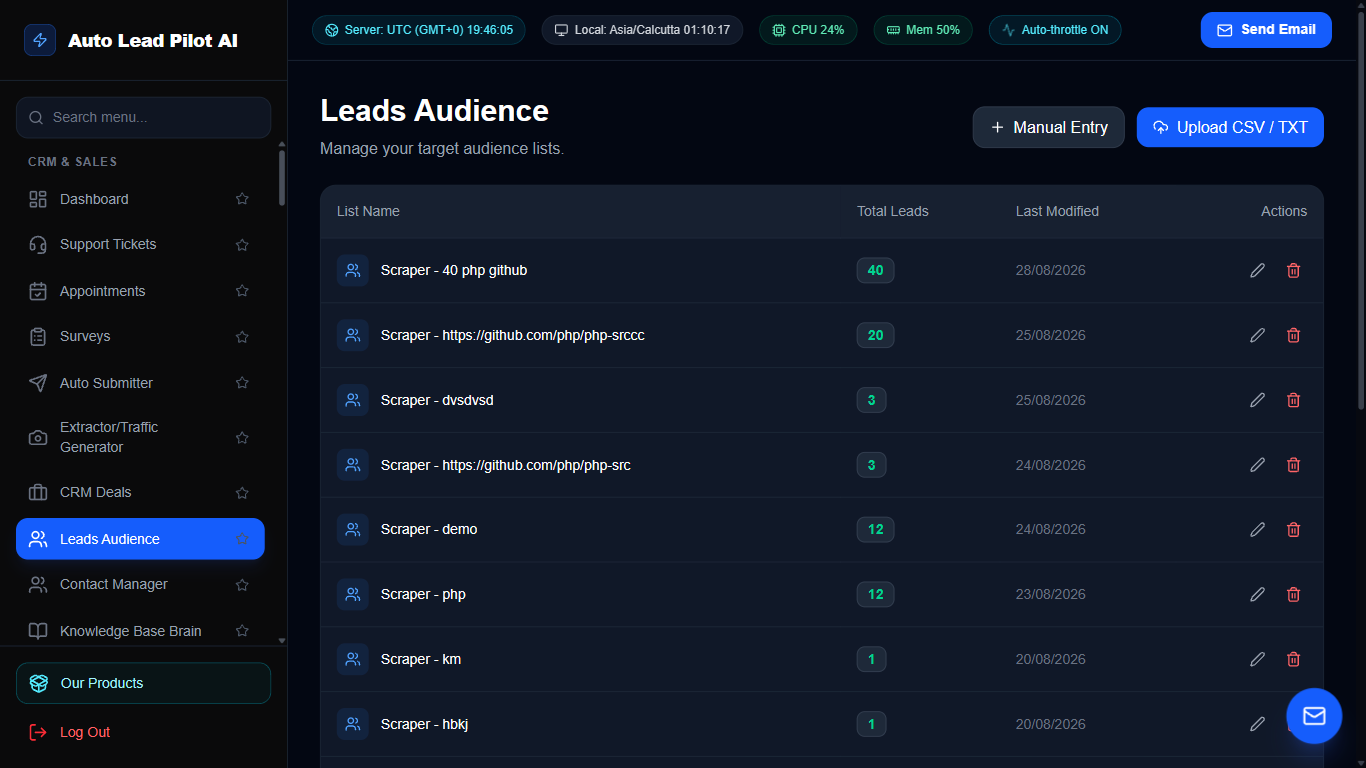
Figure 8: Targeted Leads Audience Management Hub Interface Preview
📋 Module Overview & Purpose
The central repository for all acquired prospect leads across scrapers, form submissions, and inbound campaigns. Provides advanced segmentation, engagement tracking, tagging, custom fields, and bulk campaign enrollment.
📑 Internal Navigation & Tabs Structure
⚡ In-Depth Features & Autonomous Capabilities
- ✓
Multi-Source Ingestion:
Consolidates leads generated from Google Maps, Telegram, LinkedIn, Web Scrapers, and website forms. - ✓
Advanced Multi-Criteria Filtering:
Filter leads by country, status, source, engagement score, tags, and last contacted date. - ✓
Bulk Operations:
Tag, update status, enroll into email sequences, or delete hundreds of leads simultaneously. - ✓
Contact History Ledger:
View every past email sent, link clicked, SMS delivered, and call log tied to each prospect. - ✓
Full CSV/Excel Export & Import:
Seamlessly transfer contact data to external CRMs and advertising audiences.
Module 9 of 87
Universal Enterprise Contact Manager
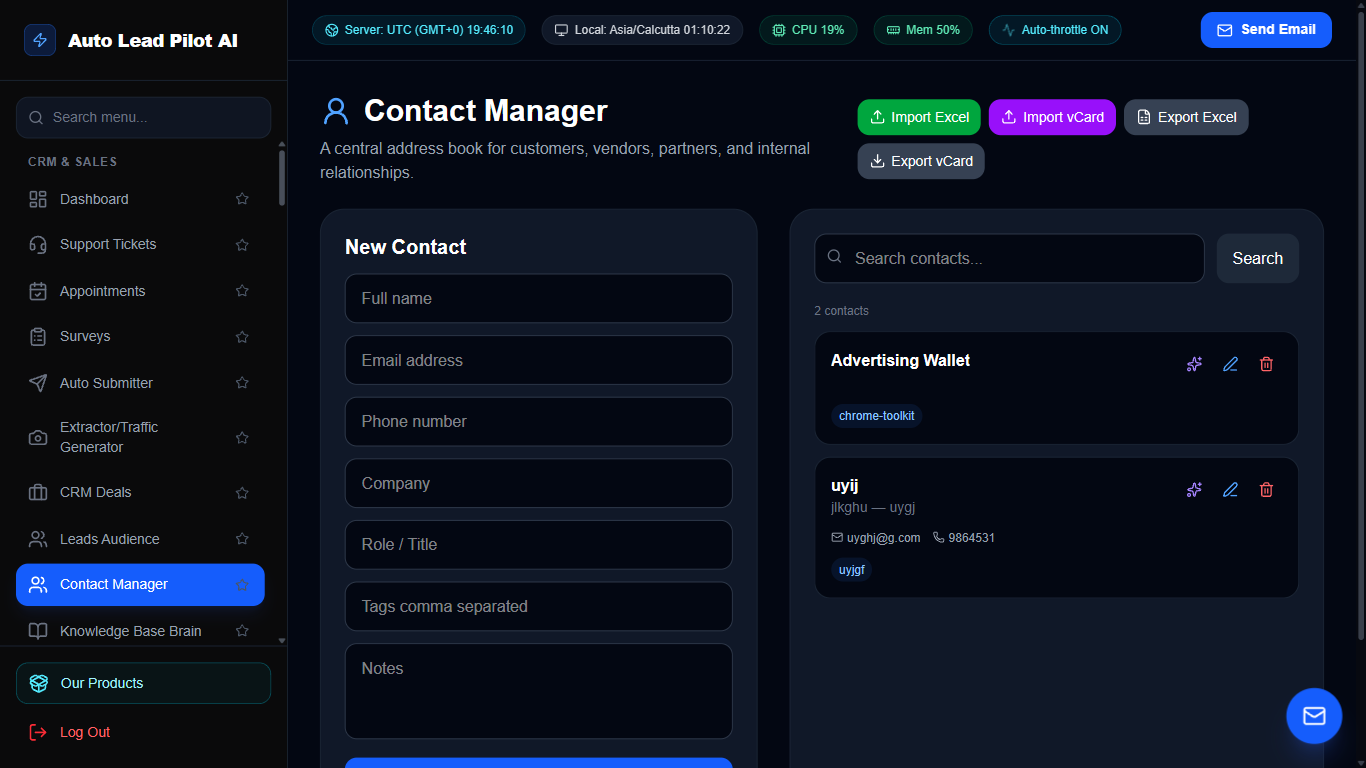
Figure 9: Universal Enterprise Contact Manager Interface Preview
📋 Module Overview & Purpose
A comprehensive address book and relationship management platform for long-term customer and partner records. Stores complete communication dossiers, social handles, company associations, and notes for every business contact.
📑 Internal Navigation & Tabs Structure
⚡ In-Depth Features & Autonomous Capabilities
- ✓
Rich Profile Cards:
Store multiple emails, phone numbers, WhatsApp handles, LinkedIn URLs, and physical addresses. - ✓
Custom Metadata Attributes:
Define custom business attributes (e.g. Contract Expiry, Industry, Preferred Channel). - ✓
One-Click Quick Actions:
Trigger instant emails, WhatsApp chats, phone calls, or Telegram messages directly from the contact card. - ✓
Duplicate Detection & Merge:
Scans for matching emails or phone numbers to prevent contact duplication. - ✓
Organization & Account Grouping:
Group multiple individual decision-makers under parent company accounts.
Module 10 of 87
AI Knowledge Base Brain & Product Catalog Hub
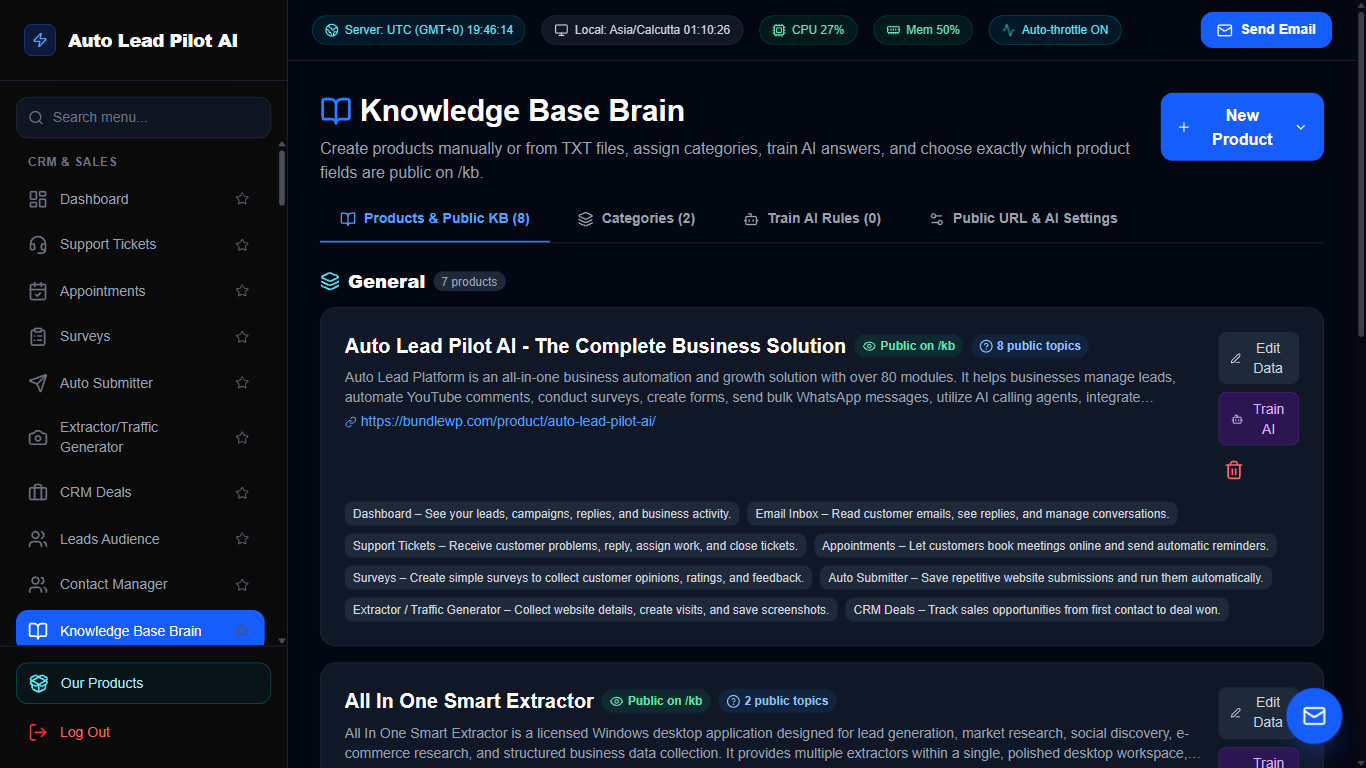
Figure 10: AI Knowledge Base Brain & Product Catalog Hub Interface Preview
📋 Module Overview & Purpose
The intellectual neural core for all autonomous AI agents in AutoLead. Stores verified product descriptions, technical documentation, sales pricing, FAQs, and refund policies. Powering Gemini AI to deliver accurate, hallucination-free replies across Live Chat, WhatsApp, and Emails.
📑 Internal Navigation & Tabs Structure
⚡ In-Depth Features & Autonomous Capabilities
- ✓
Store Product Catalog Integration:
Syncs products with descriptions, features, pricing, and live sales data. - ✓
Semantic Vector Search:
Converts business documentation into AI embeddings for instant sub-second contextual retrieval. - ✓
Multi-Agent Knowledge Sharing:
Powers Live Chat AI, Voice Agents, Email Auto-Responders, and Website Chatbots from one central knowledge hub. - ✓
Document & PDF Ingestion:
Upload policy handbooks, service manuals, and brochures to expand AI intelligence automatically. - ✓
Real-Time Edit & Publish:
Update product details or promotional discount codes and reflect them immediately across all AI agents.
Module 11 of 87
Multi-Currency Invoice Generator & Billing Suite
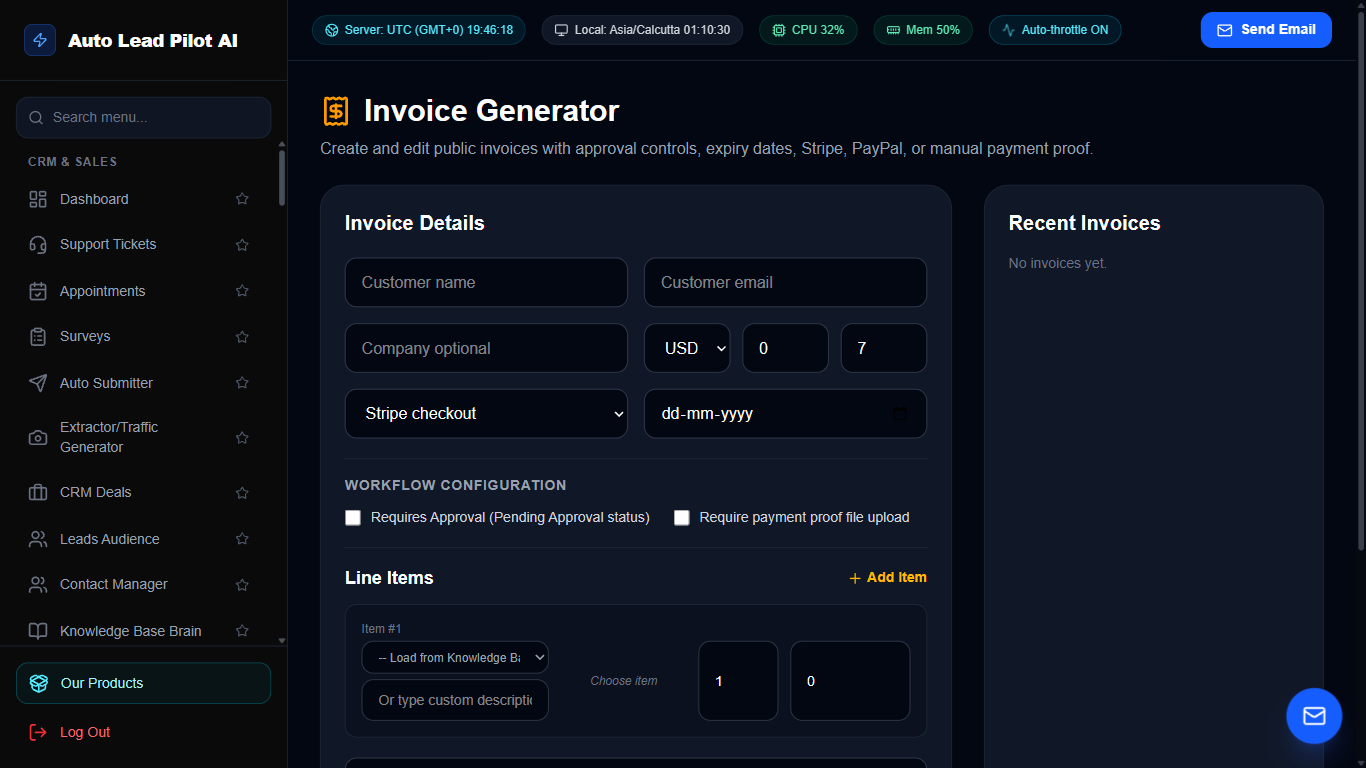
Figure 11: Multi-Currency Invoice Generator & Billing Suite Interface Preview
📋 Module Overview & Purpose
A professional invoice creation and billing management system. Generate branded PDF invoices with line items, tax breakdowns, multi-currency support, discounts, and direct payment checkout links (PayPal, Stripe, Wise, Paddle).
📑 Internal Navigation & Tabs Structure
⚡ In-Depth Features & Autonomous Capabilities
- ✓
Branded Professional PDF Generation:
Generates pixel-perfect PDF invoices with your company logo, legal address, and tax IDs. - ✓
Itemized Calculations:
Auto-calculates subtotals, configurable VAT/GST percentages, item discounts, and grand totals. - ✓
Multi-Currency Support:
Bill clients globally in USD, EUR, GBP, INR, CAD, AUD, and 50+ other currencies. - ✓
Direct Checkout Links:
Embed direct payment links for instant online settlement via PayPal, Paddle, and Wise. - ✓
Payment Status Tracking:
Real-time badges for Draft, Sent, Paid, Partial, and Overdue with automatic reminder triggers.
Module 12 of 87
High-Deliverability Email Campaigns & Sequences
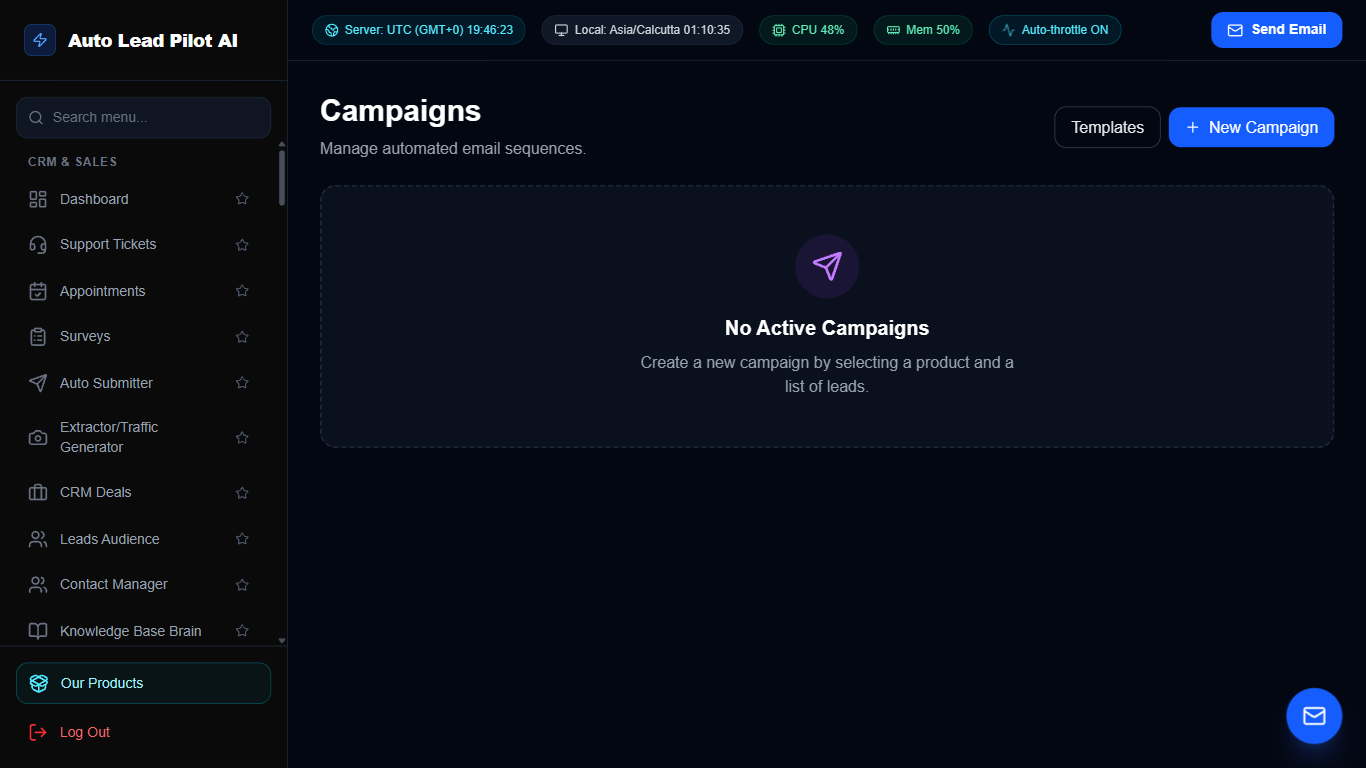
Figure 12: High-Deliverability Email Campaigns & Sequences Interface Preview
📋 Module Overview & Purpose
An advanced cold email outreach and multi-stage drip campaign engine. Send thousands of highly personalized emails using distributed SMTP accounts, Spintax syntax variations, automated follow-up sequences, and real-time open/click telemetry.
📑 Internal Navigation & Tabs Structure
⚡ In-Depth Features & Autonomous Capabilities
- ✓
Multi-Step Follow-Up Sequences:
Automatically send follow-ups after 2, 4, or 7 days if the prospect has not replied. - ✓
Spintax Content Randomization:
Use `{Hi|Hello|Hey}` and `{interested|curious}` syntax to maximize inboxing and avoid spam filters. - ✓
Multi-Account SMTP Rotation:
Distribute email volume across multiple sending accounts to safeguard sender reputation. - ✓
Real-Time Open & Click Tracking:
Track recipient engagement with zero-pixel tracking and link redirect monitors. - ✓
Automated Unsubscribe Handling:
Honor opt-outs automatically and maintain a global suppression list.
Module 13 of 87
Unified Social Inbox (Facebook, Instagram, Telegram Bot & Twilio WhatsApp/SMS)
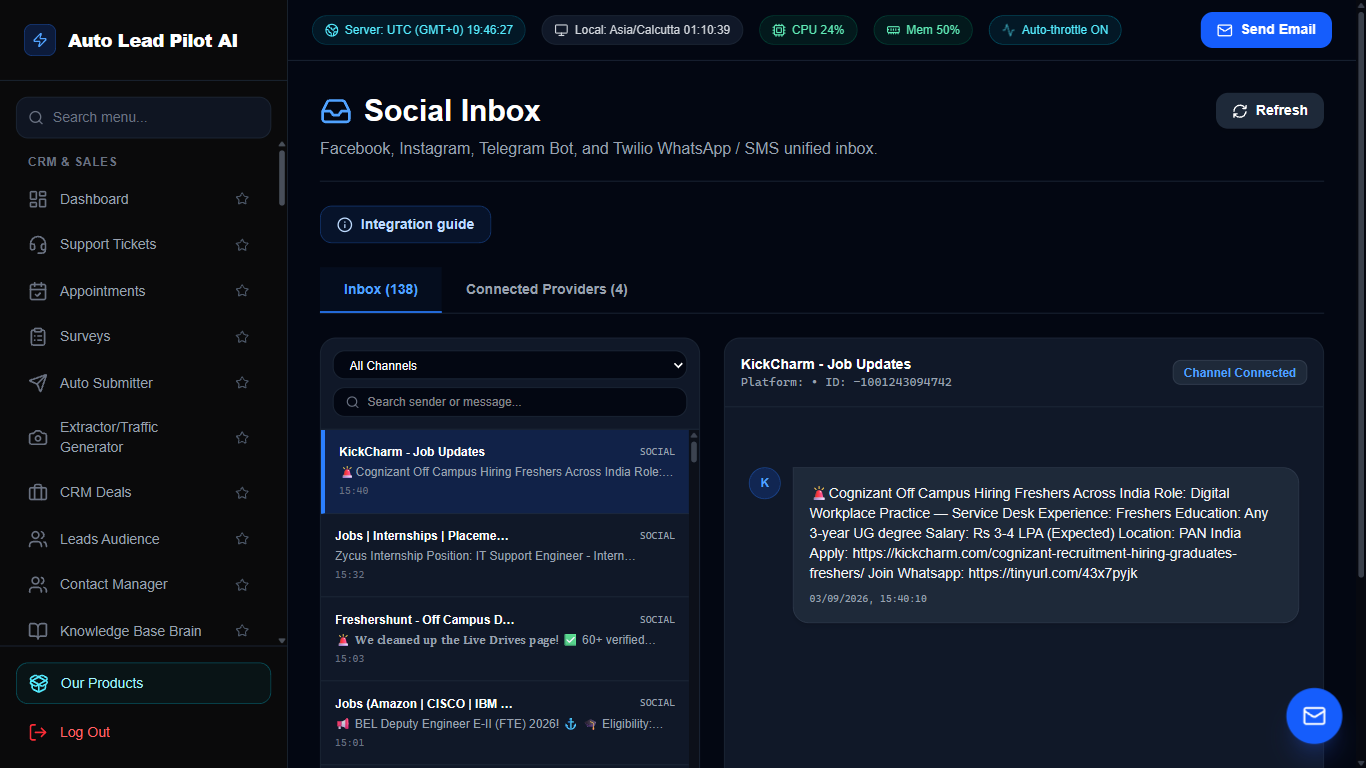
Figure 13: Unified Social Inbox (Facebook, Instagram, Telegram Bot & Twilio WhatsApp/SMS) Interface Preview
📋 Module Overview & Purpose
The Social Inbox is a real-time conversational messaging command center unifying customer direct messages and inquiries across four major platforms: Facebook Page Messenger, Instagram Business DMs, Telegram Bots, and Twilio WhatsApp/SMS. It provides a two-way communication bridge allowing support and sales teams to monitor incoming messages across all connected channels and dispatch instant replies back to customers without leaving the AutoLead dashboard.
📑 Internal Navigation & Tabs Structure
⚡ In-Depth Features & Autonomous Capabilities
- ✓
Facebook Page Messenger Integration:
Receive customer inquiries from Facebook Pages and reply in real time using the Meta Graph Send API. - ✓
Instagram Business DM Synchronization:
Ingest direct messages sent to your Instagram Business account via Meta webhooks and reply directly from the unified composer. - ✓
Telegram Bot Two-Way Messaging:
Connect Telegram bots via BotFather tokens; incoming user messages to the bot trigger webhooks and support immediate two-way customer chats. - ✓
Twilio WhatsApp & SMS Two-Way Gateway:
Route incoming Twilio WhatsApp messages and standard SMS texts into the conversation stream and reply via Twilio REST API. - ✓
Live 8-Second Polling & Socket Synchronization:
Auto-refreshes conversation queues every 8 seconds ensuring zero delayed replies. - ✓
Automated Webhook & Verify Token Generator:
Generates custom secure webhook endpoints (/api/public/social-inbox/telegram, /meta, /twilio) with per-provider cryptographic keys. - ✓
Interactive Connection Health Diagnostics:
Built-in test suite validates API tokens, webhook registrations, and carrier handshake health with live visual pass/fail badges. - ✓
Real-Time Conversation Search:
Instant client-side search across sender names, message text, and unique sender platform IDs. - ✓
Rich Media & Attachment Rendering:
Displays incoming images, media attachments, and formatted message bodies.
Module 14 of 87
Telegram Phone & Deep Group Member Scraper Suite
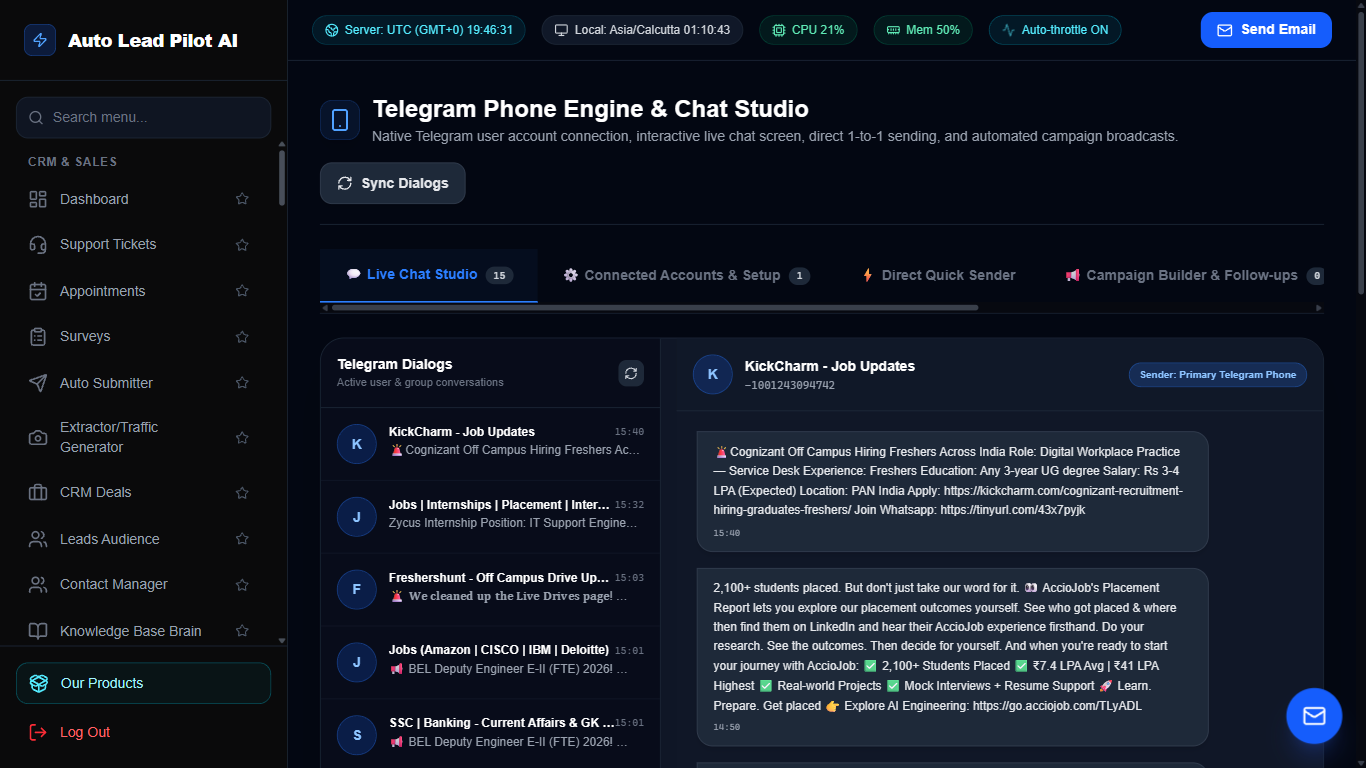
Figure 14: Telegram Phone & Deep Group Member Scraper Suite Interface Preview
📋 Module Overview & Purpose
A native MTProto Telegram client and channel automation workstation. Log in via real Telegram phone sessions, extract thousands of real members from public supergroups, schedule channel post broadcasts, and perform direct customer outreach.
📑 Internal Navigation & Tabs Structure
⚡ In-Depth Features & Autonomous Capabilities
- ✓
Deep Supergroup Member Scraper (No Limits):
Extracts 1,000s to 50,000 members from large supergroups using multi-pass alphanumeric prefix queries. - ✓
Active Chat Sender Mining:
Paginates recent message histories to identify and extract real, engaged users currently chatting in groups. - ✓
Real Phone MTProto Client:
Connects directly via Telegram MTProto sessions with 2FA password support and QR/phone code login. - ✓
Channel Post Publisher & Scheduler:
Compose rich text posts with image/video file uploads and schedule publication with cron URLs. - ✓
CSV Lead Export:
One-click export of scraped member names, usernames, and Telegram IDs for targeted outreach.
Module 15 of 87
YouTube Studio & Social Growth Engine
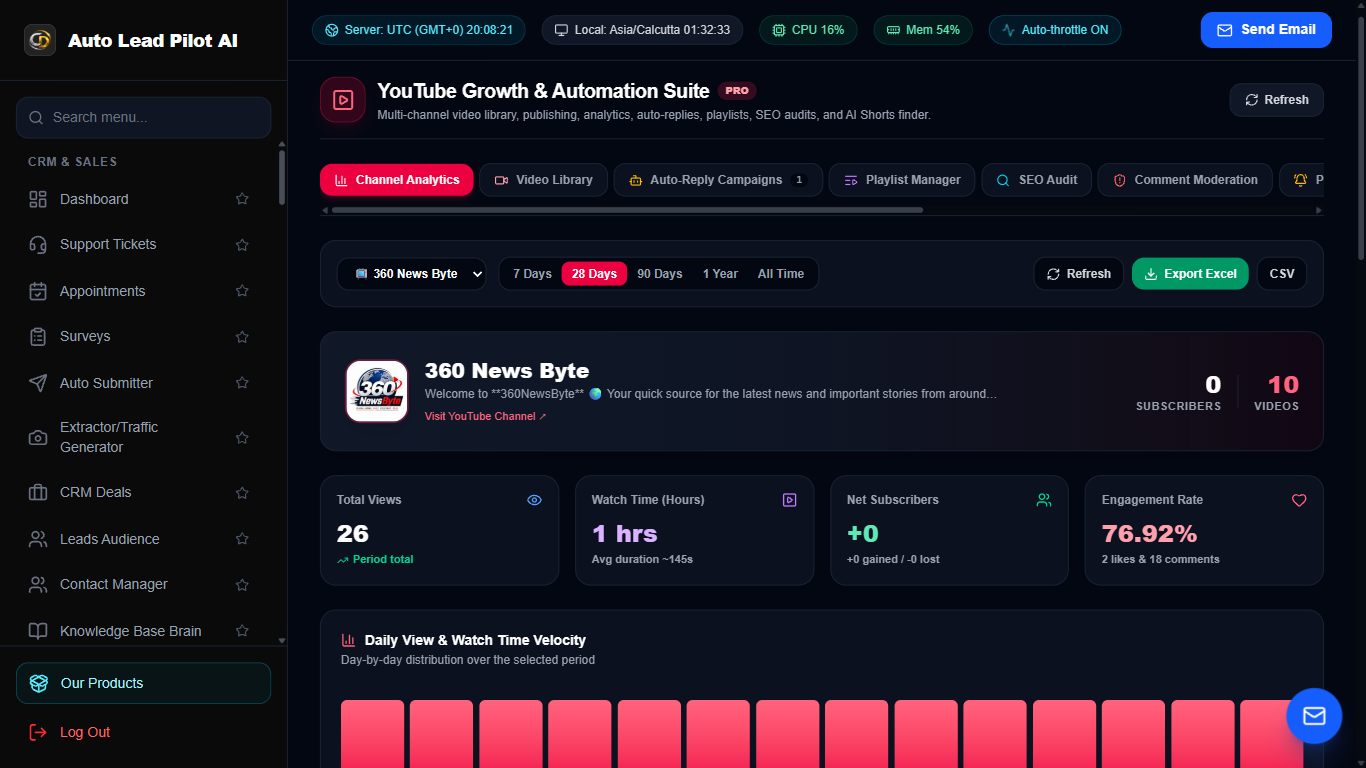
Figure 15: YouTube Studio & Social Growth Engine Interface Preview
📋 Module Overview & Purpose
A comprehensive YouTube channel management, auto-commenting, and competitor intelligence platform. Monitors competitor channels, schedules community and video posts, analyzes view velocity, and deploys automated AI responses to viewer comments.
📑 Internal Navigation & Tabs Structure
⚡ In-Depth Features & Autonomous Capabilities
- ✓
Automated AI Comment Reply System:
Automatically replies to viewer comments based on sentiment and keyword rules. - ✓
Competitor Channel Monitor:
Tracks competitor video release schedules, view growth velocity, and engagement trends. - ✓
Community & Video Post Scheduler:
Schedule community updates and video releases with custom scheduling triggers. - ✓
Video Performance Intelligence:
Deep analytics on view velocity, like-to-view ratios, and viewer retention metrics. - ✓
Sentiment Analysis:
Automatically flags negative or hostile comments for moderator review while boosting positive engagement.
Module 16 of 87
Real-Time Live Chat & Proactive AI Sales Assistant
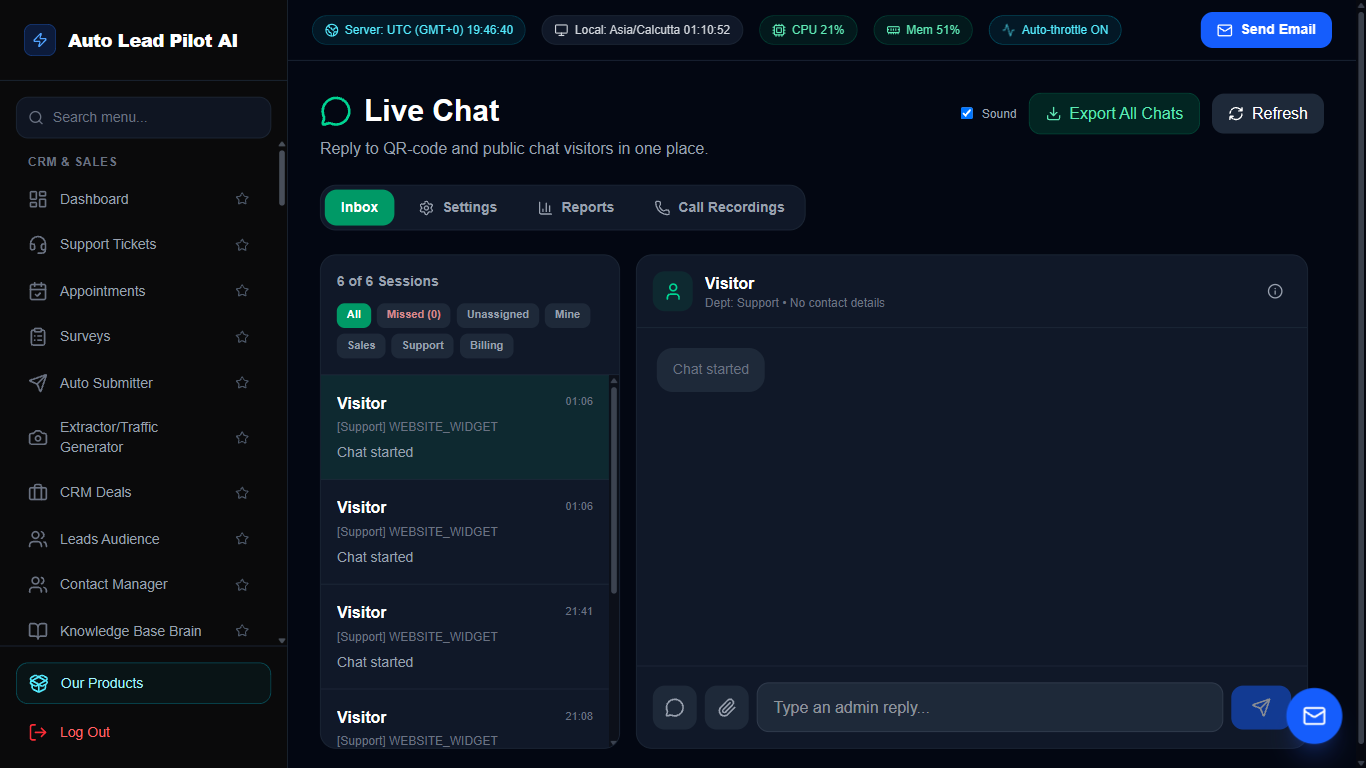
Figure 16: Real-Time Live Chat & Proactive AI Sales Assistant Interface Preview
📋 Module Overview & Purpose
An embeddable customer live chat widget featuring real-time bi-directional messaging, human operator takeover, and proactive AI sales prompts. Monitors visitor page browsing and triggers proactive sales nudges tailored to the products they are viewing.
📑 Internal Navigation & Tabs Structure
⚡ In-Depth Features & Autonomous Capabilities
- ✓
Proactive AI Sales Bubbles:
Automatically detects when visitors view product pages and pops up personalized sales assistance. - ✓
Gemini AI Auto-Responder:
Leverages your linked Knowledge Base and store catalog to provide instant, accurate answers. - ✓
Operator Live Takeover:
Seamlessly hand off conversations between AI and human customer service agents. - ✓
Pre-Chat Lead Qualification:
Collects visitor Name, Email, and Phone number before starting chats to capture verified leads. - ✓
Post-Chat CSAT Ratings:
Automatically collects 1 to 5 star ratings and qualitative customer feedback upon chat closure.
Module 17 of 87
Internal Team Collaboration & Workspace Channels
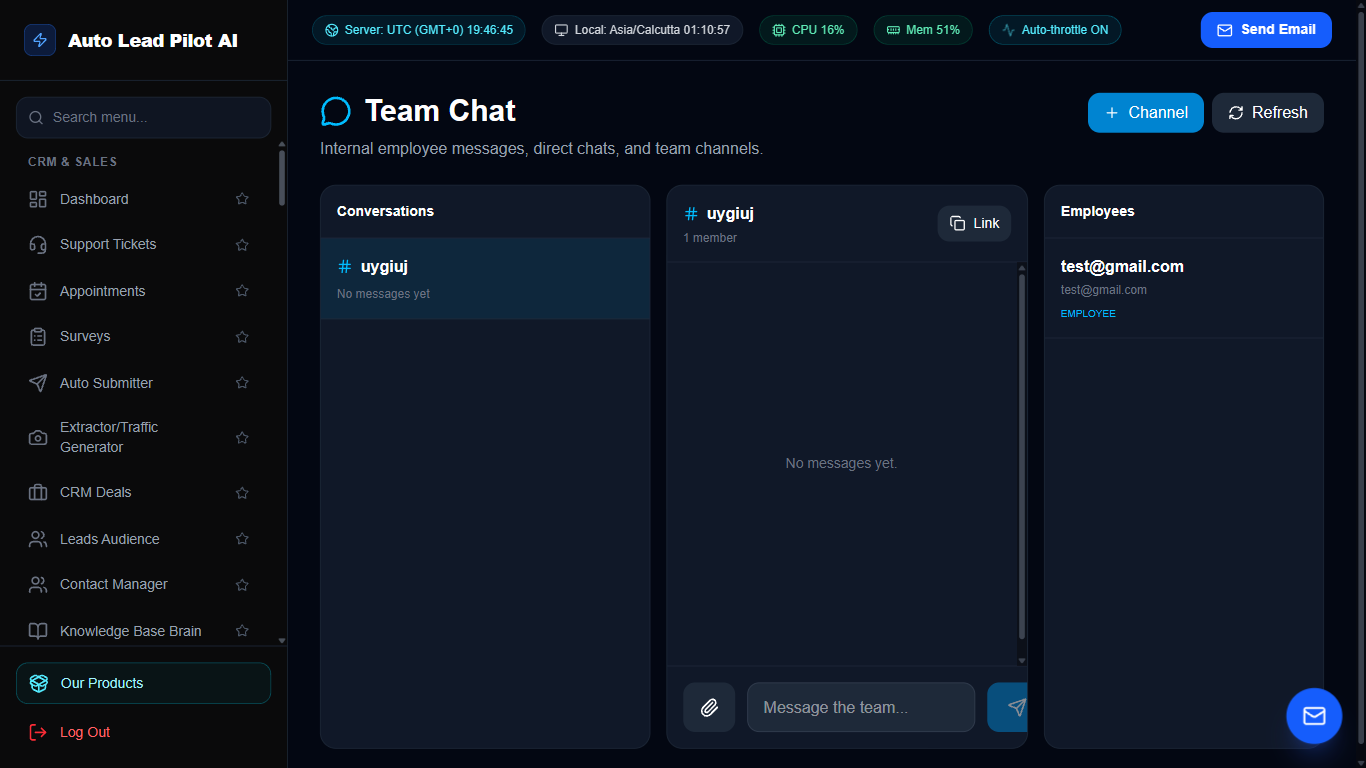
Figure 17: Internal Team Collaboration & Workspace Channels Interface Preview
📋 Module Overview & Purpose
A secure, real-time internal communications network for your team. Create dedicated project channels, send direct peer-to-peer messages, share file attachments, and organize threads without requiring external third-party tools like Slack.
📑 Internal Navigation & Tabs Structure
⚡ In-Depth Features & Autonomous Capabilities
- ✓
Channel Hierarchy:
Organize team discussions into `#general`, `#sales`, `#support`, `#marketing`, and custom private channels. - ✓
Rich Media & File Sharing:
Drag and drop screenshots, PDFs, invoices, and documents directly into conversation streams. - ✓
Direct Peer-to-Peer Messaging:
Private 1-on-1 conversations between team members and managers. - ✓
Live Presence & Typing Indicators:
Real-time indicators show who is online, away, or composing a message. - ✓
Threaded Replies:
Keep discussions organized by replying directly to specific messages in dedicated sub-threads.
Module 18 of 87
Unified Cross-Channel Customer Message Feed
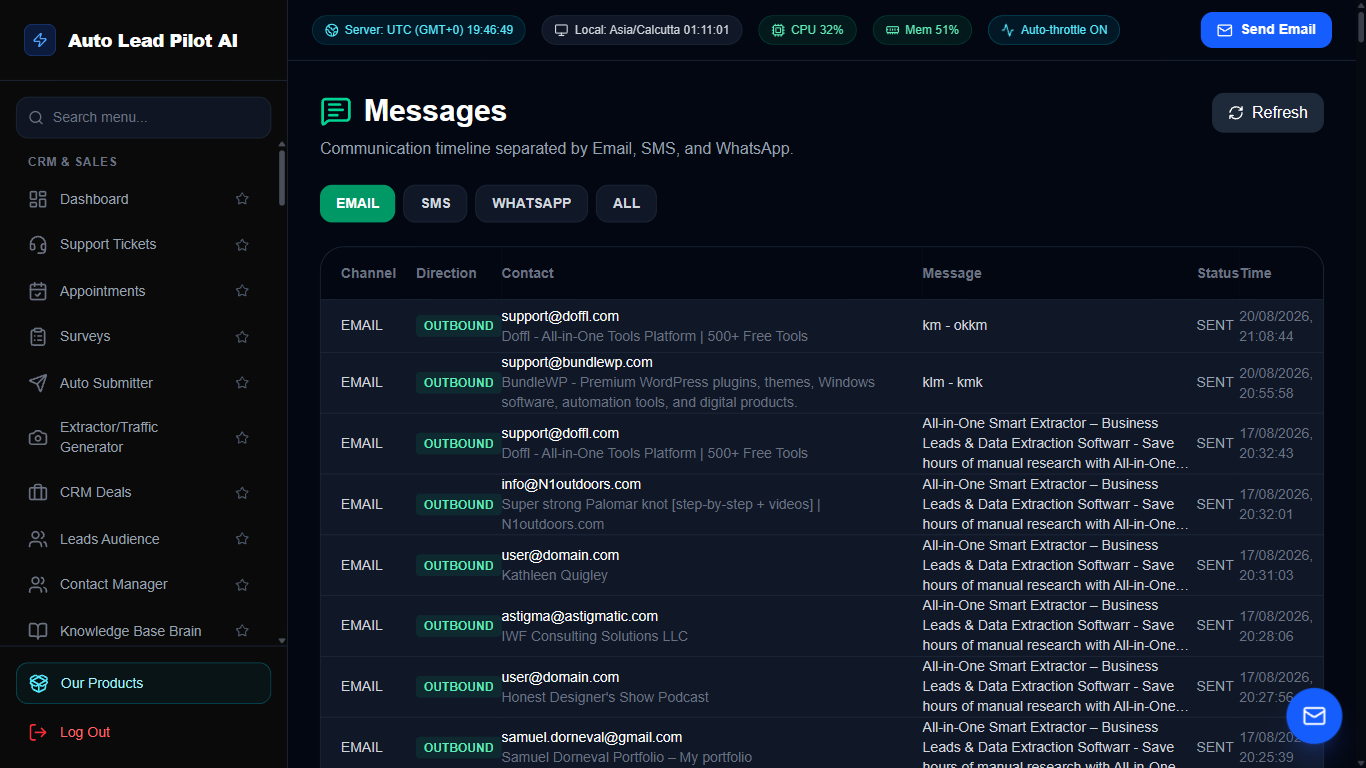
Figure 18: Unified Cross-Channel Customer Message Feed Interface Preview
📋 Module Overview & Purpose
A consolidated chronological feed of all customer communication streams across the business. Review customer interactions from SMS, WhatsApp, Email, and Live Chat in a unified single-pane interface.
📑 Internal Navigation & Tabs Structure
⚡ In-Depth Features & Autonomous Capabilities
- ✓
Cross-Channel Customer View:
Aggregate every touchpoint for a customer regardless of which platform they used. - ✓
Delivery Status Indicators:
Real-time badges for Sent, Delivered, Read, and Failed across all outbound communications. - ✓
Quick Reply Composer:
Dispatch instant replies via the customer’s preferred channel with a single click. - ✓
Filter by Channel & Status:
Drill down into specific communication streams (e.g. WhatsApp-only or SMS-only). - ✓
Audit & Export:
Export communication records for legal compliance, customer support review, or CRM backup.
Module 19 of 87
Enterprise Bulk SMS Broadcasting & Two-Way Texting
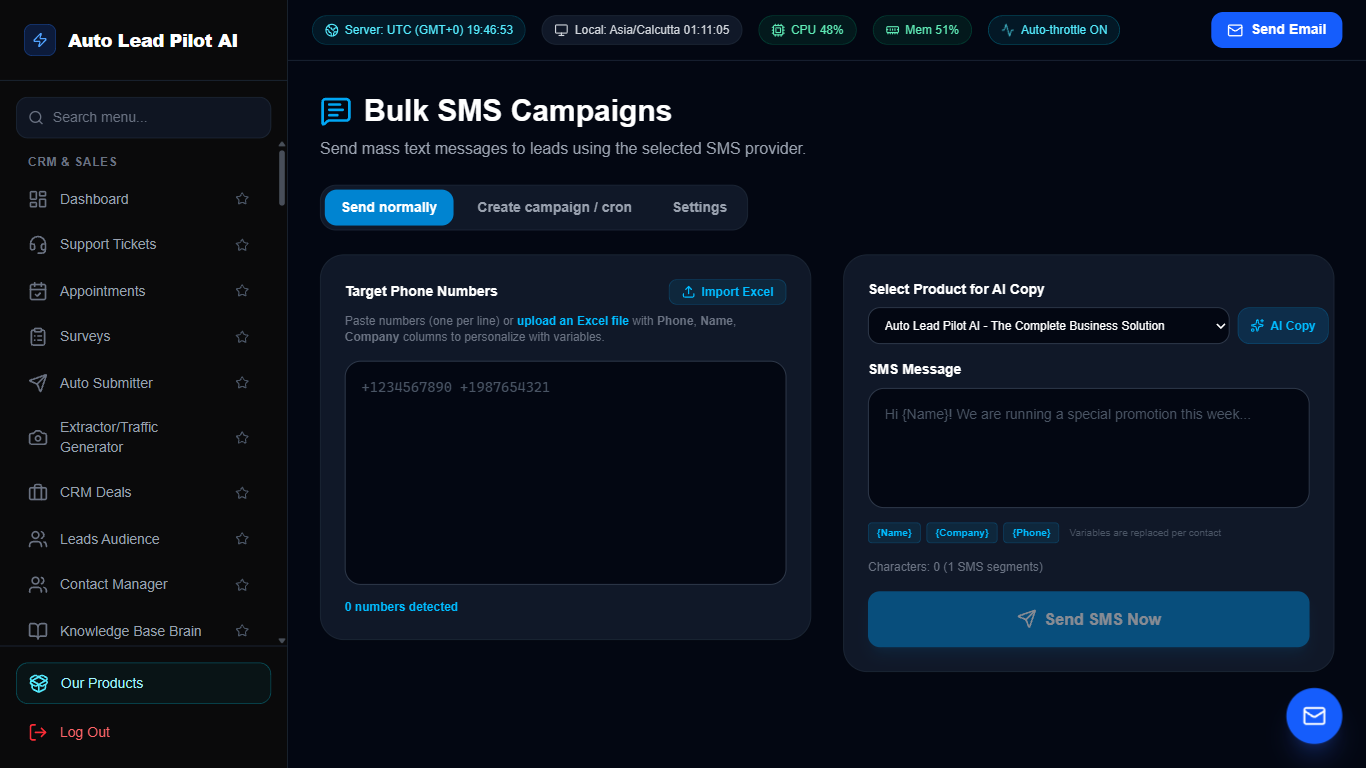
Figure 19: Enterprise Bulk SMS Broadcasting & Two-Way Texting Interface Preview
📋 Module Overview & Purpose
A high-throughput SMS broadcasting platform powered by Twilio and custom SMPP gateways. Send bulk promotional alerts, appointment reminders, and automated transactional text messages globally with high deliverability.
📑 Internal Navigation & Tabs Structure
⚡ In-Depth Features & Autonomous Capabilities
- ✓
High-Speed Bulk SMS Dispatch:
Send thousands of SMS messages per minute with automated throttling and carrier pacing. - ✓
Dynamic Merge Tags:
Personalize texts with recipient `{name}`, `{company}`, `{appointment_time}`, or `{discount_code}`. - ✓
Configurable Sender IDs:
Send using dedicated 10DLC phone numbers, toll-free numbers, or custom alphanumeric sender IDs. - ✓
Automated Delivery Receipts:
Real-time webhooks track Carrier Delivery, Sent, and Undelivered statuses. - ✓
Opt-Out & Compliance Shield:
Automatically handles `STOP` keywords to ensure strict compliance with TCPA regulations.
Module 20 of 87
WhatsApp Web QR Direct Session Sender
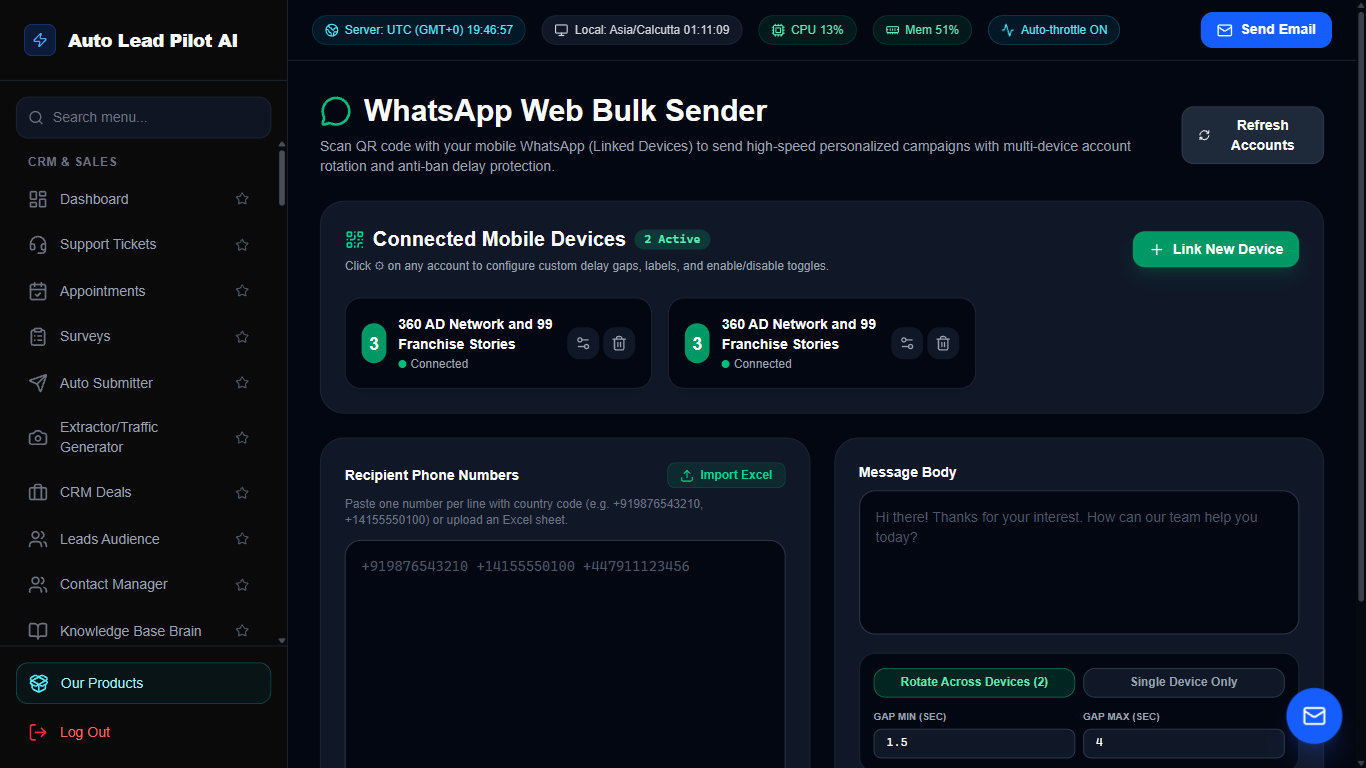
Figure 20: WhatsApp Web QR Direct Session Sender Interface Preview
📋 Module Overview & Purpose
Connect your personal or business WhatsApp account via QR code scanning. Send direct messages, brochures, media files, and personalized outreach without requiring official Meta API approvals or per-message template fees.
📑 Internal Navigation & Tabs Structure
⚡ In-Depth Features & Autonomous Capabilities
- ✓
Instant QR Code Pairing:
Link any physical phone or WhatsApp Web session in seconds with real-time socket connection. - ✓
Zero Template Approvals:
Send customized, dynamic messages instantly without waiting for Meta review. - ✓
Anti-Ban Interval Pacing:
Customizable randomized sleep delays between messages to keep WhatsApp phone accounts safe. - ✓
Attachment & Media Dispatch:
Send PDFs, product catalog images, audio notes, and vCards alongside text pitches. - ✓
Recipient Status Verification:
Checks if target phone numbers are registered on WhatsApp before dispatching.
Module 21 of 87
Official Meta WhatsApp Cloud API Workstation
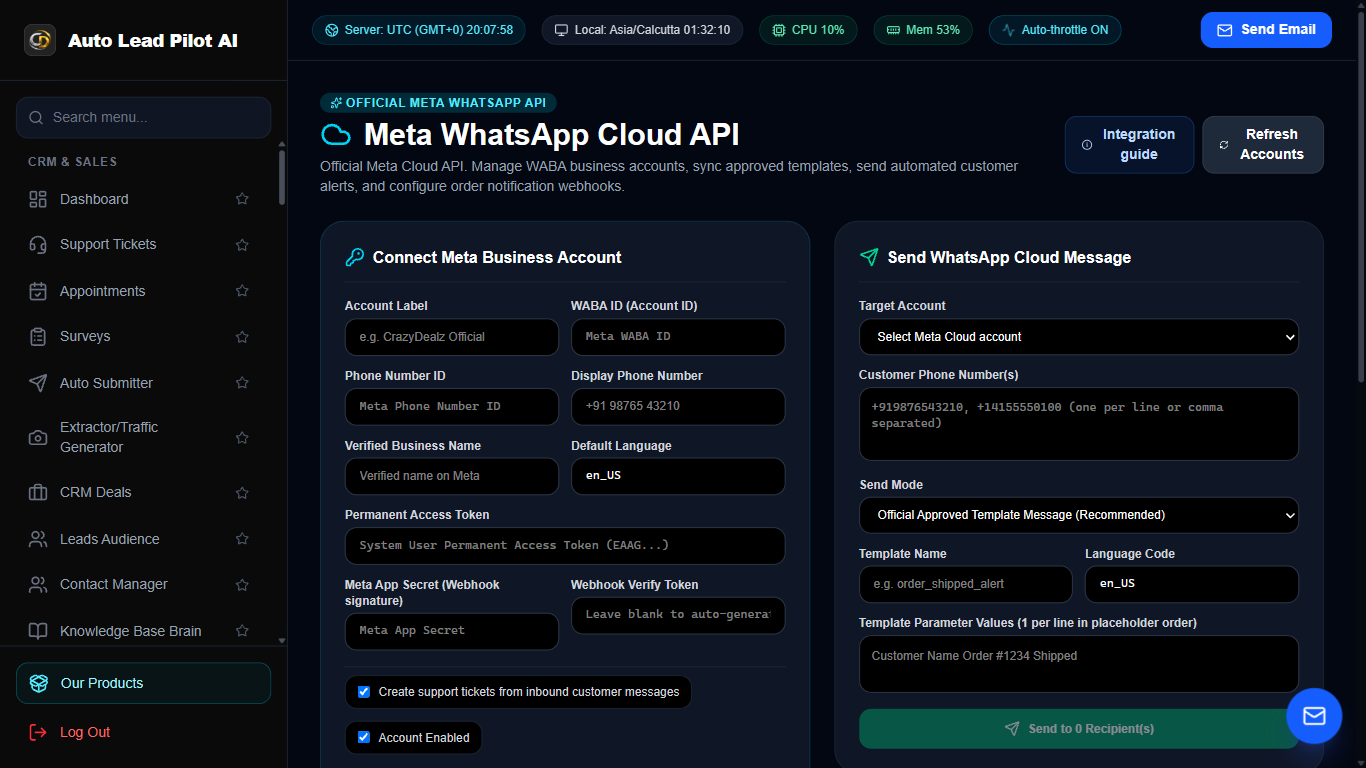
Figure 21: Official Meta WhatsApp Cloud API Workstation Interface Preview
📋 Module Overview & Purpose
Enterprise WhatsApp integration using the official Meta WhatsApp Business Cloud API. Deploy verified business profiles, send pre-approved rich interactive templates, quick-reply buttons, call-to-action links, and handle high-volume broadcasts.
📑 Internal Navigation & Tabs Structure
⚡ In-Depth Features & Autonomous Capabilities
- ✓
Official Meta Cloud API:
Direct integration with Meta Graph API for maximum deliverability and green checkmark compatibility. - ✓
Interactive Message Templates:
Send rich cards with Quick Reply buttons, Call Now links, and URL redirect buttons. - ✓
Media Header Support:
Include branded images, promotional videos, or PDF vouchers in message headers. - ✓
High-Volume Tier Scaling:
Broadcast to 10,000+ customers daily compliant with WhatsApp Business tiers. - ✓
Two-Way Automated Webhooks:
Inbound message webhooks route incoming replies directly into the Social Inbox.
Module 22 of 87
Bulk WhatsApp Phone Number Active Verifier
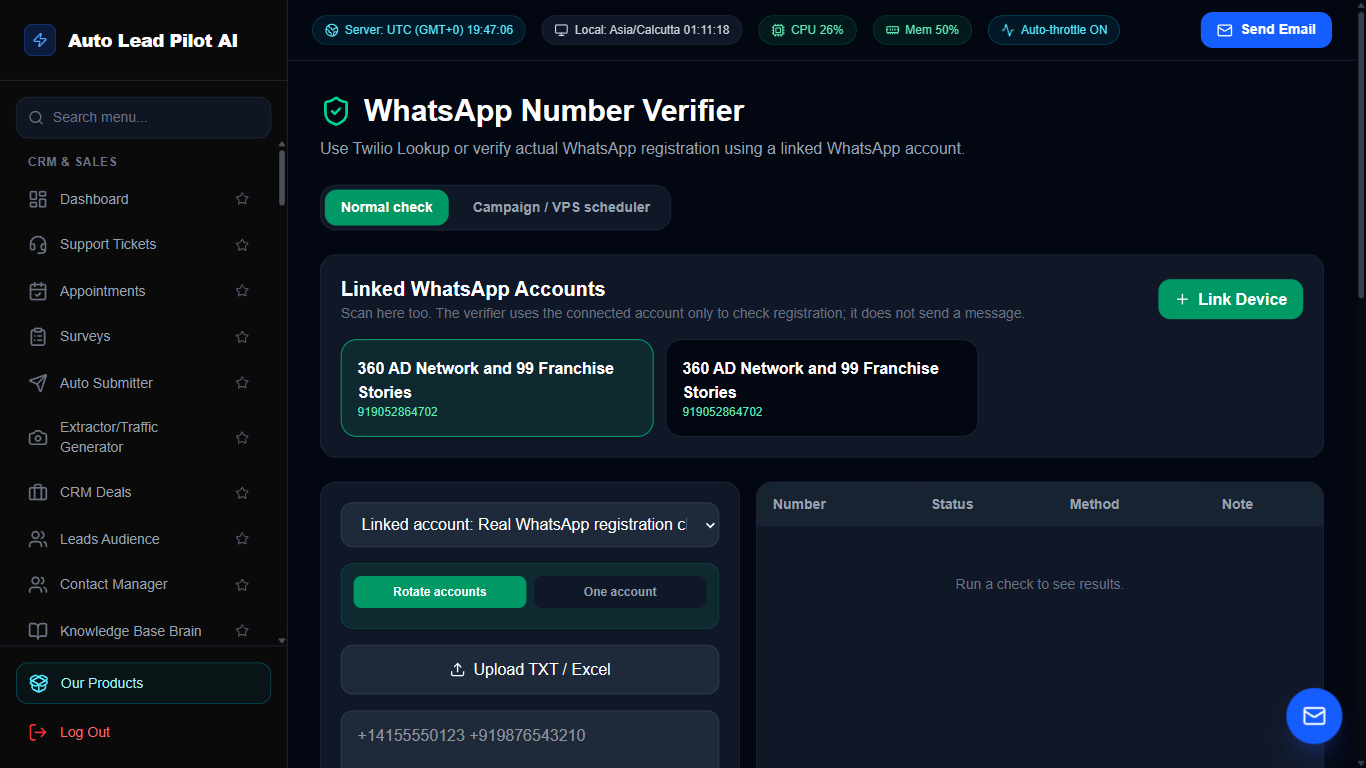
Figure 22: Bulk WhatsApp Phone Number Active Verifier Interface Preview
📋 Module Overview & Purpose
Clean and validate lead lists before launching marketing campaigns. Checks whether phone numbers possess active WhatsApp accounts, extracts profile photos, and removes invalid or disconnected numbers to prevent wasted marketing spend.
📑 Internal Navigation & Tabs Structure
⚡ In-Depth Features & Autonomous Capabilities
- ✓
High-Speed Batch Verification:
Verify hundreds of international phone numbers in minutes. - ✓
Active Status Detection:
Flags numbers as Active WhatsApp, Not Registered, or Invalid Format. - ✓
Profile Photo & About Inspection:
Extracts public profile pictures and bio statuses to confirm active usage. - ✓
Country Code Formatting:
Auto-formats numbers to standard E.164 international notation (+1, +44, +91, etc.). - ✓
Clean List Export:
Export validated WhatsApp-only numbers directly into campaign audiences.
Module 23 of 87
Bulk Email Deliverability & Hygiene Verifier
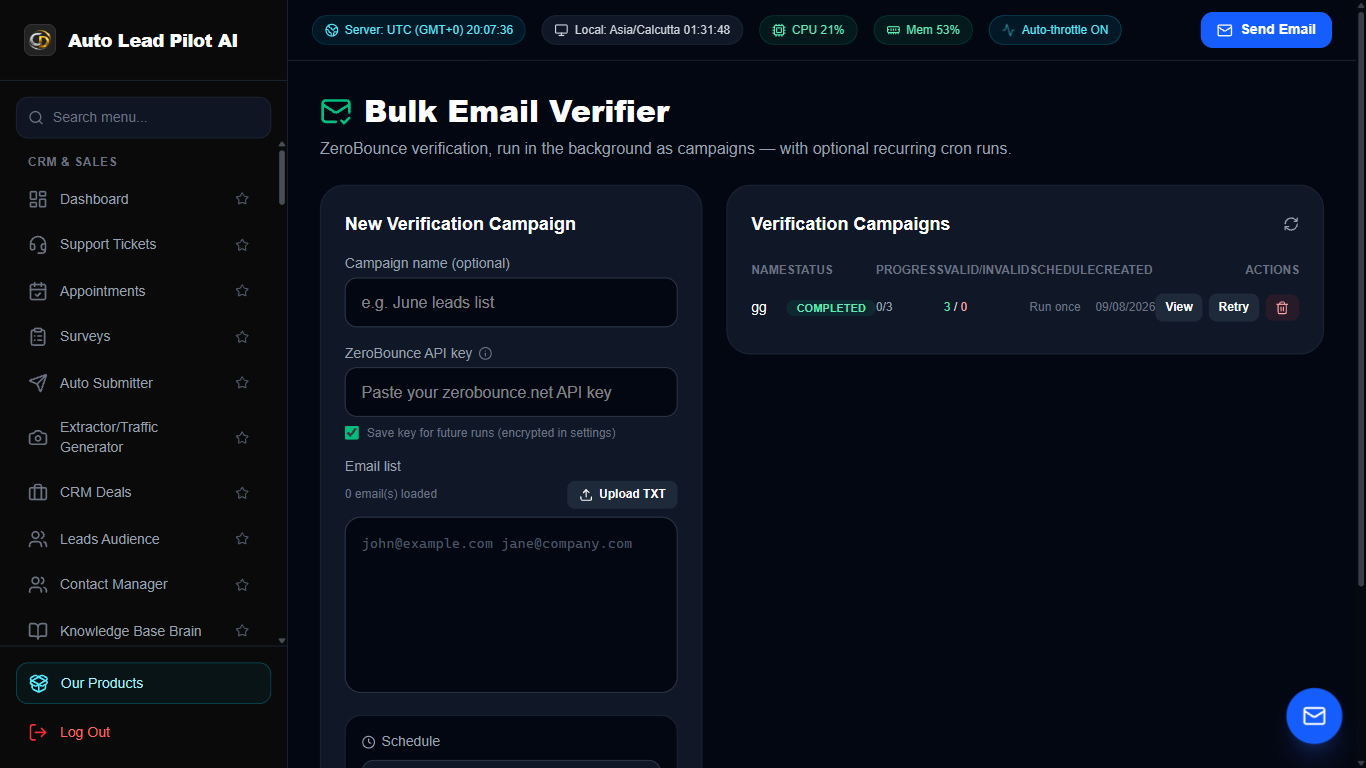
Figure 23: Bulk Email Deliverability & Hygiene Verifier Interface Preview
📋 Module Overview & Purpose
An enterprise email hygiene scanner. Validates email lists against syntax errors, disposable temporary email providers, MX DNS records, spam traps, and performs SMTP handshake pings without sending actual emails.
📑 Internal Navigation & Tabs Structure
⚡ In-Depth Features & Autonomous Capabilities
- ✓
Multi-Layer Verification Engine:
Performs syntax validation, domain existence check, MX record lookup, and SMTP ping. - ✓
Disposable Domain Detector:
Instantly flags and eliminates throwaway addresses (Mailinator, 10MinuteMail, GuerrillaMail). - ✓
Catch-All & Role-Based Account Detection:
Identifies server catch-all settings and generic role addresses (admin@, sales@). - ✓
Spam Trap & Bounce Shield:
Protects your SMTP sender reputation by filtering out dormant or hazardous mailboxes. - ✓
Comprehensive Status Categorization:
Sorts leads into Valid, Risky, Invalid, and Disposable with CSV download.
Module 24 of 87
Conversational AI Voice Agents & Phone Dispatcher
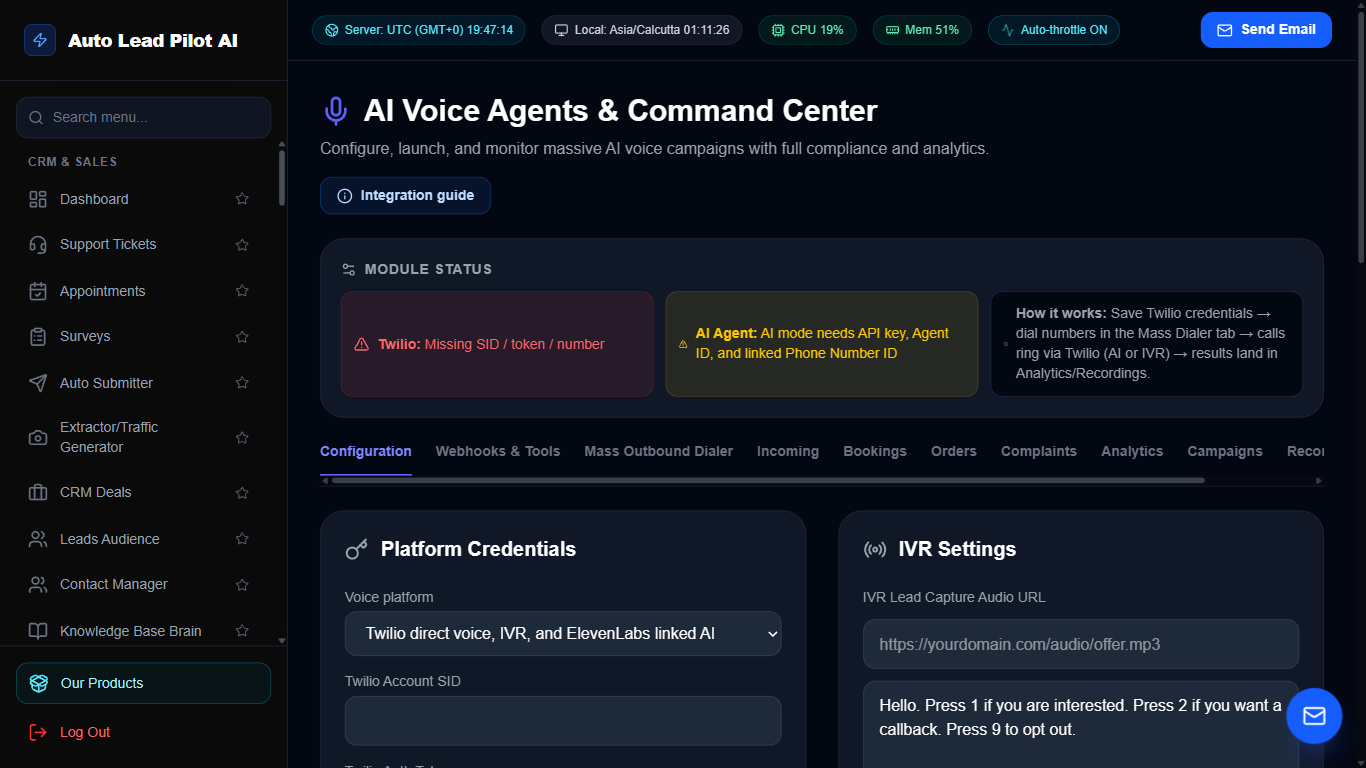
Figure 24: Conversational AI Voice Agents & Phone Dispatcher Interface Preview
📋 Module Overview & Purpose
Autonomous conversational AI voice agents capable of conducting real phone calls. Handles inbound customer inquiries, books appointments, qualifies inbound leads, and conducts automated outbound follow-up calls with ultra-low latency voice synthesis.
📑 Internal Navigation & Tabs Structure
⚡ In-Depth Features & Autonomous Capabilities
- ✓
Ultra-Low Latency Conversational Voice:
Human-like voice interactions powered by ElevenLabs and OpenAI Realtime models. - ✓
Automated Outbound Calling:
Automatically calls qualified leads to confirm appointments or deliver time-sensitive offers. - ✓
Inbound Call Receptionist:
24/7 virtual receptionist answering customer queries and transferring calls when necessary. - ✓
Live Speech-to-Text Transcription:
Full recording and searchable text transcripts generated for every phone conversation. - ✓
Custom Agent Persona & Scripts:
Configure system prompts, tone of voice, objective goals, and objection handling tactics.
Module 25 of 87
Studio Bulk Text-to-Speech Voice Generator
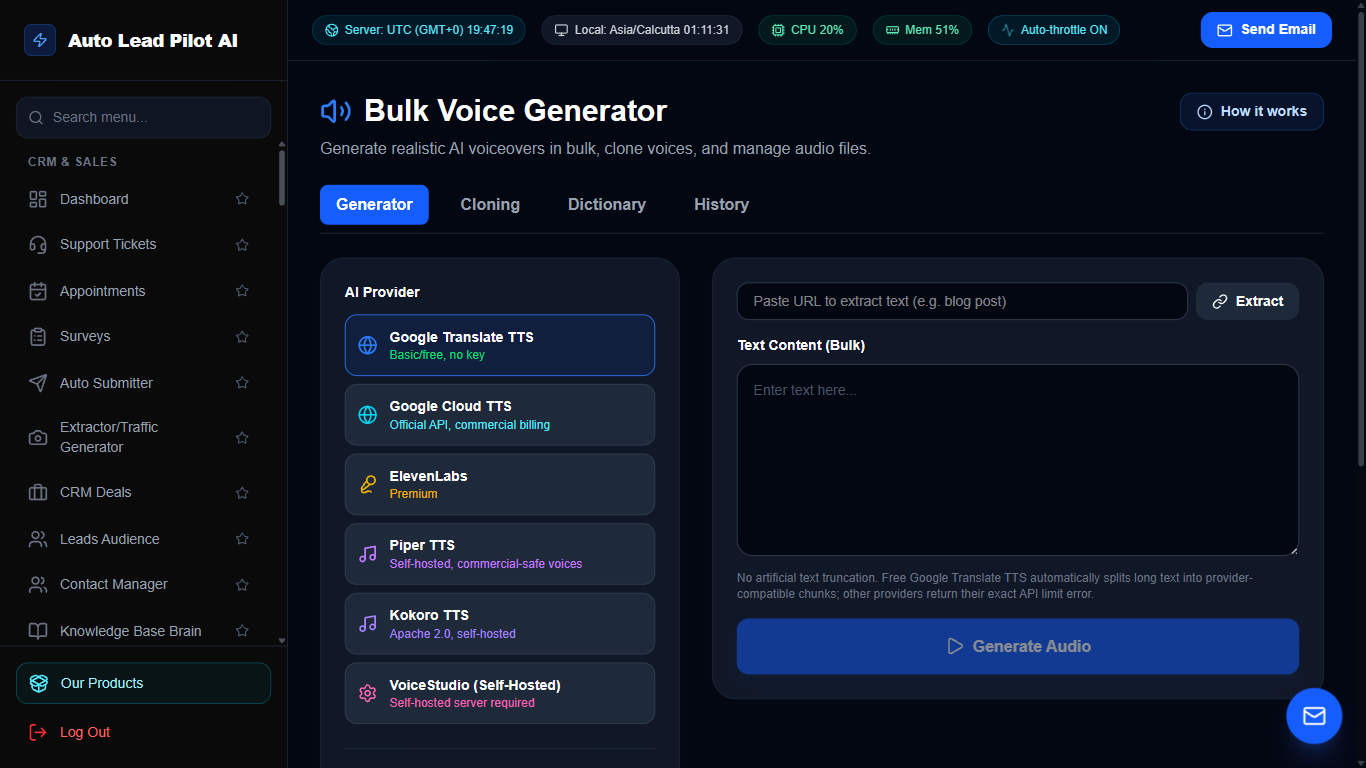
Figure 25: Studio Bulk Text-to-Speech Voice Generator Interface Preview
📋 Module Overview & Purpose
Convert written copy, promotional scripts, and video voiceovers into studio-quality spoken audio. Offers hundreds of lifelike voice accents, emotional intonations, speed controls, and batch audio file downloads.
📑 Internal Navigation & Tabs Structure
⚡ In-Depth Features & Autonomous Capabilities
- ✓
Extensive Global Voice Library:
Choose from over 100+ natural voices across 30+ languages and regional accents. - ✓
Pitch, Speed & Emotion Modulation:
Fine-tune cadence, inflection, and emotional tone for maximum engagement. - ✓
Voice Cloning Technology:
Clone key team members’ voices to maintain consistent brand audio identity. - ✓
Batch Audio Generation:
Paste long scripts or article text to generate full audio chapters and podcast episodes. - ✓
High-Bitrate MP3 & WAV Export:
Download lossless broadcast-quality audio files for YouTube, ads, and video sales letters.
Module 26 of 87
Autonomous AI Business Intelligence Analyst
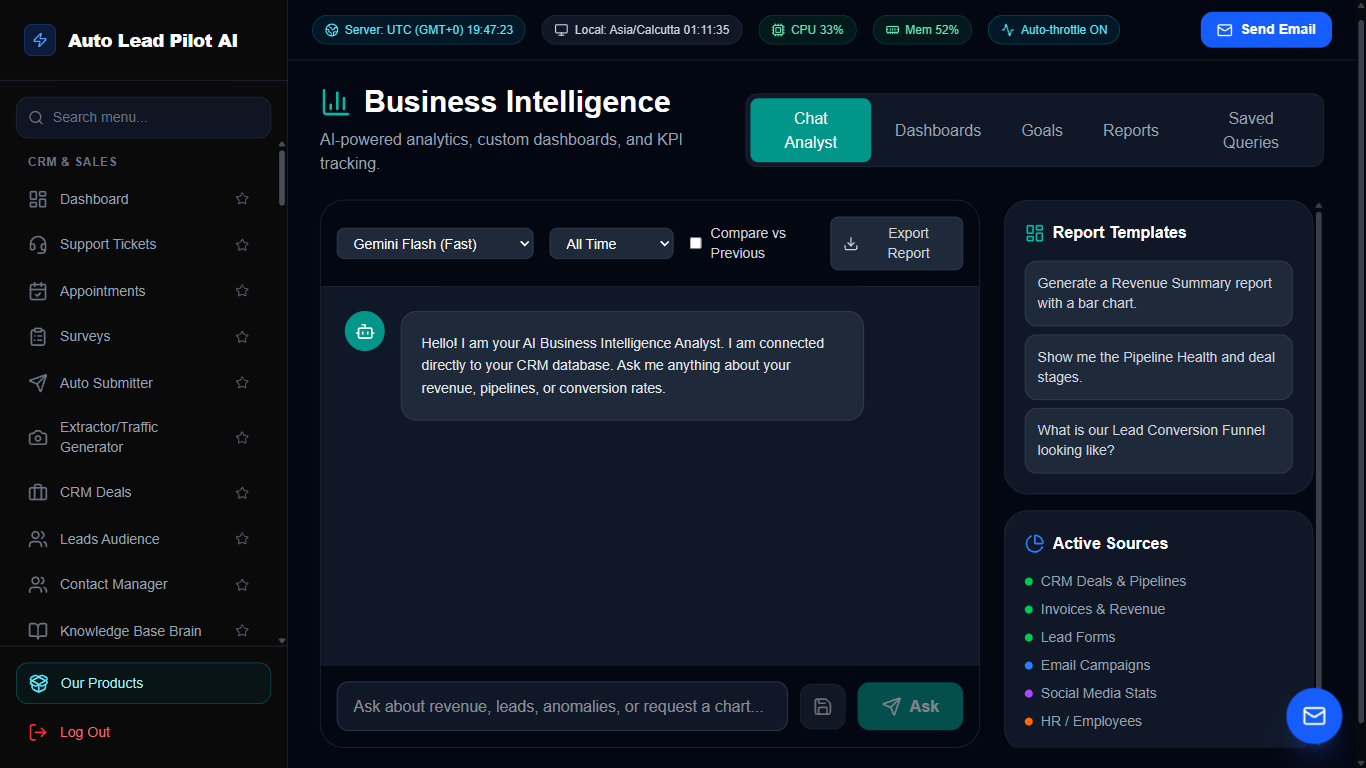
Figure 26: Autonomous AI Business Intelligence Analyst Interface Preview
📋 Module Overview & Purpose
An autonomous AI data analyst that bridges the gap between raw data and strategic decisions. Ask questions in plain English, and the AI queries the database, generates interactive visual charts, tracks KPI goals, and delivers automated executive summaries.
📑 Internal Navigation & Tabs Structure
⚡ In-Depth Features & Autonomous Capabilities
- ✓
Natural Language SQL & Data Queries:
Ask “What was our highest converting email campaign this month?” and get instant answers. - ✓
Automated Data Visualizations:
Dynamically generates line charts, bar graphs, and pie distributions based on analytical findings. - ✓
Executive Briefing Reports:
Generates weekly and monthly PDF intelligence briefings summarizing key wins and revenue leaks. - ✓
Goal Trajectory Forecasting:
AI-powered predictive forecasting predicts whether monthly sales quotas will be achieved. - ✓
Automated KPI Alerts:
Sends immediate notifications when conversion rates or customer satisfaction metrics fluctuate.
Module 27 of 87
Autonomous AI Social Media Content Manager
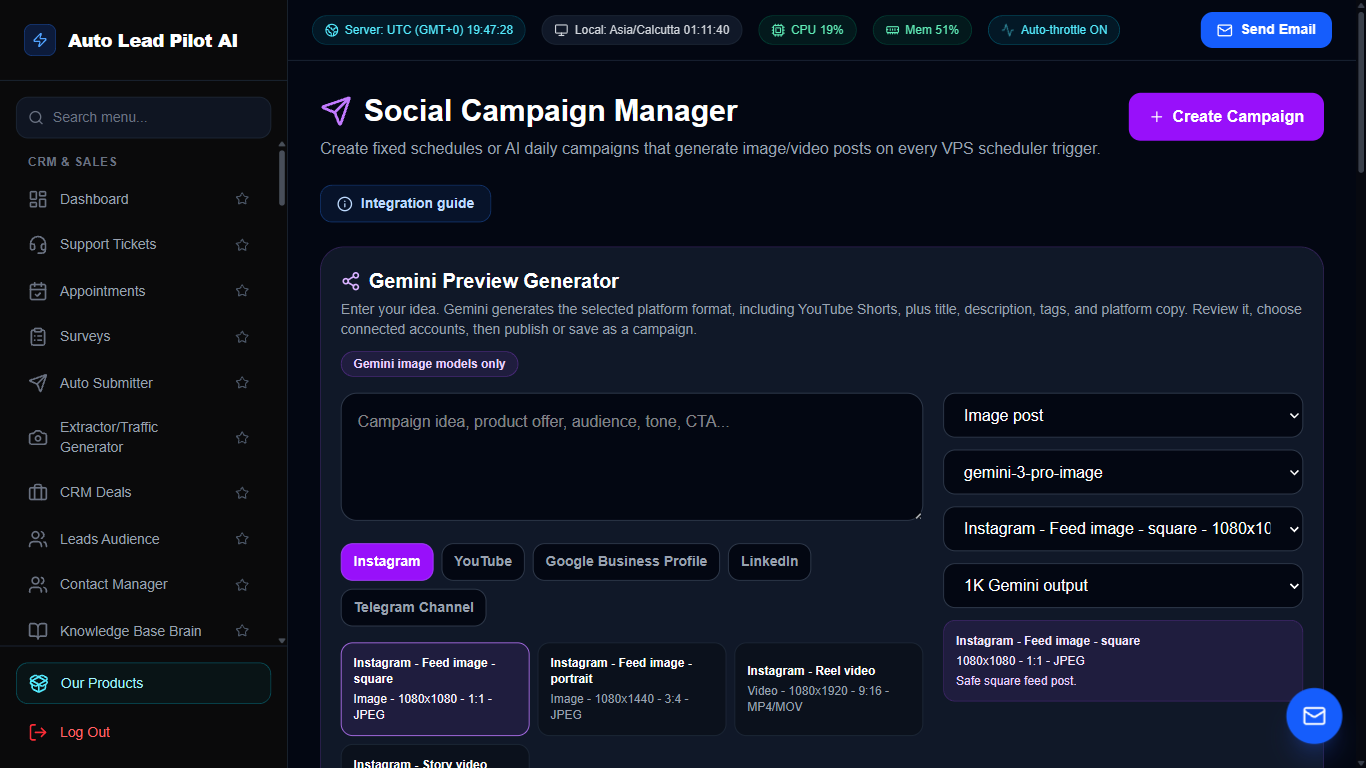
Figure 27: Autonomous AI Social Media Content Manager Interface Preview
📋 Module Overview & Purpose
An AI-powered social media command center. Drafts viral post captions, generates accompanying AI imagery, curates hashtags, schedules content calendars across Twitter, LinkedIn, Instagram, and Facebook, and monitors social engagement.
📑 Internal Navigation & Tabs Structure
⚡ In-Depth Features & Autonomous Capabilities
- ✓
Autonomous Cross-Platform Scheduler:
Schedule posts weeks in advance across LinkedIn, Instagram, Facebook, and Twitter. - ✓
Viral Hook & Caption Generator:
Crafts scroll-stopping headlines, engaging storytelling hooks, and persuasive calls-to-action. - ✓
Dynamic Hashtag Optimizer:
Analyzes trending niche hashtags to maximize organic reach and discoverability. - ✓
Integrated AI Image Generation:
Generates relevant promotional imagery to accompany posts using generative vision models. - ✓
Best Time to Post Prediction:
Calculates the optimal engagement hours based on historical audience activity.
Module 28 of 87
LinkedIn Lead Generation & Content Studio
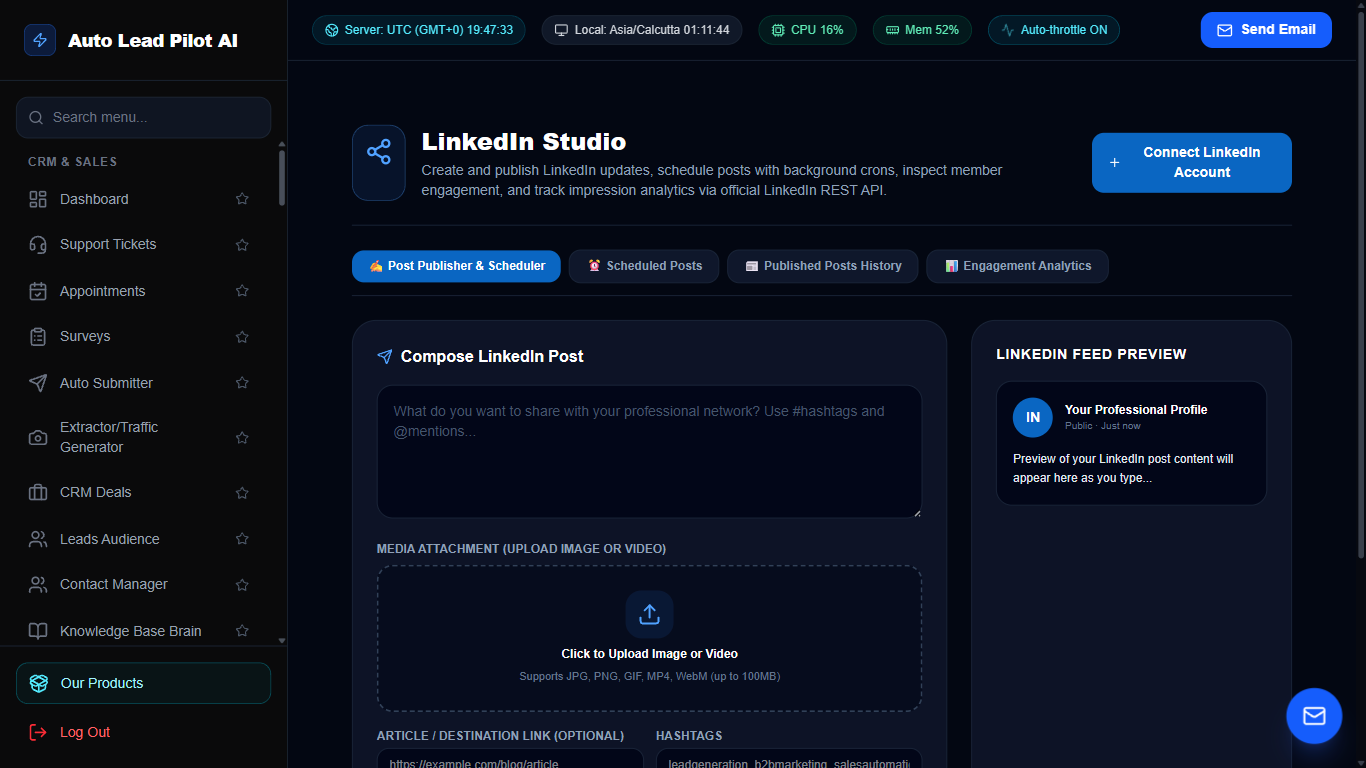
Figure 28: LinkedIn Lead Generation & Content Studio Interface Preview
📋 Module Overview & Purpose
A specialized LinkedIn outreach and content marketing powerhouse. Connect LinkedIn business profiles, schedule thought-leadership posts with file uploads, build engagement sequences, and expand professional network connections automatically.
📑 Internal Navigation & Tabs Structure
⚡ In-Depth Features & Autonomous Capabilities
- ✓
Direct Image & Video File Uploads:
Upload local media assets directly from your computer without needing hosted URLs. - ✓
Step-by-Step API Setup Wizard:
Built-in guidance showing exactly how to obtain LinkedIn Client ID, Client Secret, and permissions. - ✓
Thought-Leadership Carousel Creator:
Format educational slides and multi-image posts designed for maximum LinkedIn algorithm reach. - ✓
Network Connection Outreach:
Automate personalized connection requests and introductory messages to prospective decision-makers. - ✓
Post Analytics & Impression Tracking:
Monitor likes, shares, comments, and profile view spikes resulting from campaigns.
Module 29 of 87
Autonomous AI SEO Long-Form Article Writer
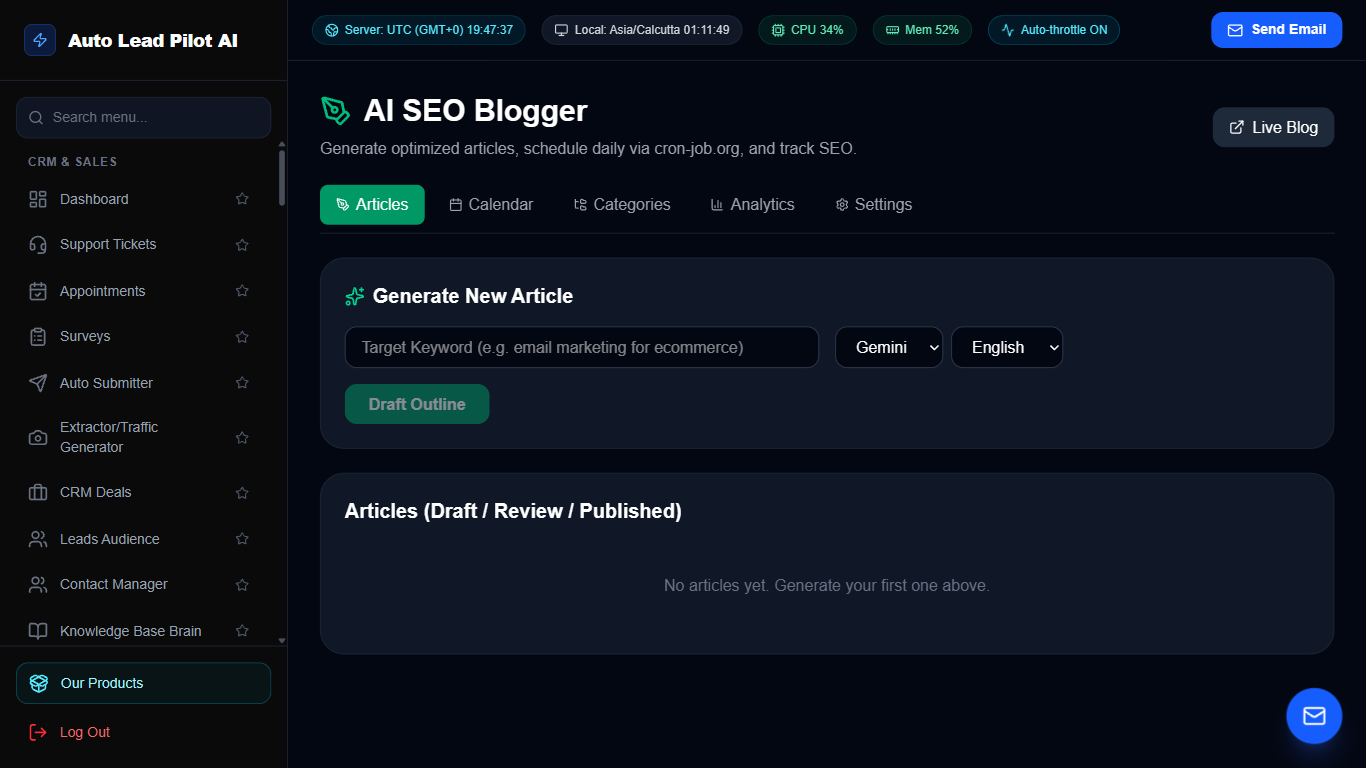
Figure 29: Autonomous AI SEO Long-Form Article Writer Interface Preview
📋 Module Overview & Purpose
Researches, outlines, and writes in-depth 2,500+ word SEO blog posts optimized to outrank competitors on Google. Automatically incorporates focus keywords, generates structured headings, writes meta tags, and publishes directly to WordPress.
📑 Internal Navigation & Tabs Structure
⚡ In-Depth Features & Autonomous Capabilities
- ✓
Comprehensive Outline Generator:
Creates structured H2/H3 subheadings based on Google “People Also Ask” search patterns. - ✓
Keyword Density & Semantic NLP:
Naturally weaves secondary keywords and LSI terms into content to ensure topical authority. - ✓
Automatic Meta Description & Tags:
Generates click-worthy titles and meta tags optimized for Google search snippets. - ✓
Direct WordPress Auto-Publishing:
Publishes draft or live posts directly to WordPress sites via REST API integration. - ✓
Plagiarism & AI Detection Shield:
Produces original, informative prose structured like human subject-matter experts.
Module 30 of 87
Autonomous Competitor Spy & Market Intelligence Agent
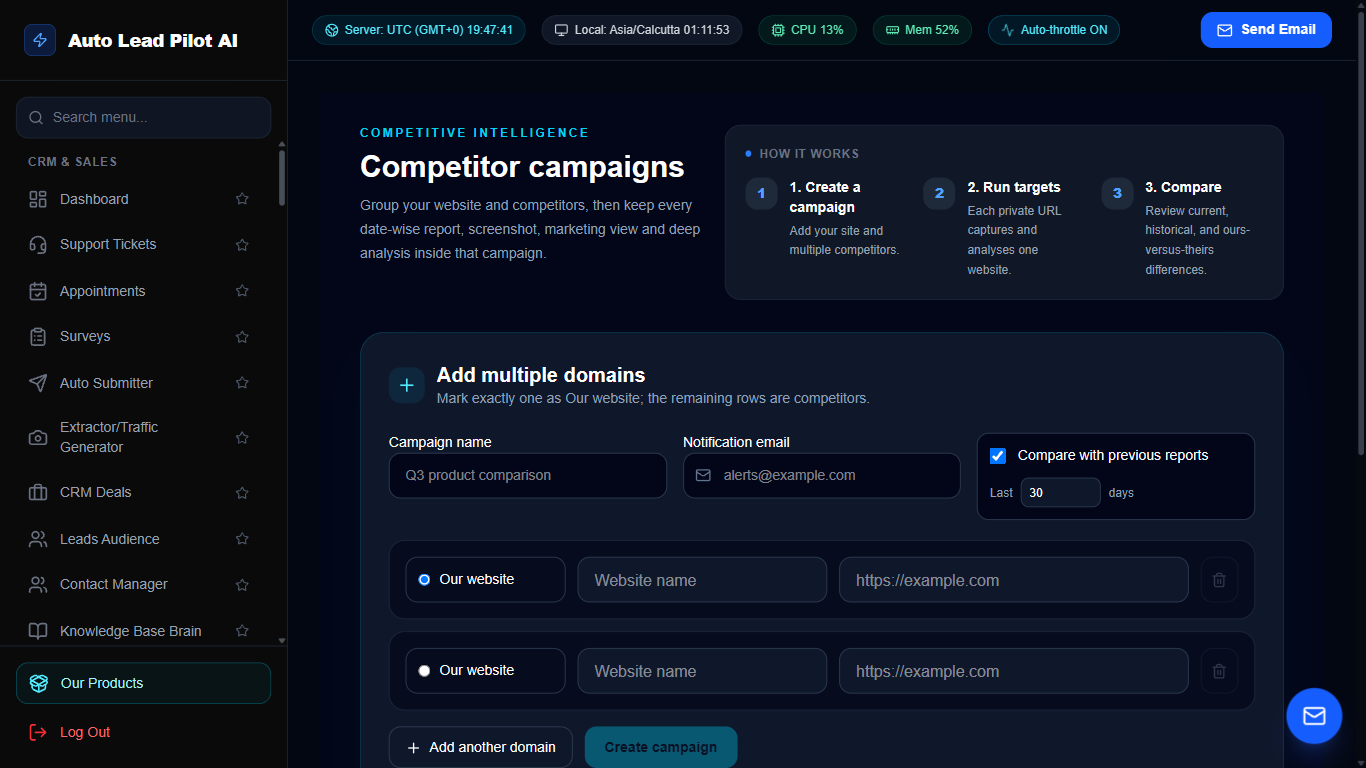
Figure 30: Autonomous Competitor Spy & Market Intelligence Agent Interface Preview
📋 Module Overview & Purpose
Monitors competitor websites, pricing pages, social announcements, and ad campaigns around the clock. Flags changes in competitor product offerings, price drops, new features, and marketing angles before they impact your market share.
📑 Internal Navigation & Tabs Structure
⚡ In-Depth Features & Autonomous Capabilities
- ✓
Automated DOM & Visual Scraping:
Takes scheduled snapshots of competitor landing pages and highlights visual/text changes. - ✓
Dynamic Price Change Alerts:
Receive instant alerts when competing SaaS platforms or stores adjust their pricing tiers. - ✓
Meta & Google Ad Creative Tracking:
Monitors competitor active advertising creatives and messaging angles. - ✓
Feature Gap Matrix:
Automatically compares your product feature matrix against competitors to highlight advantages. - ✓
Weekly Threat Intelligence Digest:
Executive summary highlighting strategic competitor maneuvers and new campaigns.
Module 31 of 87
AI Corporate Legal Agent & Contract Reviewer
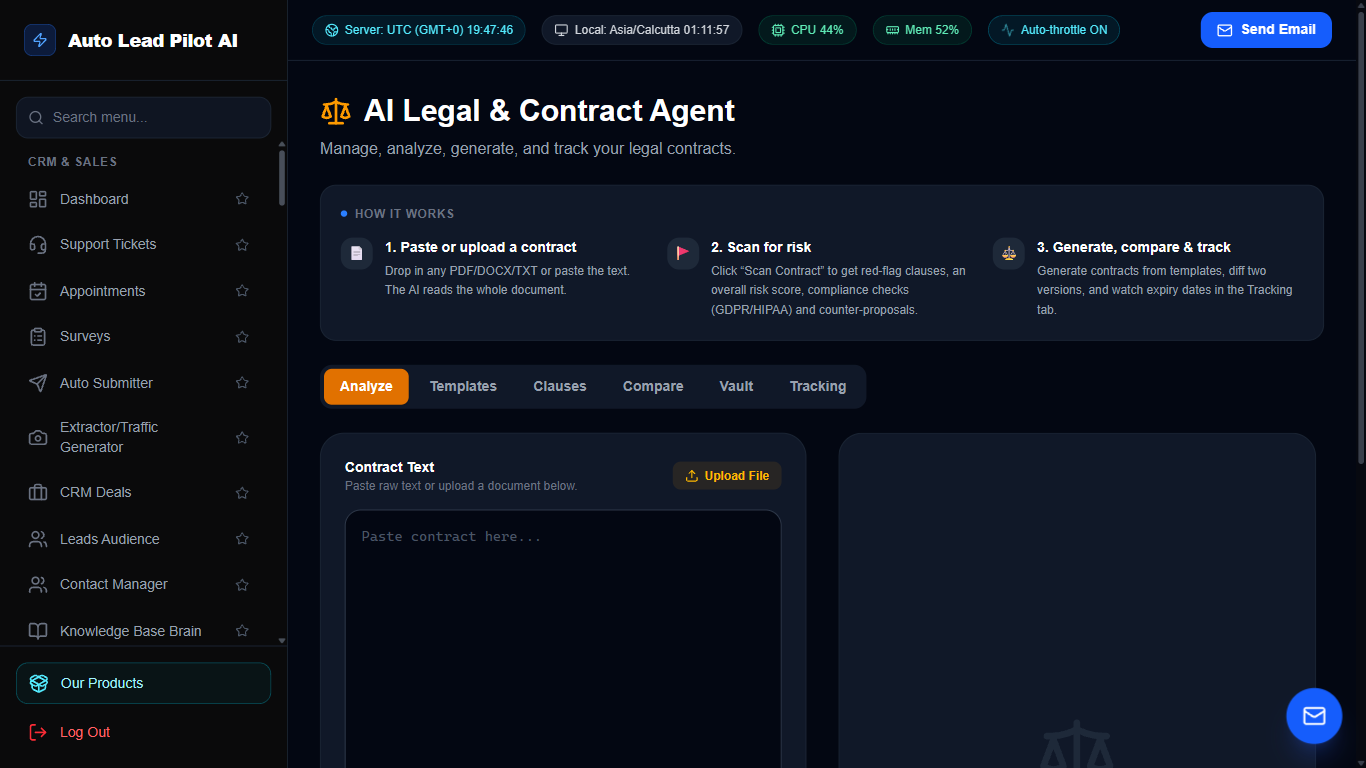
Figure 31: AI Corporate Legal Agent & Contract Reviewer Interface Preview
📋 Module Overview & Purpose
An AI legal assistant designed to review vendor agreements, client contracts, and terms of service. Scans agreements for hidden liabilities, un-capped indemnification clauses, governing law traps, and drafts custom protective contract clauses.
📑 Internal Navigation & Tabs Structure
⚡ In-Depth Features & Autonomous Capabilities
- ✓
Automated Liability Risk Scanner:
Flags hazardous legal language, one-sided termination clauses, and excessive liabilities. - ✓
Plain-English Translation:
Summarizes dense multi-page legalese into straightforward, actionable executive bullet points. - ✓
Clause Redlining & Alternative Proposals:
Proposes balanced, industry-standard alternative wording for non-compliant clauses. - ✓
Pre-Loaded Contract Template Vault:
Instant access to NDA, Master Services Agreement (MSA), and SLA contract templates. - ✓
Compliance Audit Trail:
Stores review logs and timestamped risk evaluations for organizational compliance records.
Module 32 of 87
AI HR Recruiter & Candidate Screening Agent
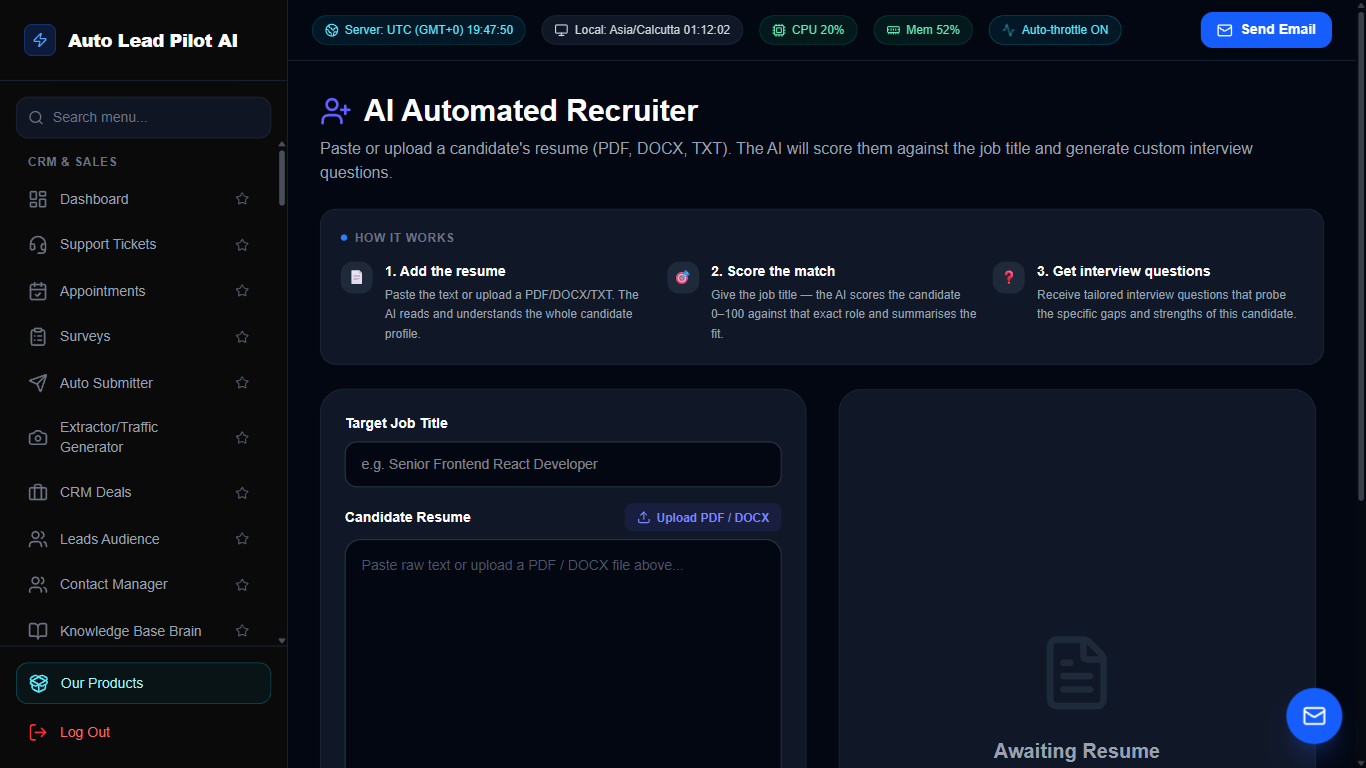
Figure 32: AI HR Recruiter & Candidate Screening Agent Interface Preview
📋 Module Overview & Purpose
Automate high-volume recruitment screening. The AI HR agent parses candidate resumes, scores them against job descriptions, drafts customized interview questions, and tracks candidates through interview stages.
📑 Internal Navigation & Tabs Structure
⚡ In-Depth Features & Autonomous Capabilities
- ✓
Automated Resume Parser:
Extracts skills, years of experience, past employers, and education from PDF/Word resumes. - ✓
Objective Match Scoring:
Calculates a 0-100% suitability score comparing candidate resumes against job requirements. - ✓
Tailored Interview Question Generator:
Generates insightful behavioral and technical interview questions based on the applicant’s resume. - ✓
Visual Candidate Pipeline:
Move job applicants fluidly from Applied to Screened, Interviewing, Offer, or Rejected. - ✓
Automated Candidate Communication:
Dispatches automated interview scheduling links or polite rejection emails.
Module 33 of 87
Multi-LLM Side-by-Side Model Comparison Studio
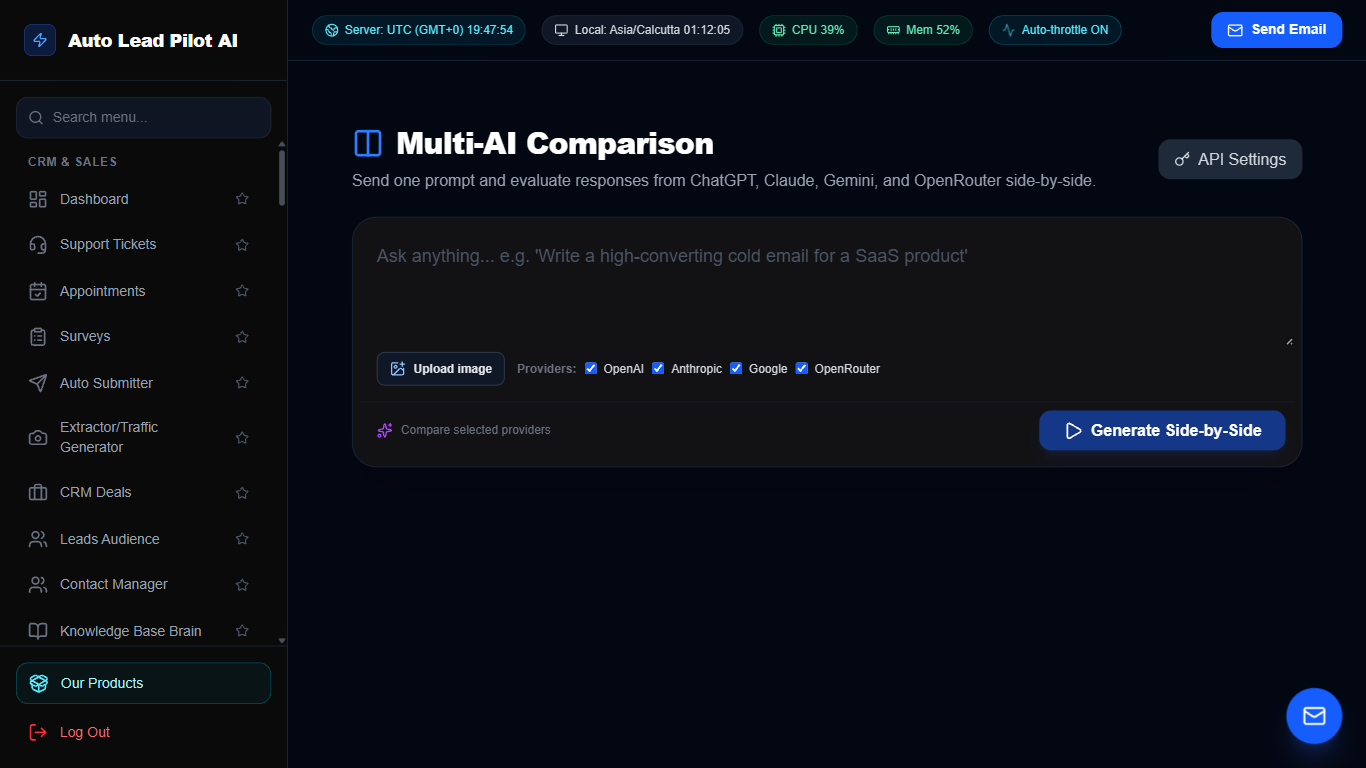
Figure 33: Multi-LLM Side-by-Side Model Comparison Studio Interface Preview
📋 Module Overview & Purpose
Test prompts simultaneously across the world’s leading artificial intelligence models (OpenAI GPT-4o, Anthropic Claude 3.5 Sonnet, Google Gemini 1.5 Pro, and OpenRouter). Compare generation speed, latency, output quality, and token cost in real time.
📑 Internal Navigation & Tabs Structure
⚡ In-Depth Features & Autonomous Capabilities
- ✓
Simultaneous Multi-Model Dispatch:
Submit a single prompt and watch all selected AI models stream responses concurrently. - ✓
Precision Latency & Token Telemetry:
Measures exact milliseconds to first token, total generation time, and token cost. - ✓
Side-by-Side Diff View:
Highlight subtle nuance, reasoning depth, and creative differences between leading models. - ✓
Custom Temperature & System Prompts:
Fine-tune model parameters to benchmark performance under identical conditions. - ✓
Model Selection Recommendation:
Identify the most cost-effective model for specific enterprise tasks (copywriting vs coding).
Module 34 of 87
Local SEO & Google Business Reviews Booster
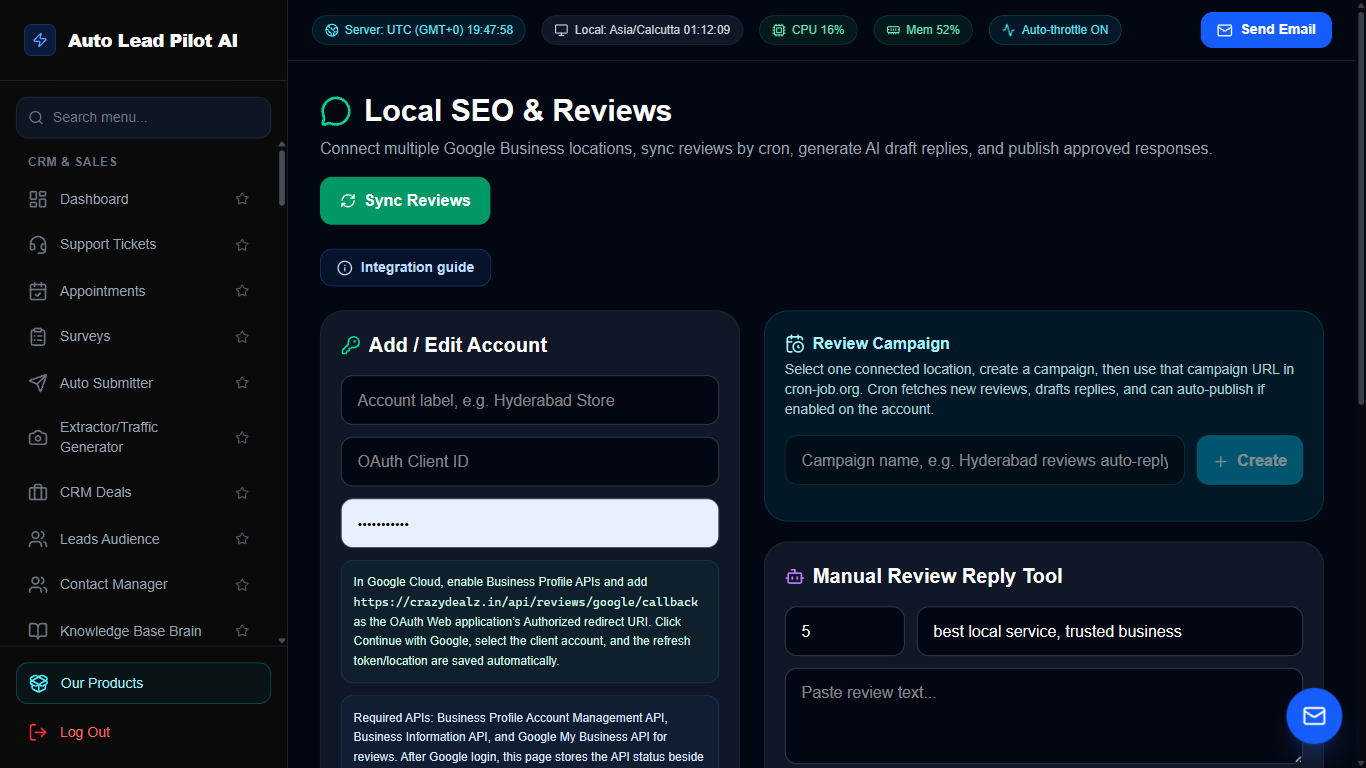
Figure 34: Local SEO & Google Business Reviews Booster Interface Preview
📋 Module Overview & Purpose
Boost local search rankings and build consumer trust by generating authentic 5-star reviews on Google Business, Trustpilot, and Yelp. Automatically routes happy customers to public review sites while capturing constructive feedback internally.
📑 Internal Navigation & Tabs Structure
⚡ In-Depth Features & Autonomous Capabilities
- ✓
Automated Review Request SMS & Email:
Sends automated review requests to clients immediately following appointments or orders. - ✓
Smart Negative Feedback Shield:
Satisfied customers (4-5 stars) are directed to Google; dissatisfied customers (1-3 stars) submit private feedback. - ✓
AI-Powered Review Responses:
Generates personalized, professional responses to positive and negative reviews in seconds. - ✓
Embeddable Review Widgets:
Showcase live Google reviews directly on your website to elevate social proof. - ✓
Multi-Platform Aggregator:
Consolidates reviews from Google, Facebook, Yelp, and Trustpilot into a single feed.
Module 35 of 87
Customer Satisfaction & Net Promoter Score (NPS) Hub
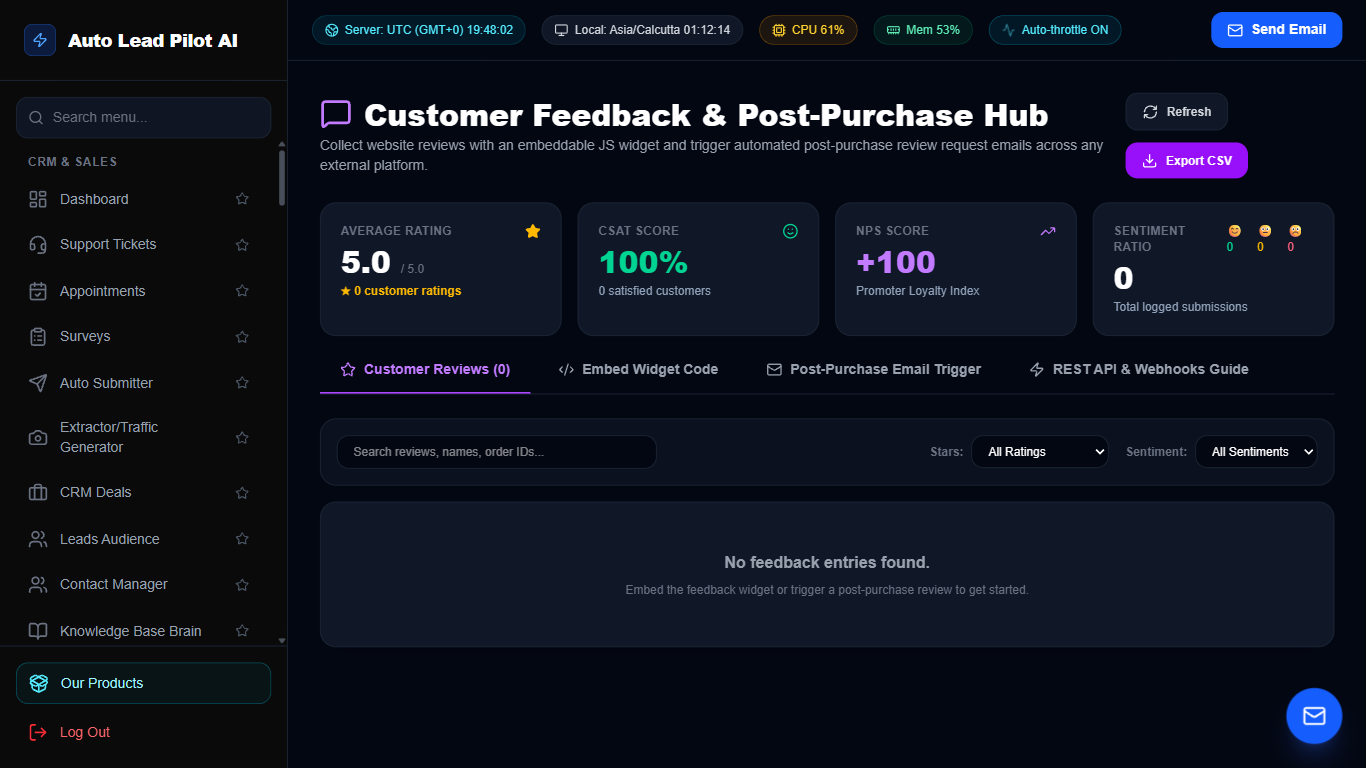
Figure 35: Customer Satisfaction & Net Promoter Score (NPS) Hub Interface Preview
📋 Module Overview & Purpose
Measure customer happiness, loyalty, and sentiment. Deploy Net Promoter Score (NPS) widgets, collect product feedback, track Customer Satisfaction (CSAT) scores, and identify brand advocates ready for referral campaigns.
📑 Internal Navigation & Tabs Structure
⚡ In-Depth Features & Autonomous Capabilities
- ✓
Standardized NPS Scoring:
Calculates your official Net Promoter Score (-100 to +100) and segments users into Promoters, Passives, and Detractors. - ✓
Embeddable Feedback Buttons:
Discreet slide-out feedback tabs for your website and app pages. - ✓
Sentiment Trend Graphing:
Tracks customer happiness over time to measure the impact of product improvements. - ✓
Instant Alerts on Detractors:
Notifies support managers immediately when a low score is submitted to enable rapid service recovery. - ✓
Exportable Feedback Reports:
Download complete feedback dossiers for product development and executive meetings.
Module 36 of 87
Website Click, Mouse Movement & Scroll Heatmaps
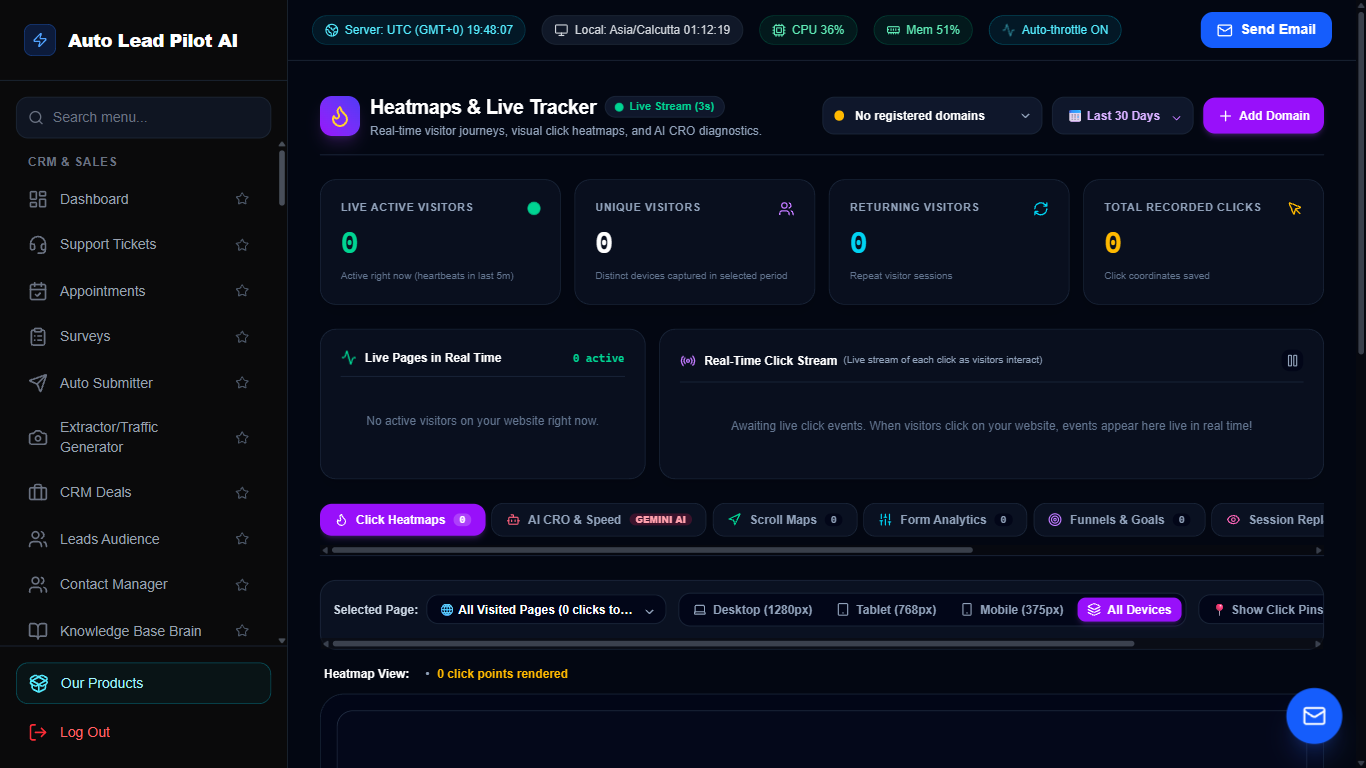
Figure 36: Website Click, Mouse Movement & Scroll Heatmaps Interface Preview
📋 Module Overview & Purpose
Understand exactly how visitors interact with your sales pages. Visual heatmaps reveal where users click, how far down they scroll, and where they hesitate, helping eliminate conversion bottlenecks.
📑 Internal Navigation & Tabs Structure
⚡ In-Depth Features & Autonomous Capabilities
- ✓
Click Density Visualization:
Color-coded heatmaps highlight which buttons, links, and text elements attract the most clicks. - ✓
Scroll Depth Drop-Off Analysis:
Visual percentage markers show exactly what percentage of visitors reach your pricing tables and call-to-actions. - ✓
Device Segmentation:
Compare desktop vs mobile browsing behavior to optimize responsive layouts. - ✓
Lightweight Async Script:
Zero impact on page load speed with privacy-friendly asynchronous data collection. - ✓
Page-by-Page Comparison:
Compare heatmaps between different landing page versions to evaluate A/B test performance.
Module 37 of 87
Instant WHOIS & Domain Intelligence Lookup
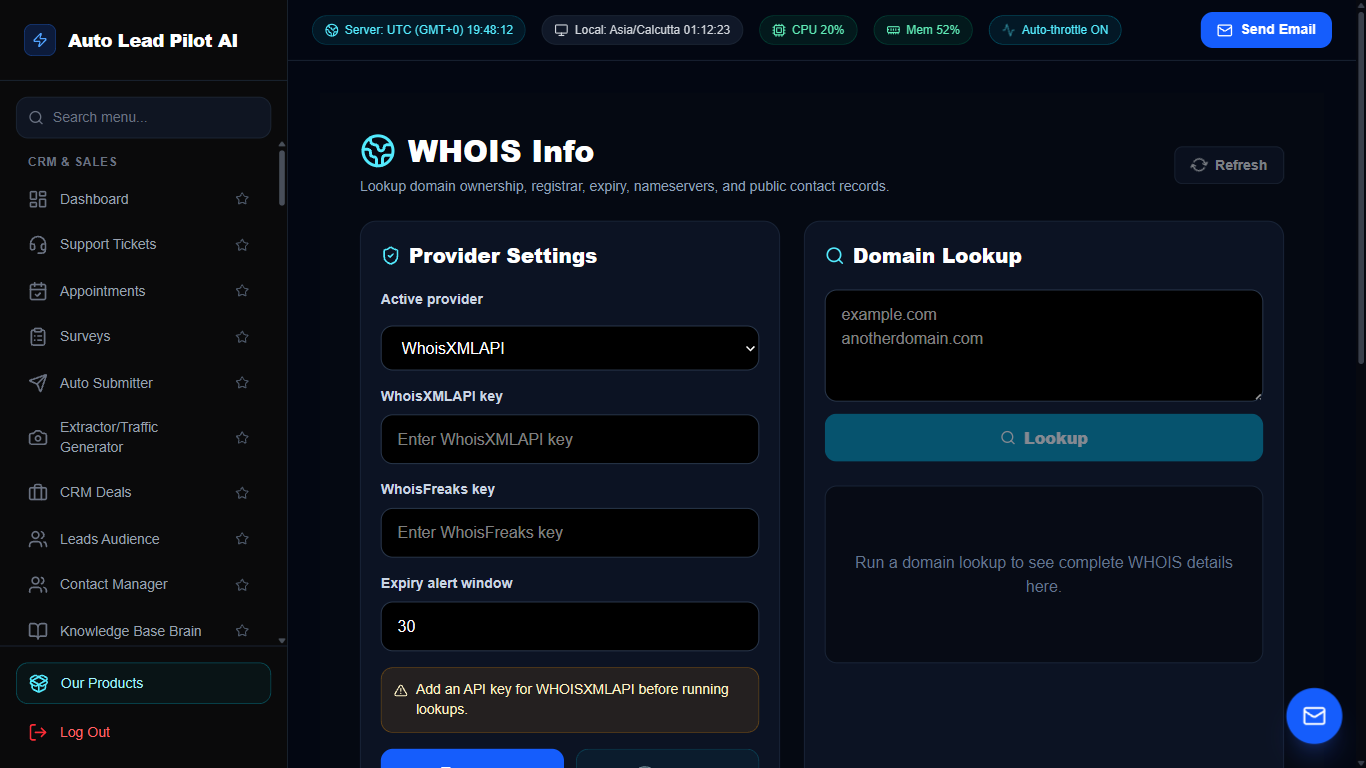
Figure 37: Instant WHOIS & Domain Intelligence Lookup Interface Preview
📋 Module Overview & Purpose
Uncover vital technical and organizational intelligence on any domain. Retrieve registrar records, domain creation and expiration dates, nameservers, DNS host records, and registrant contact details for sales prospecting and security auditing.
📑 Internal Navigation & Tabs Structure
⚡ In-Depth Features & Autonomous Capabilities
- ✓
Comprehensive WHOIS Dossiers:
Retrieves registrar, creation date, renewal deadline, and nameserver configurations. - ✓
DNS Record Breakdown:
Inspects A, AAAA, MX, TXT, CNAME, and SOA records for technical investigations. - ✓
Domain Expiration Watchdog:
Monitors critical domains and alerts you before expirations or registrar lapses occur. - ✓
Reverse IP Domain Discovery:
Identifies other websites hosted on the same server IP to discover related company assets. - ✓
Prospecting Contact Finder:
Extracts administrative and technical contact emails for targeted domain outreach.
Module 38 of 87
High-Speed Web Lead & B2B Directory Extractor
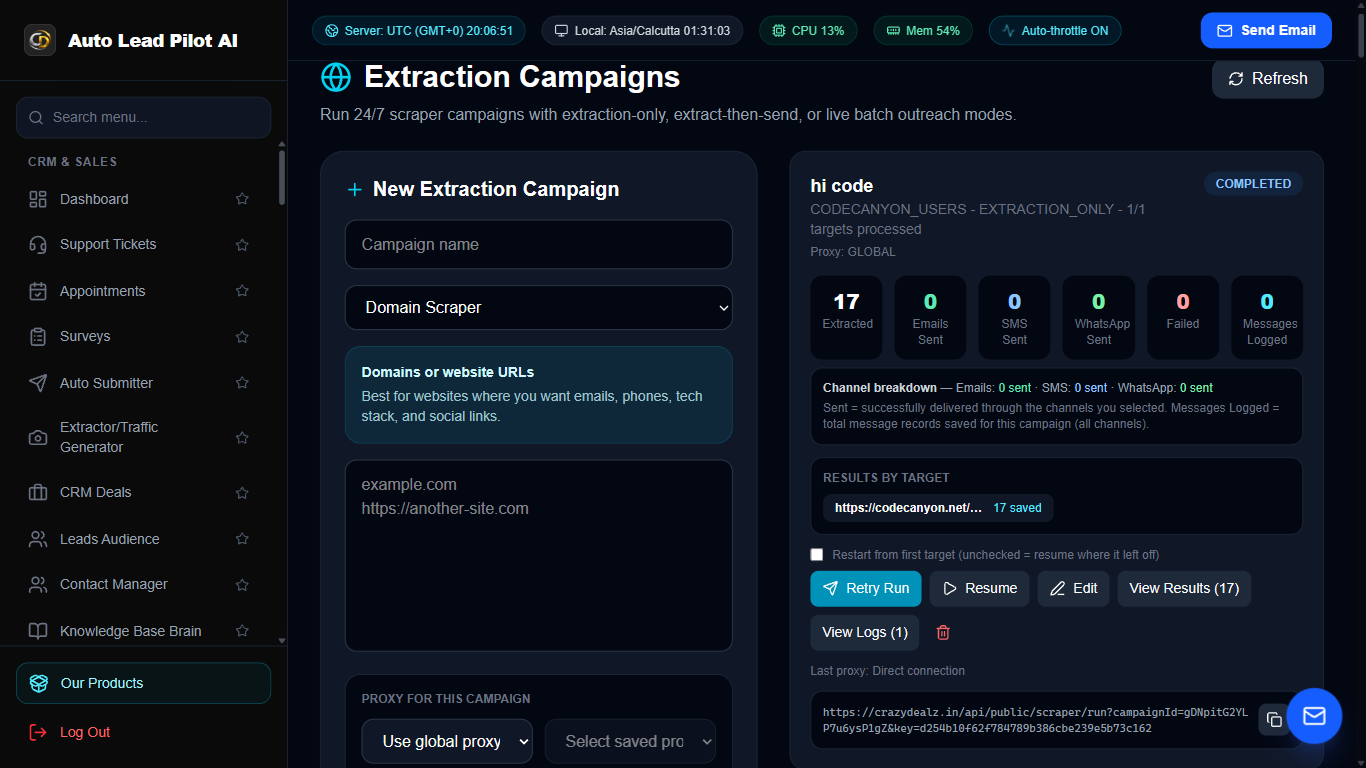
Figure 38: High-Speed Web Lead & B2B Directory Extractor Interface Preview
📋 Module Overview & Purpose
Harvest targeted business leads from public web directories, Google Maps business listings, and company websites. Extracts business names, phone numbers, verified emails, addresses, and social profile links automatically.
📑 Internal Navigation & Tabs Structure
⚡ In-Depth Features & Autonomous Capabilities
- ✓
Google Maps Business Extractor:
Search by keyword and location (e.g. “Dentists in Miami”) to extract phone, email, and address. - ✓
Deep Website Email Crawler:
Recursively crawls target domain “Contact Us”, “About”, and footer pages to discover obscured emails. - ✓
Social Media Handle Discovery:
Finds matching Instagram, Facebook, LinkedIn, and Twitter links for scraped businesses. - ✓
Automatic Deduplication:
Filters out duplicate entries to ensure every extracted lead is unique. - ✓
Direct CRM Audience Enrollment:
Push scraped prospects directly into the Leads Audience or Campaign sequence with one click.
Module 39 of 87
Instant AI Sales Funnel & Landing Page Builder
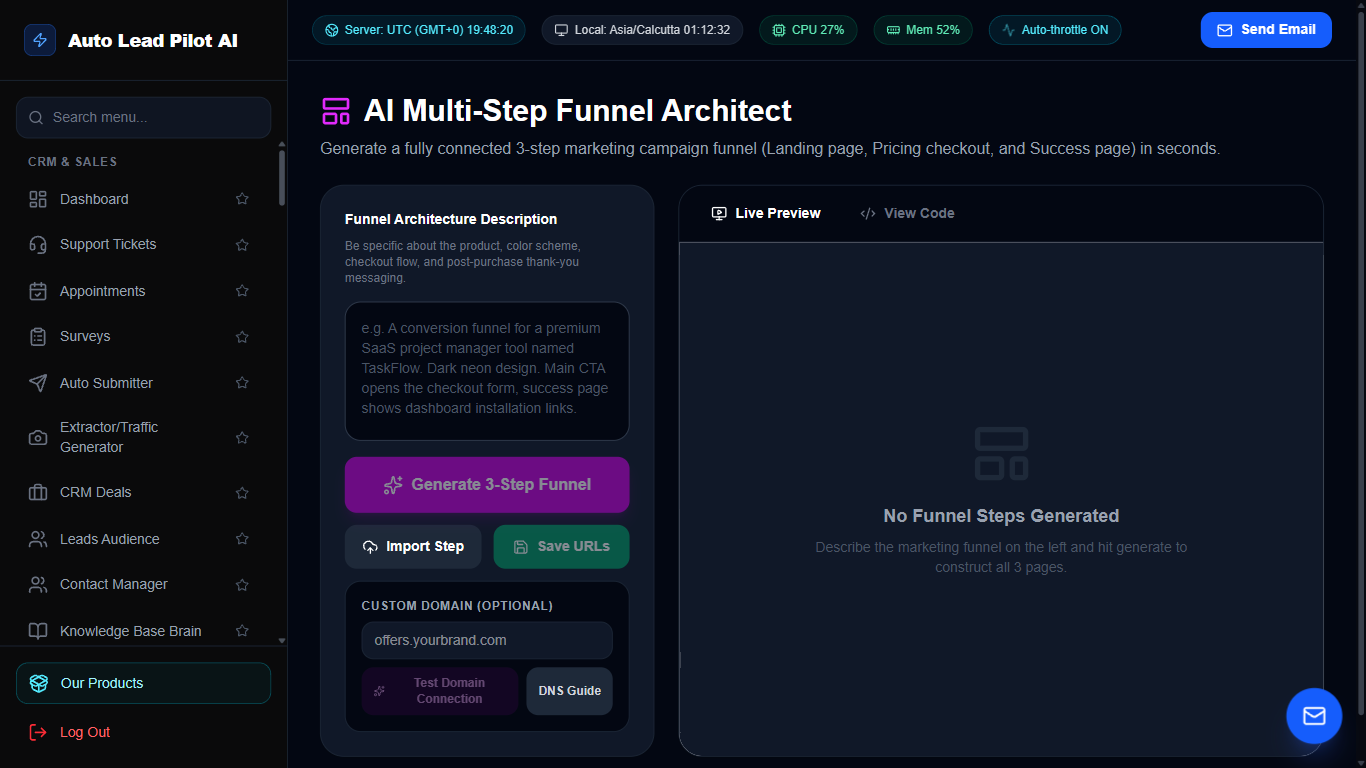
Figure 39: Instant AI Sales Funnel & Landing Page Builder Interface Preview
📋 Module Overview & Purpose
Generate high-converting landing pages, lead capture squeeze pages, and multi-step sales funnels in seconds. The AI crafts persuasive copy, designs responsive hero sections, embeds opt-in forms, and links checkout pages.
📑 Internal Navigation & Tabs Structure
⚡ In-Depth Features & Autonomous Capabilities
- ✓
Prompt-to-Funnel AI Generation:
Describe your product and receive a complete, styled landing page with persuasive copy. - ✓
Multi-Step Funnel Workflows:
Chain Opt-In -> Sales Page -> Upsell -> Thank You checkout sequences seamlessly. - ✓
Mobile-First Responsive Layouts:
Pixel-perfect viewing across desktop, tablet, and smartphone screens. - ✓
Built-In Form & Payment Integrations:
Embed appointment booking widgets, lead forms, or PayPal/Paddle checkout buttons. - ✓
Real-Time Funnel Step Analytics:
Measure conversion rates and drop-off percentages at every stage of the funnel.
Module 40 of 87
Dynamic Web Form Builder & Lead Intake Studio
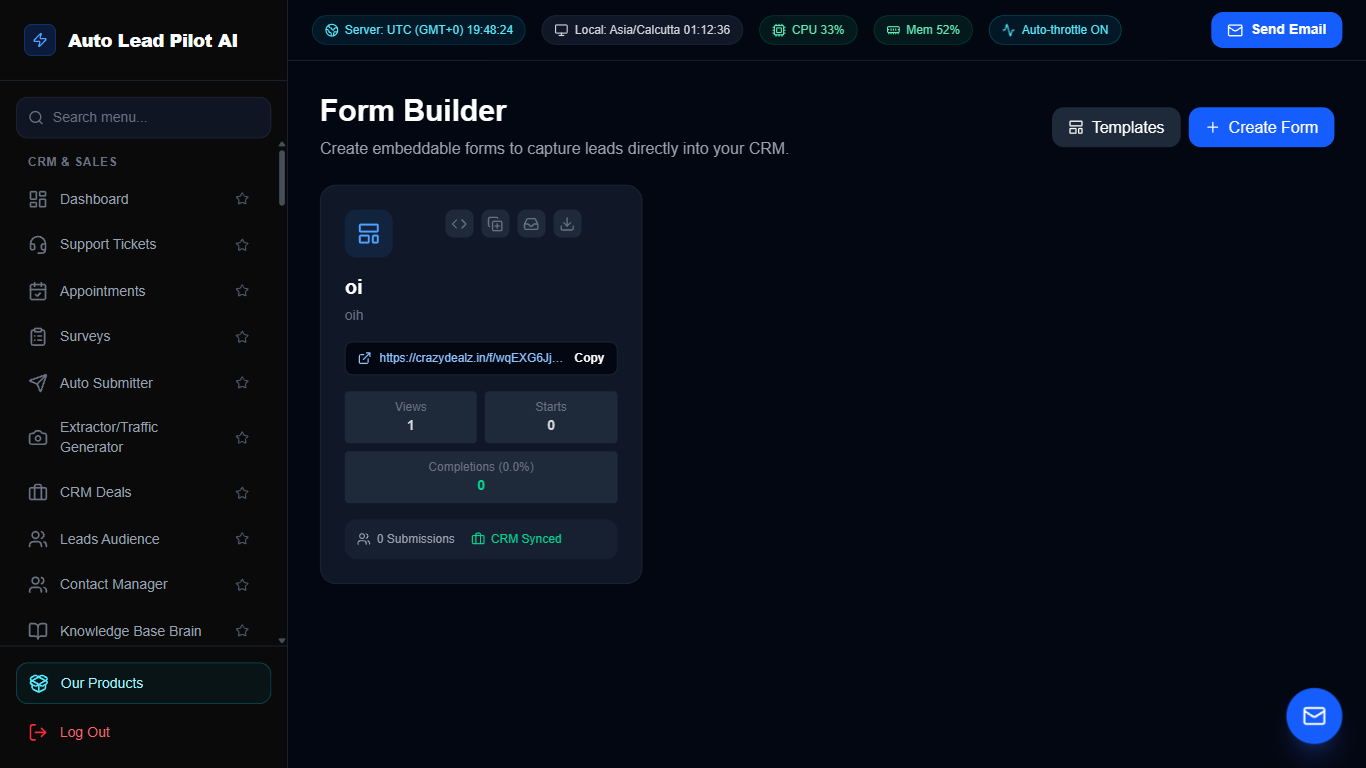
Figure 40: Dynamic Web Form Builder & Lead Intake Studio Interface Preview
📋 Module Overview & Purpose
Build customized lead capture forms, contact inquiries, client onboarding applications, and file upload forms. Easily embed forms on any website with standalone shareable links and automated webhook notifications.
📑 Internal Navigation & Tabs Structure
⚡ In-Depth Features & Autonomous Capabilities
- ✓
Drag-and-Drop Form Elements:
Add text inputs, phone fields, dropdowns, radio buttons, file attachments, and date pickers. - ✓
Conditional Logic Rules:
Show or hide specific questions based on the user’s previous answers. - ✓
Embed Anywhere:
Embed via responsive iframe, JavaScript snippet, or standalone hosted landing page URL. - ✓
Automated Lead Ingestion:
Submissions automatically populate the CRM Leads Audience and trigger instant notification emails. - ✓
Spam Protection & Honeypot:
Built-in silent honeypot fields eliminate spam bot submissions without frustrating human captchas.
Module 41 of 87
Sticky Header Notification Bars & Countdown Banners
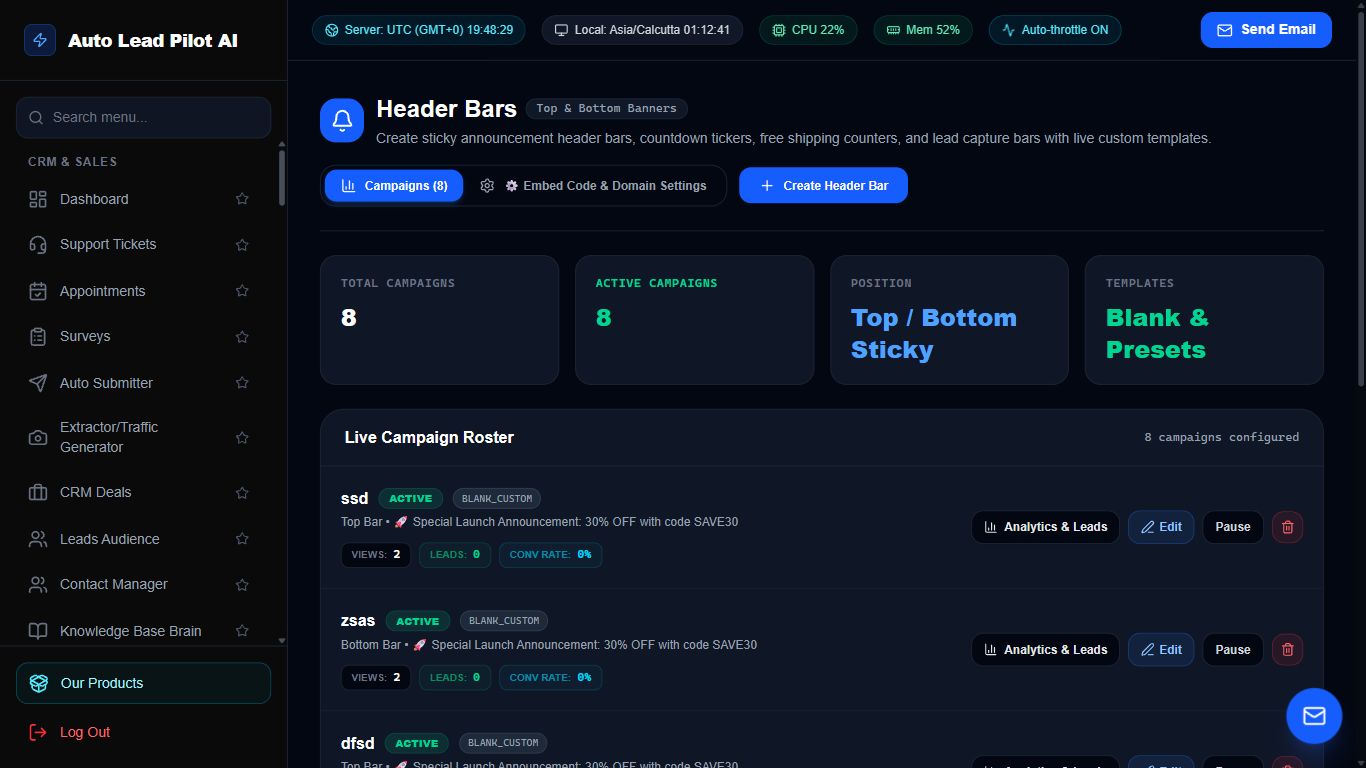
Figure 41: Sticky Header Notification Bars & Countdown Banners Interface Preview
📋 Module Overview & Purpose
Grab visitor attention immediately with sticky top or bottom announcement bars. Promote flash sales, seasonal discounts, webinars, and urgent announcements with integrated countdown timers and high-contrast call-to-action buttons.
📑 Internal Navigation & Tabs Structure
⚡ In-Depth Features & Autonomous Capabilities
- ✓
Dynamic Urgency Countdown Timers:
Display live countdown clocks to motivate immediate purchase action. - ✓
Custom Styling & Branding:
Match website brand colors, typography, background gradients, and button hover states. - ✓
Advanced Page Targeting Rules:
Show banners globally, on specific URL paths, or exclusively to first-time visitors. - ✓
Sticky Header or Footer Positioning:
Fix announcement bars at the top of the viewport or as a floating bottom ribbon. - ✓
Click-Through Tracking:
Monitors total banner impressions, close actions, and CTA link clicks.
Module 42 of 87
Exit-Intent & Behavioral Website Popup Builder
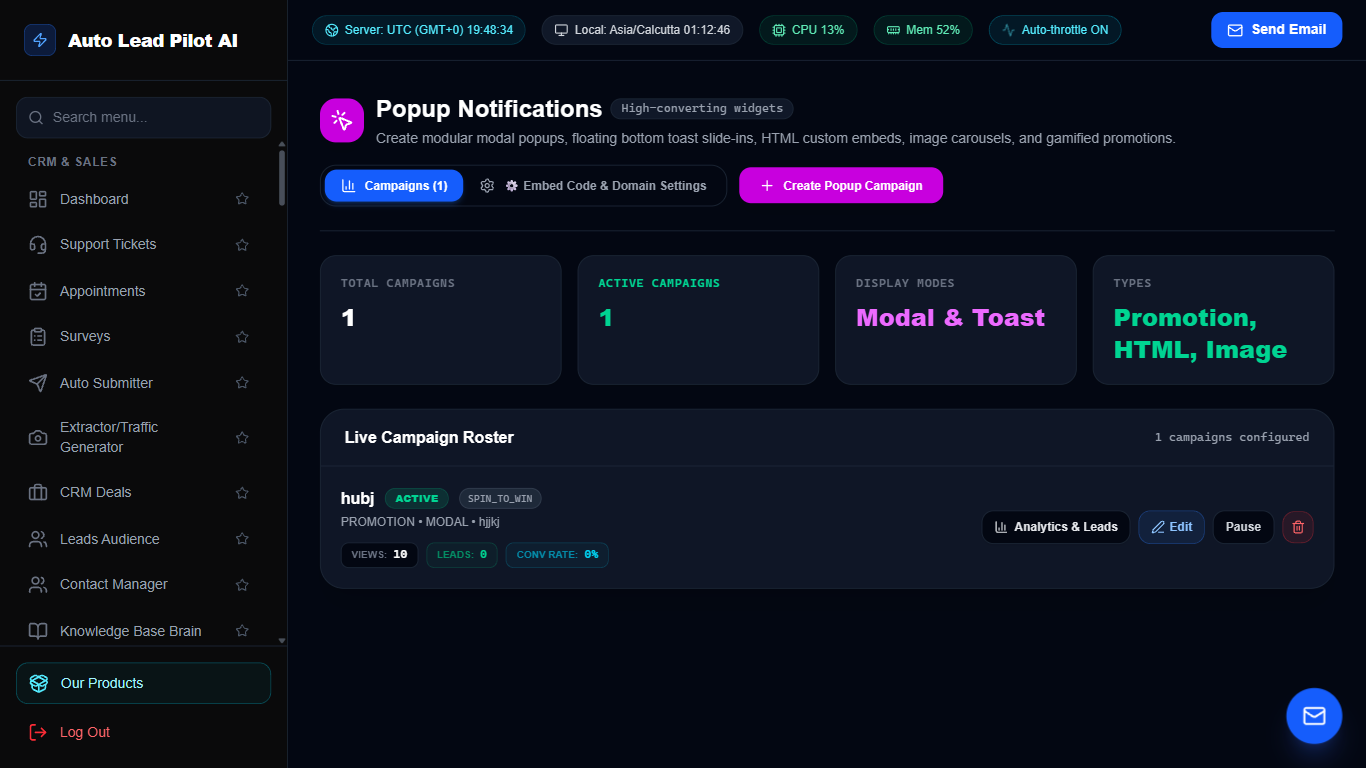
Figure 42: Exit-Intent & Behavioral Website Popup Builder Interface Preview
📋 Module Overview & Purpose
Convert abandoning visitors into paying customers. Create beautiful opt-in popups triggered by exit-intent, time spent on page, or scroll depth. Deliver discount codes, lead magnets, and special offers right when it matters most.
📑 Internal Navigation & Tabs Structure
⚡ In-Depth Features & Autonomous Capabilities
- ✓
Exit-Intent Mouse Velocity Tracking:
Triggers the popup precisely when the user’s cursor moves to close or leave the tab. - ✓
Scroll & Delay Triggers:
Fire popups after 5 seconds, 50% scroll depth, or upon clicking specific page elements. - ✓
Lead Magnet Delivery:
Instantly collect email addresses and display download links or coupon codes inside the popup. - ✓
Mobile-Optimized Layouts:
Fully compliant with Google mobile guidelines with easy-to-tap close buttons. - ✓
Impression Frequency Capping:
Prevent visitor annoyance by limiting popups to once every 24 hours or 7 days.
Module 43 of 87
Live Social Proof & Recent Purchase Notification Feeds
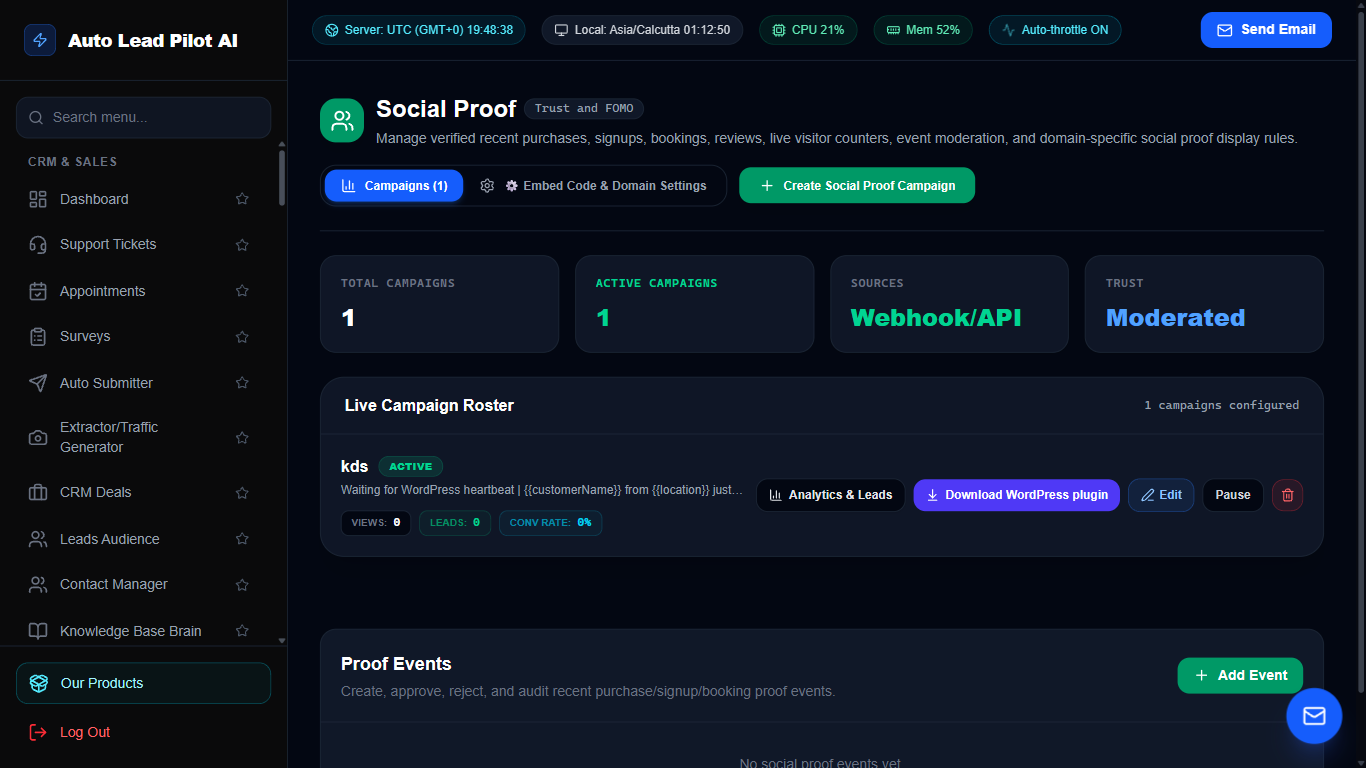
Figure 43: Live Social Proof & Recent Purchase Notification Feeds Interface Preview
📋 Module Overview & Purpose
Supercharge website conversion rates by showcasing real-time buyer activity. Display non-intrusive toast notifications showing recent sales, new user registrations, and live visitor counts to trigger FOMO (Fear of Missing Out).
📑 Internal Navigation & Tabs Structure
⚡ In-Depth Features & Autonomous Capabilities
- ✓
Live Purchase Toast Notifications:
Displays “John from New York just purchased AutoLead Pro 2 minutes ago”. - ✓
Real-Time Visitor Counter:
Shows live active visitors on the current page to demonstrate high product demand. - ✓
Custom Geo-Targeting:
Automatically localizes notification names and cities to match the visitor’s country. - ✓
Automated WooCommerce & Stripe Sync:
Pulls real, verified customer purchase events automatically via webhooks. - ✓
Clickable CTA Links:
Visitors can click the social proof toast to navigate directly to the featured product page.
Module 44 of 87
Custom AI Website Chatbot & Lead Qualifier
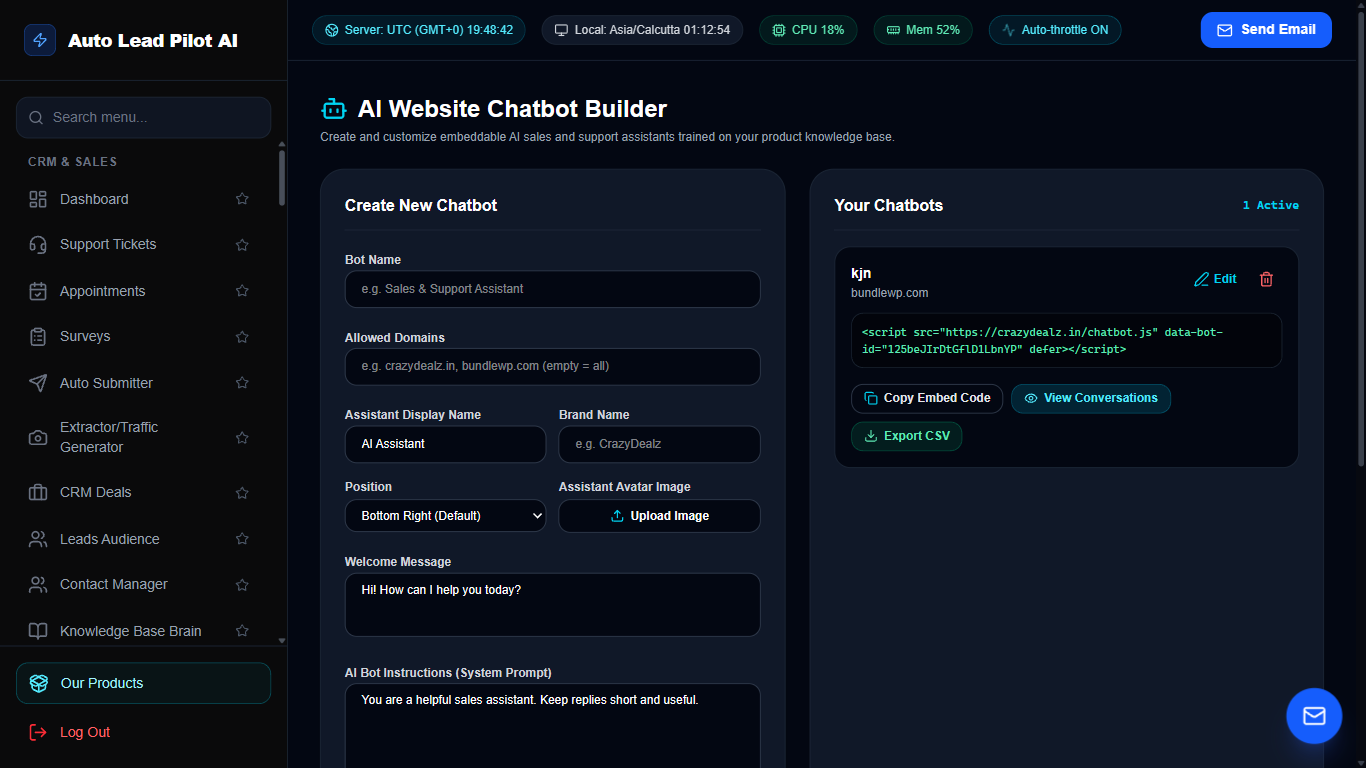
Figure 44: Custom AI Website Chatbot & Lead Qualifier Interface Preview
📋 Module Overview & Purpose
Deploy a branded 24/7 AI chatbot on your website that answers product questions, guides customers through catalog offerings, and collects qualified leads while you sleep. Trained on your custom documentation and FAQs.
📑 Internal Navigation & Tabs Structure
⚡ In-Depth Features & Autonomous Capabilities
- ✓
Autonomous Lead Capture:
Conversational prompts prompt visitors for email and phone numbers before or during answers. - ✓
Knowledge-Base Grounding:
Responds with accurate business details drawn directly from your Knowledge Base catalog. - ✓
Fully Brandable Interface:
Customize widget color, company logo, greeting message, and chat launcher avatar. - ✓
Escalation to Live Human Support:
Seamlessly alerts human operators when a customer requests direct human assistance. - ✓
One-Line Embed Code:
Copy-paste a single lightweight script tag onto any WordPress, Shopify, Webflow, or custom site.
Module 45 of 87
Dynamic Business QR Code Generator & Analytics
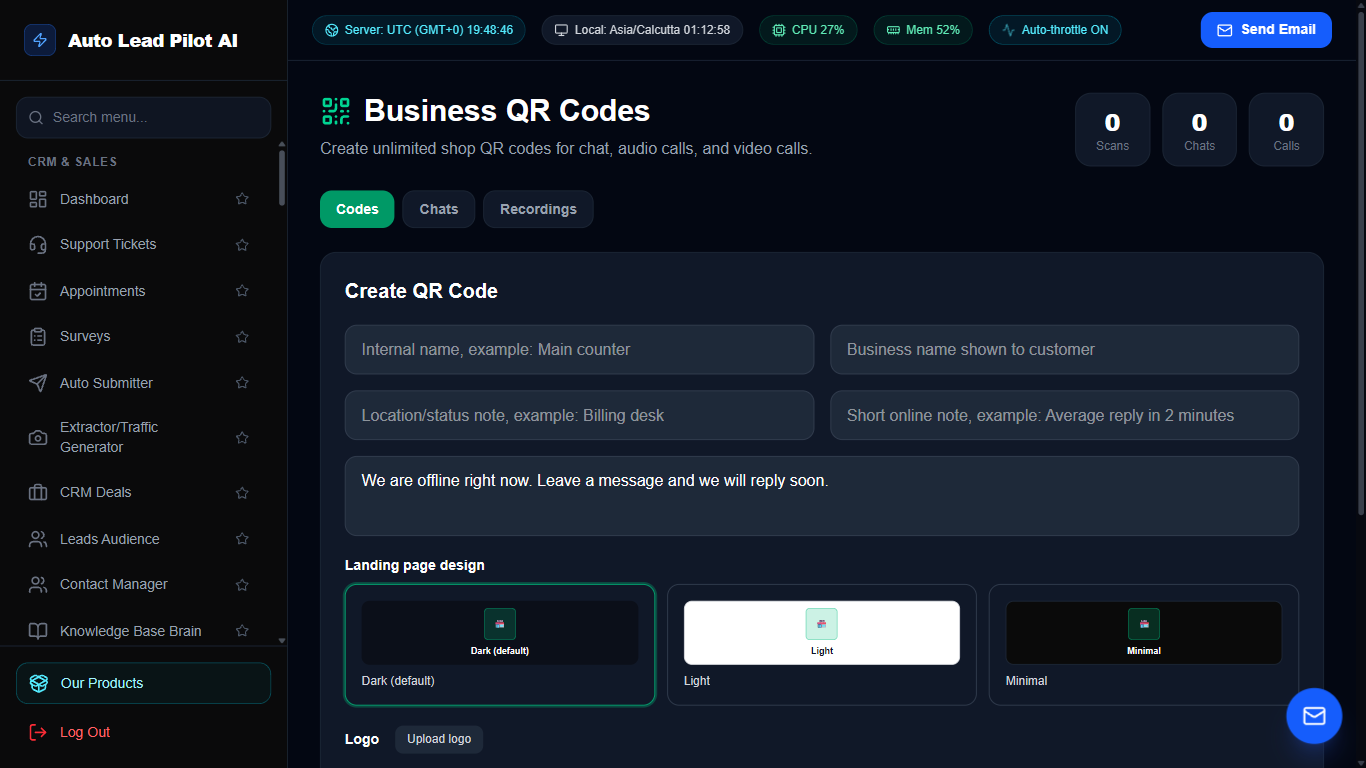
Figure 45: Dynamic Business QR Code Generator & Analytics Interface Preview
📋 Module Overview & Purpose
Create branded, trackable dynamic QR codes for print marketing, restaurant menus, product packaging, and event banners. Change destination URLs anytime without reprinting, and monitor scan counts, operating systems, and geolocations.
📑 Internal Navigation & Tabs Structure
⚡ In-Depth Features & Autonomous Capabilities
- ✓
Dynamic Editable Destinations:
Update where the QR code redirects even after printing thousands of flyers or business cards. - ✓
Custom Logo & Color Gradients:
Embed your company logo in the center of the QR code with custom brand colors and eye patterns. - ✓
Multi-Format Support:
Create QR codes for Website URLs, vCards, WhatsApp chat links, Wi-Fi connections, and SMS prompts. - ✓
Real-Time Scan Telemetry:
Track scan volume, city locations, device types (iOS vs Android), and scan timestamps. - ✓
Vector Print Exports:
Download in ultra-high resolution SVG, PDF, and PNG formats suitable for billboards and print media.
Module 46 of 87
Unified Meta & Google Ads Campaign Manager
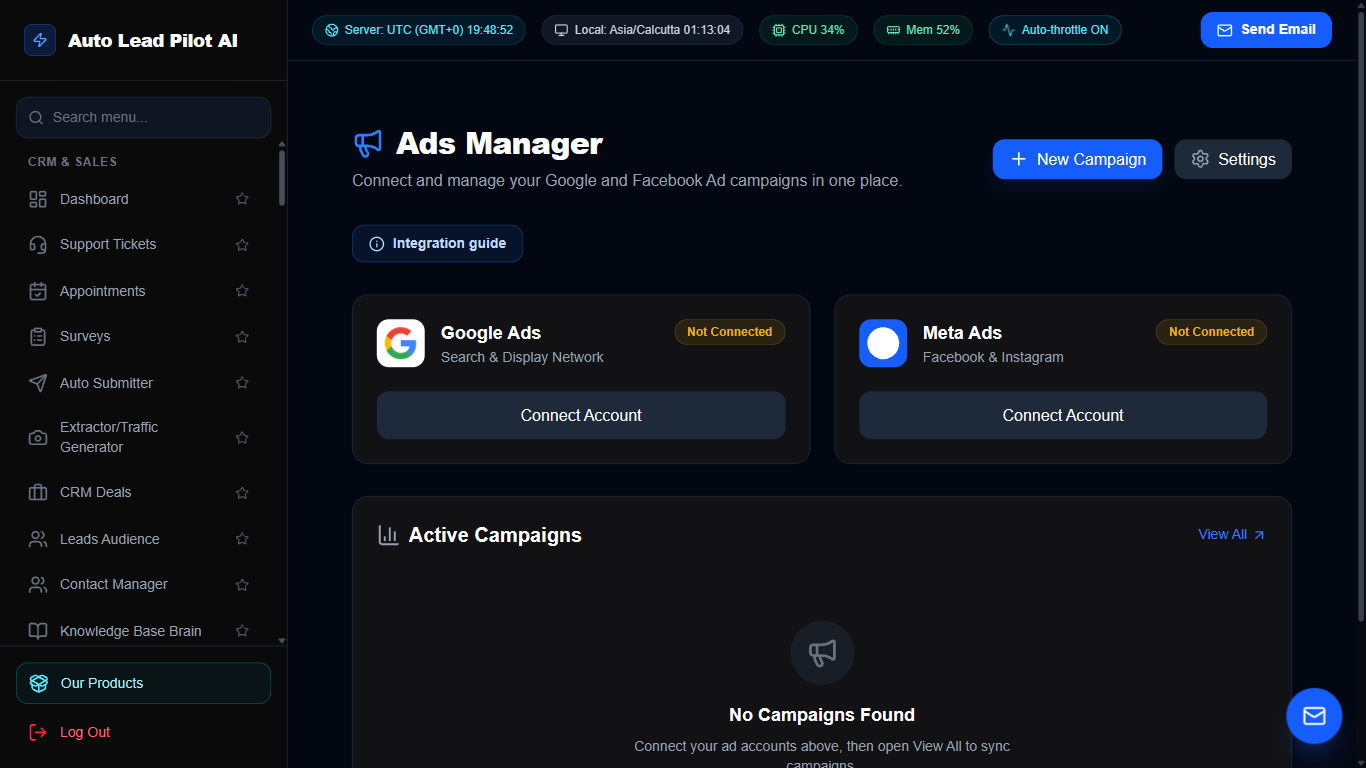
Figure 46: Unified Meta & Google Ads Campaign Manager Interface Preview
📋 Module Overview & Purpose
Consolidate and monitor your paid advertising across Meta (Facebook/Instagram) and Google Ads in a unified dashboard. Track ad spend, impressions, click-through rates, and ROAS (Return On Ad Spend) to scale profitable campaigns.
📑 Internal Navigation & Tabs Structure
⚡ In-Depth Features & Autonomous Capabilities
- ✓
Multi-Platform Ad Consolidation:
Review Google search campaigns and Meta feed ads side-by-side in one dashboard. - ✓
ROAS & Cost-Per-Acquisition Tracking:
Automatically calculates real Cost Per Lead (CPL) and Return on Ad Spend. - ✓
AI Ad Copywriting Assistant:
Generates high-converting headlines, primary text, and descriptions tailored to ad platform guidelines. - ✓
Budget & Spending Alerts:
Receive warnings when campaigns exceed daily budget caps or performance dips below threshold. - ✓
Audience Sync:
Sync CRM lead segments into Meta Custom Audiences and Google Customer Match for retargeting.
Module 47 of 87
Visual Automated Workflows & Event Triggers
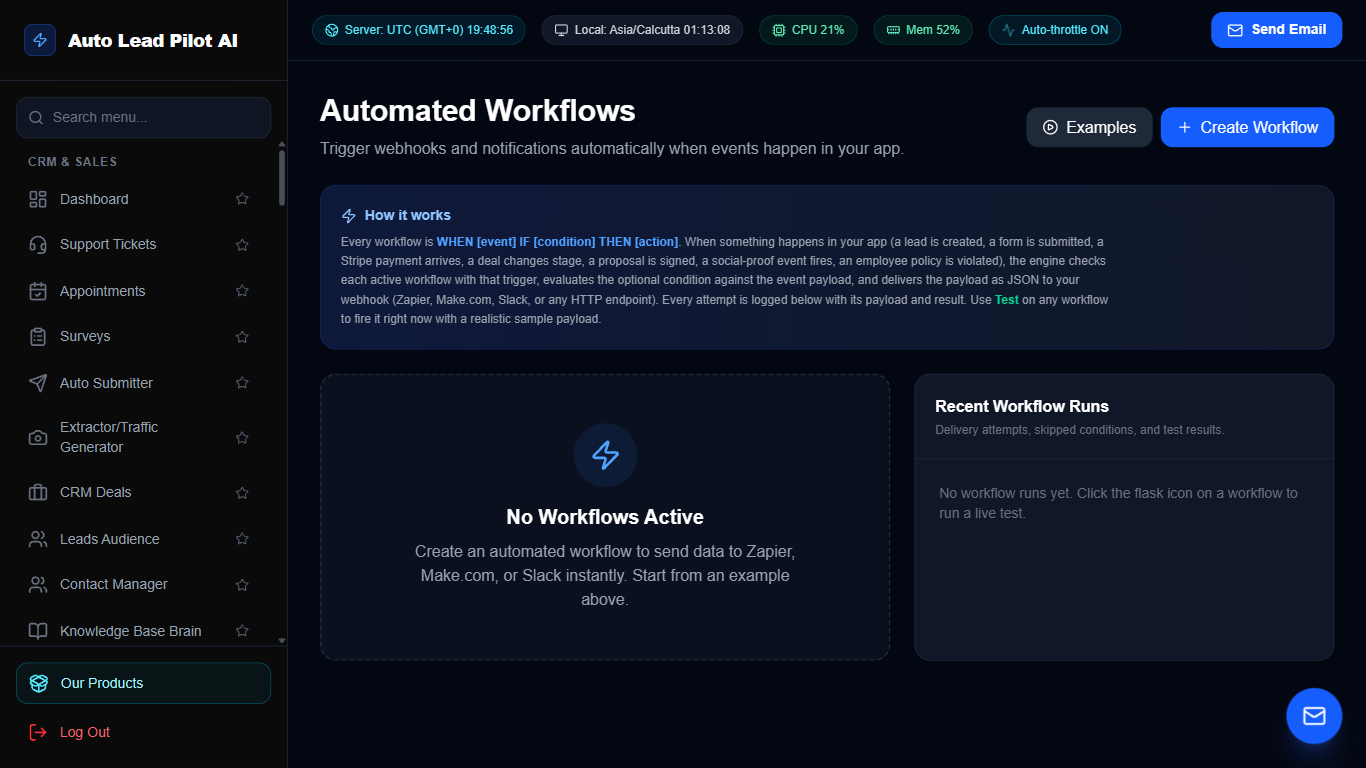
Figure 47: Visual Automated Workflows & Event Triggers Interface Preview
📋 Module Overview & Purpose
A powerful Zapier-style visual automation workflow engine. Connect triggers (e.g. New Form Submission, Scraped Lead, Appointment Booked) to automated multi-step actions (Send WhatsApp, Fire Webhook, Add CRM Deal, Dispatch Email).
📑 Internal Navigation & Tabs Structure
⚡ In-Depth Features & Autonomous Capabilities
- ✓
Event-Driven Automation Triggers:
Fire workflows on Lead Created, Tag Added, Appointment Scheduled, or Payment Received. - ✓
Multi-Step Conditional Logic:
Add `IF/ELSE` branching rules based on lead budget, country, or specific question responses. - ✓
Cross-Module Actions:
Automatically orchestrate actions across SMS, Email, Telegram, CRM, and external webhooks. - ✓
Delays & Time Schedules:
Insert wait periods (e.g. “Wait 2 Hours”, “Send at 9 AM next business day”) into sequences. - ✓
Full Execution Audit Logs:
Inspect step-by-step execution payloads, success statuses, and retry failed actions with one click.
Module 48 of 87
24/7 Autonomous Sales Autopilot Engine (BETA)
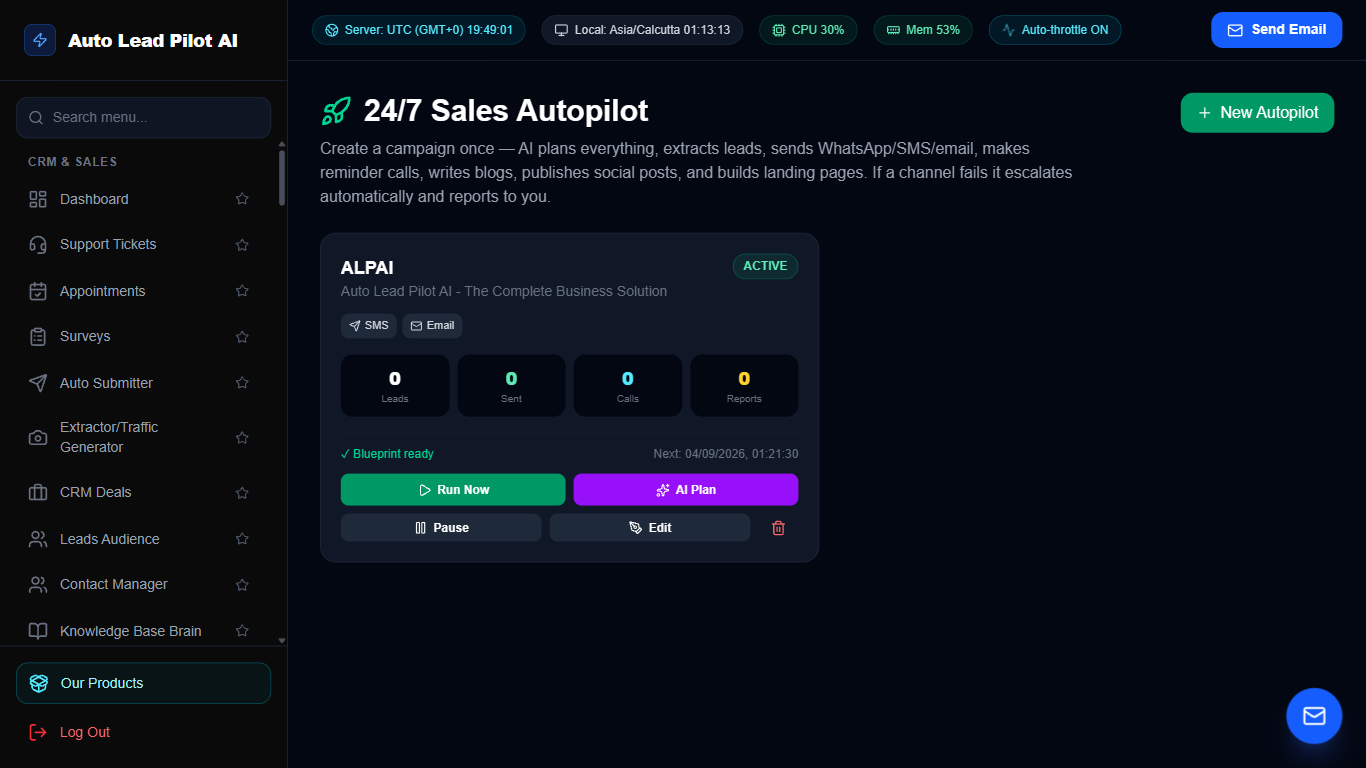
Figure 48: 24/7 Autonomous Sales Autopilot Engine (BETA) Interface Preview
📋 Module Overview & Purpose
The flagship autonomous sales automation system. Runs 24/7 unattended: automatically extracts targeted leads, runs multi-channel fallback outreach (WhatsApp -> SMS -> Email -> AI Voice Call), and books calls directly into your calendar.
📑 Internal Navigation & Tabs Structure
⚡ In-Depth Features & Autonomous Capabilities
- ✓
Multi-Channel Fallback Cascade:
Reaches prospects via WhatsApp first; if unread, falls back to SMS, then Email, then AI Voice Call. - ✓
Automated Lead Extraction Pipeline:
Continuously pulls fresh prospect leads from scrapers based on product target parameters. - ✓
Dynamic Sales Copy Generation:
Crafts bespoke product pitches tailored to each prospect’s business and industry. - ✓
Autonomous Calendar Booking:
Directs qualified leads to the public appointment booking calendar without human intervention. - ✓
Executive Owner Summaries:
Dispatches daily automated performance digests summarizing leads contacted, replies, and booked calls.
Module 49 of 87
Self-Hosted Cron Job Scheduler & Remote Worker
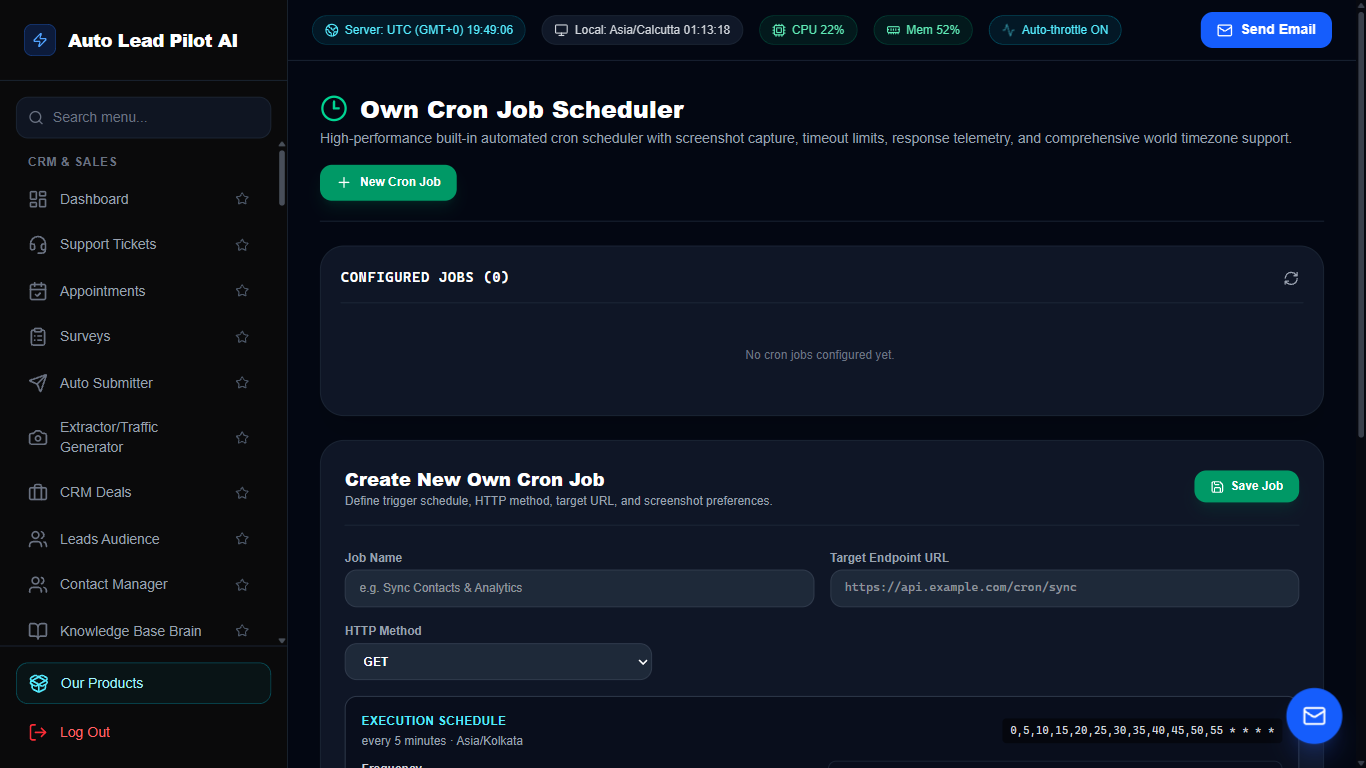
Figure 49: Self-Hosted Cron Job Scheduler & Remote Worker Interface Preview
📋 Module Overview & Purpose
A dedicated background job runner for orchestrating scheduled tasks, recurring webhooks, database backups, and external API syncs. Define cron expressions with millisecond execution precision without relying on third-party cron services.
📑 Internal Navigation & Tabs Structure
⚡ In-Depth Features & Autonomous Capabilities
- ✓
Standard 5-Field Cron Syntax:
Configure jobs using expressions like `*/15 * * * *` (every 15 min) or `0 9 * * 1` (Mondays at 9 AM). - ✓
HTTP Webhook Pinging:
Dispatches GET, POST, or PUT requests to local endpoints or external webhooks with custom headers. - ✓
Execution Duration & Status Logs:
Records response status codes, execution duration in milliseconds, and response bodies. - ✓
Automatic Exponential Retry:
Automatically retries failed jobs with customizable backoff intervals. - ✓
Failure Notifications:
Instant alert triggers when a cron task returns HTTP 5xx errors or network timeouts.
Module 50 of 87
Server Health, Uptime Monitoring & SSL Watchdog
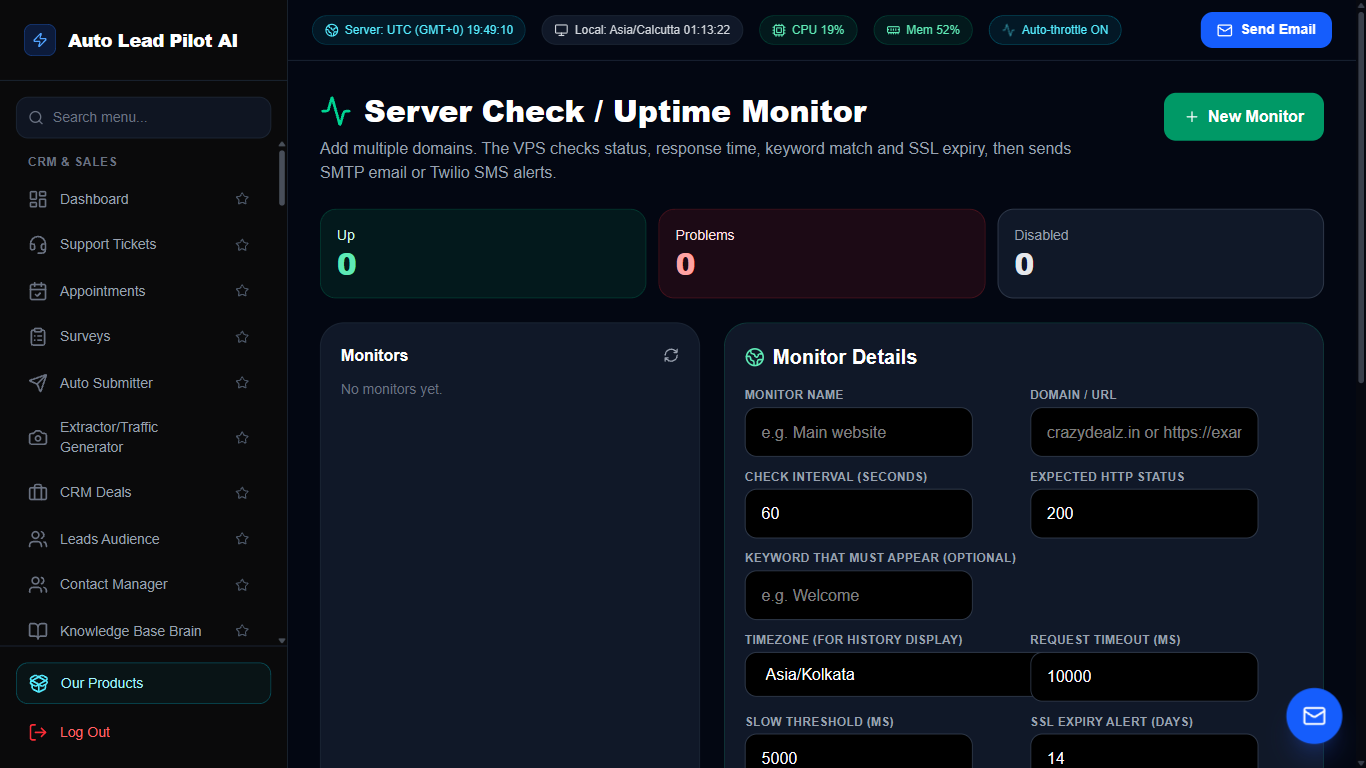
Figure 50: Server Health, Uptime Monitoring & SSL Watchdog Interface Preview
📋 Module Overview & Purpose
Monitor your servers, websites, API endpoints, and SSL certificates 24/7. Tracks response latency, uptime percentages, and HTTP status codes, alerting your engineering team before downtime harms your business.
📑 Internal Navigation & Tabs Structure
⚡ In-Depth Features & Autonomous Capabilities
- ✓
Multi-Protocol Health Checks:
Monitors HTTP, HTTPS, TCP ports, and ICMP Ping availability every 60 seconds. - ✓
SSL Certificate Expiry Watchdog:
Tracks SSL certificate valid dates and alerts you 30, 15, and 7 days prior to expiry. - ✓
Historical Uptime Percentages:
Calculates rolling 24-hour, 7-day, and 30-day uptime statistics (e.g. 99.98%). - ✓
Global Latency Graphs:
Visual charts showing response latency spikes to identify server performance bottlenecks. - ✓
Instant Downtime Alerts:
Dispatches immediate notifications via Telegram, WhatsApp, Email, or Webhooks upon downtime.
Module 51 of 87
Branded Link Shortener & Advanced Click Analytics
📋 Module Overview & Purpose
Transform long, unwieldy URLs into professional, branded short links. Attach custom UTM campaign parameters, protect links with passwords, set expiration dates, and analyze granular click geography and device data.
📑 Internal Navigation & Tabs Structure
⚡ In-Depth Features & Autonomous Capabilities
- ✓
Custom Vanity Slugs:
Create memorable short links like `yourdomain.com/blackfriday` or `yourdomain.com/demo`. - ✓
Integrated UTM Parameter Builder:
Automatically append `utm_source`, `utm_medium`, and `utm_campaign` for tracking in Google Analytics. - ✓
Geo-Location & Device Telemetry:
Tracks click count by country, city, browser, and device operating system. - ✓
Password & Expiration Protection:
Secure links with password prompts or configure links to expire after a specific date. - ✓
Instant QR Code Generation:
Generates matching scannable QR codes for every generated short link.
Module 52 of 87
GitHub Repository & Developer Workflow Sync
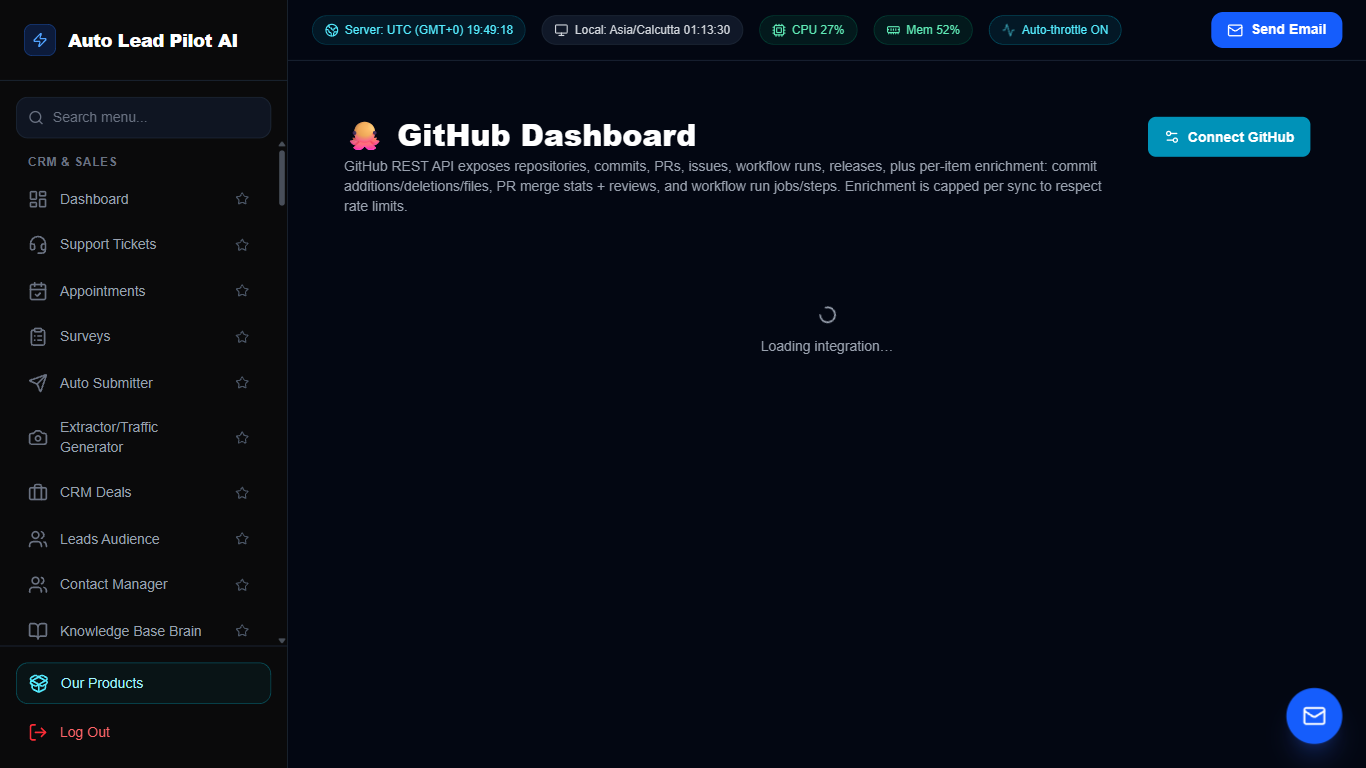
Figure 52: GitHub Repository & Developer Workflow Sync Interface Preview
📋 Module Overview & Purpose
Bridge software engineering and business operations. Sync GitHub repositories, monitor commits and pull requests, track open software issues, and automate notifications when developer builds or releases are published.
📑 Internal Navigation & Tabs Structure
⚡ In-Depth Features & Autonomous Capabilities
- ✓
Real-Time Commit Feeds:
Live chronological log of code commits, branch pushes, and author identities. - ✓
Pull Request Tracking:
Monitor open, merged, and closed PRs with direct links to GitHub review pages. - ✓
Issue Automation:
Automatically create internal support tickets or CRM tasks when high-priority GitHub issues are opened. - ✓
Release & Deployment Webhooks:
Trigger client email broadcasts or changelog updates whenever a new version tag is published. - ✓
Multiple Repository Management:
Connect and manage public or private corporate repositories simultaneously.
Module 53 of 87
PayPal Payment Gateway & Subscription Ledger
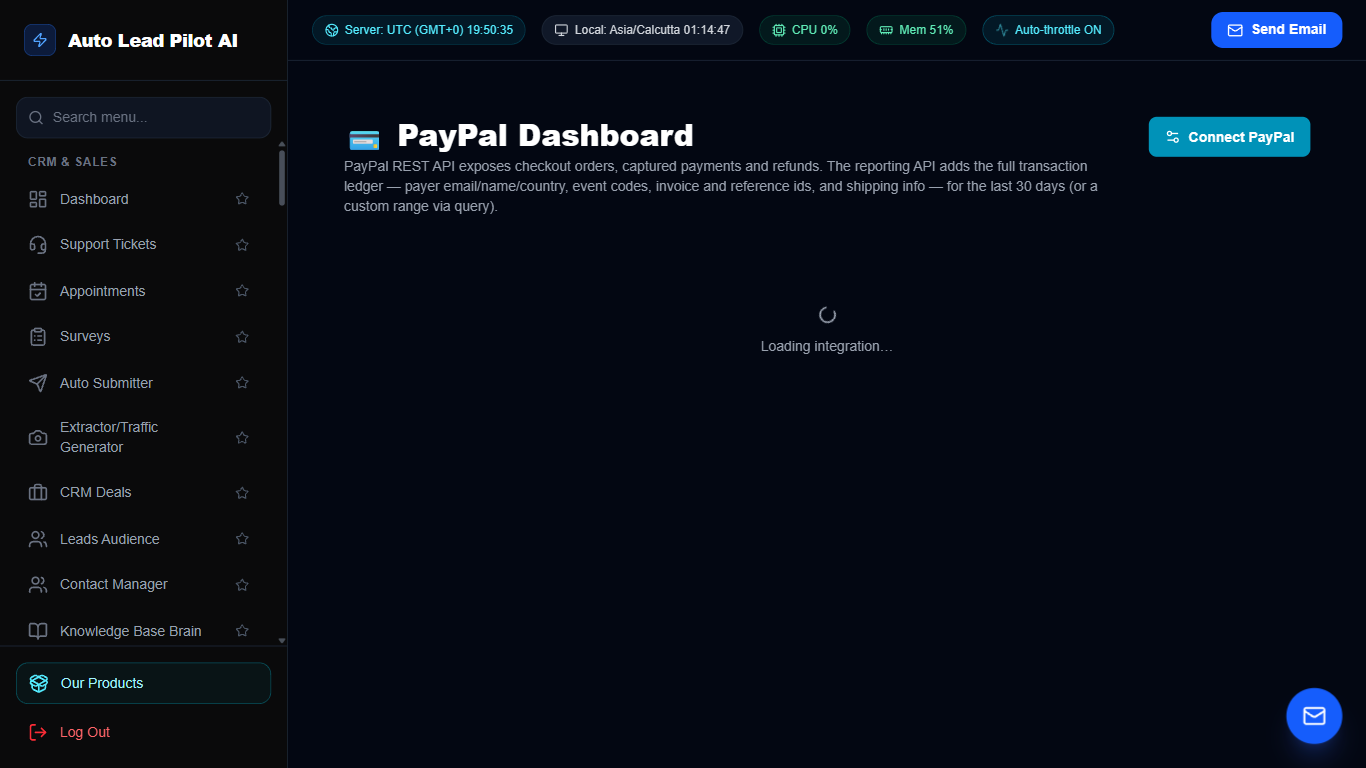
Figure 53: PayPal Payment Gateway & Subscription Ledger Interface Preview
📋 Module Overview & Purpose
Synchronize your PayPal merchant account with AutoLead. Monitor customer payments, recurring subscriptions, disputes, and issue instant refunds directly from the dashboard without logging into PayPal.
📑 Internal Navigation & Tabs Structure
⚡ In-Depth Features & Autonomous Capabilities
- ✓
Real-Time Payment Reconciliation:
Auto-matches incoming PayPal payments to outstanding invoices and CRM deals. - ✓
Recurring Subscription Tracking:
Monitor active subscriber counts, recurring revenue, renewals, and churned accounts. - ✓
Dispute & Chargeback Alerts:
Immediate notifications when customer claims or disputes are opened. - ✓
In-App Refund Processing:
Issue full or partial refunds directly to customer accounts with recorded audit notes. - ✓
Multi-Account Sync:
Connect multiple business PayPal accounts and view aggregated cash-flow metrics.
Module 54 of 87
Paddle Merchant-of-Record SaaS Billing Hub
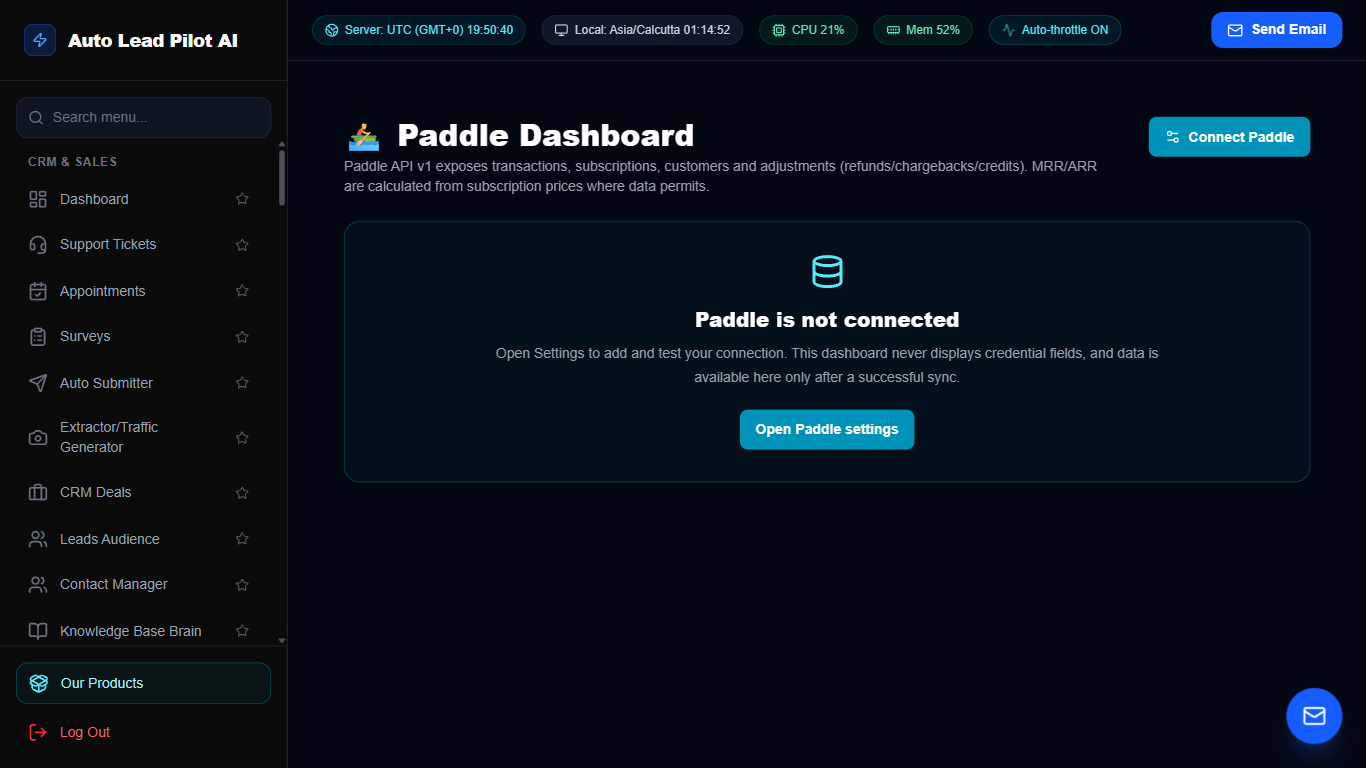
Figure 54: Paddle Merchant-of-Record SaaS Billing Hub Interface Preview
📋 Module Overview & Purpose
Designed for global SaaS software sellers using Paddle as their Merchant of Record. Handles global sales tax compliance, multi-currency subscription lifecycle management, and MRR (Monthly Recurring Revenue) tracking.
📑 Internal Navigation & Tabs Structure
⚡ In-Depth Features & Autonomous Capabilities
- ✓
Automated Global Tax Compliance:
Tracks transactions processed under Paddle’s global sales tax and VAT umbrella. - ✓
MRR & SaaS Metrics:
Visualizes Monthly Recurring Revenue, Annual Run Rate, and Average Revenue Per User (ARPU). - ✓
Subscription Event Webhooks:
Automatically provisions or suspends employee accounts when Paddle billing events occur. - ✓
Dunning & Payment Recovery:
Monitors failed customer renewals and triggers automated email recovery sequences. - ✓
Multi-Currency Settlement:
View revenue breakdown in USD, EUR, GBP, and regional currencies.
Module 55 of 87
Wise Multi-Currency International Payouts Hub
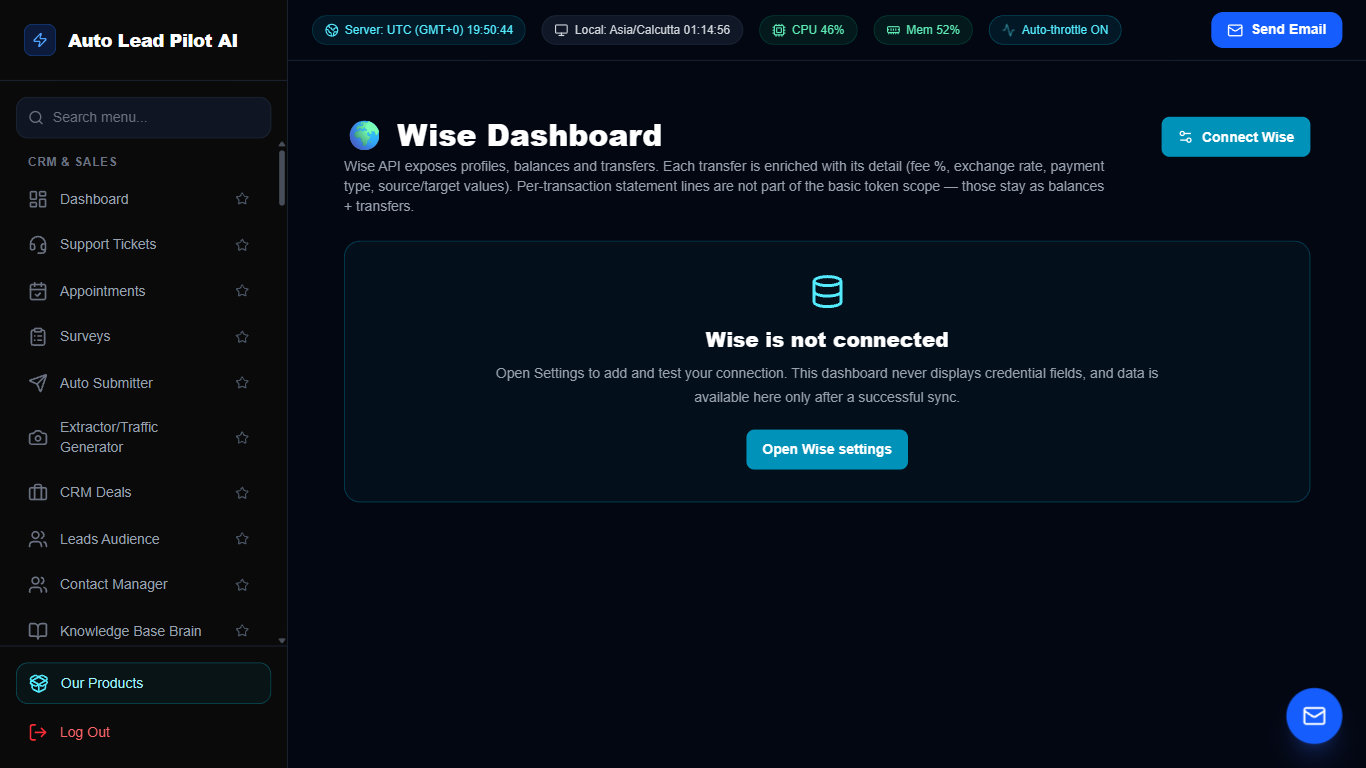
Figure 55: Wise Multi-Currency International Payouts Hub Interface Preview
📋 Module Overview & Purpose
Execute low-cost international batch payouts to remote team members, contractors, and global vendors using the Wise API. Monitor real-time mid-market exchange rates and track transfer statuses.
📑 Internal Navigation & Tabs Structure
⚡ In-Depth Features & Autonomous Capabilities
- ✓
Automated Batch Payouts:
Pay dozens of international contractors simultaneously with mid-market exchange rates. - ✓
Multi-Currency Balance Viewer:
View real-time account balances across USD, EUR, GBP, AUD, CAD, and 40+ currencies. - ✓
Live Exchange Rate Ticker:
Track currency exchange trends to schedule payouts at the most favorable market rates. - ✓
Direct Bank Account Transfer:
Sends funds directly to local bank accounts across 160+ countries. - ✓
Transfer Audit Trail:
Full transaction histories with unique Wise tracking references and confirmation receipts.
Module 56 of 87
Shiprocket E-Commerce Logistics & Courier Tracker
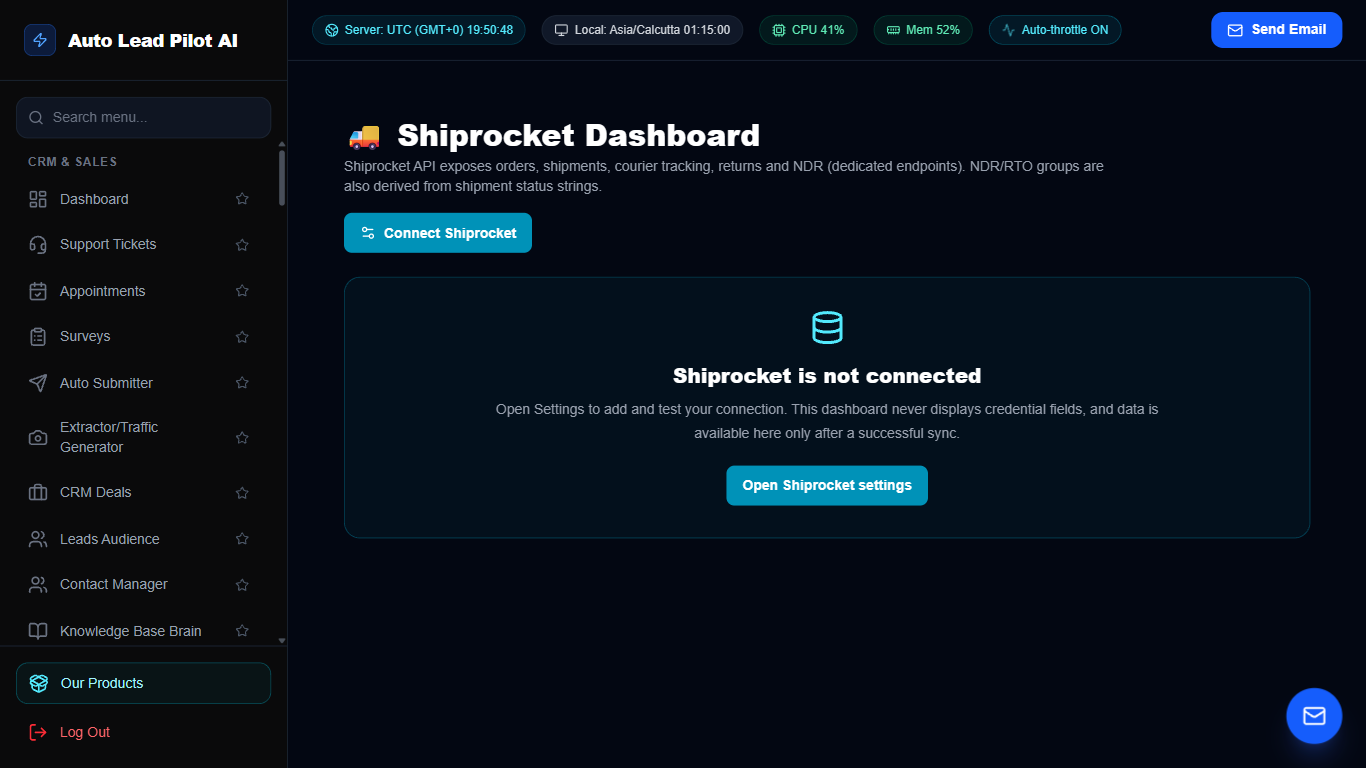
Figure 56: Shiprocket E-Commerce Logistics & Courier Tracker Interface Preview
📋 Module Overview & Purpose
Streamline physical product fulfillment and courier shipping using Shiprocket. Generate shipping labels, assign couriers, track live package transit milestones, and automate customer delivery status SMS updates.
📑 Internal Navigation & Tabs Structure
⚡ In-Depth Features & Autonomous Capabilities
- ✓
Automated AWB & Shipping Label Generation:
Generate compliant courier shipping labels and manifests in one click. - ✓
Real-Time Package Milestones:
Tracks shipment status from Picked Up to In Transit, Out for Delivery, and Delivered. - ✓
Automated Customer SMS Alerts:
Dispatches automated delivery milestone notifications to customers via SMS or WhatsApp. - ✓
Courier Rate & SLA Comparison:
Recommends the fastest and most cost-effective courier partner for each destination. - ✓
RTO & NDR Management:
Flags Undelivered Reports (NDR) for rapid customer address re-confirmation.
Module 57 of 87
WooCommerce Store Bi-Directional Synchronization
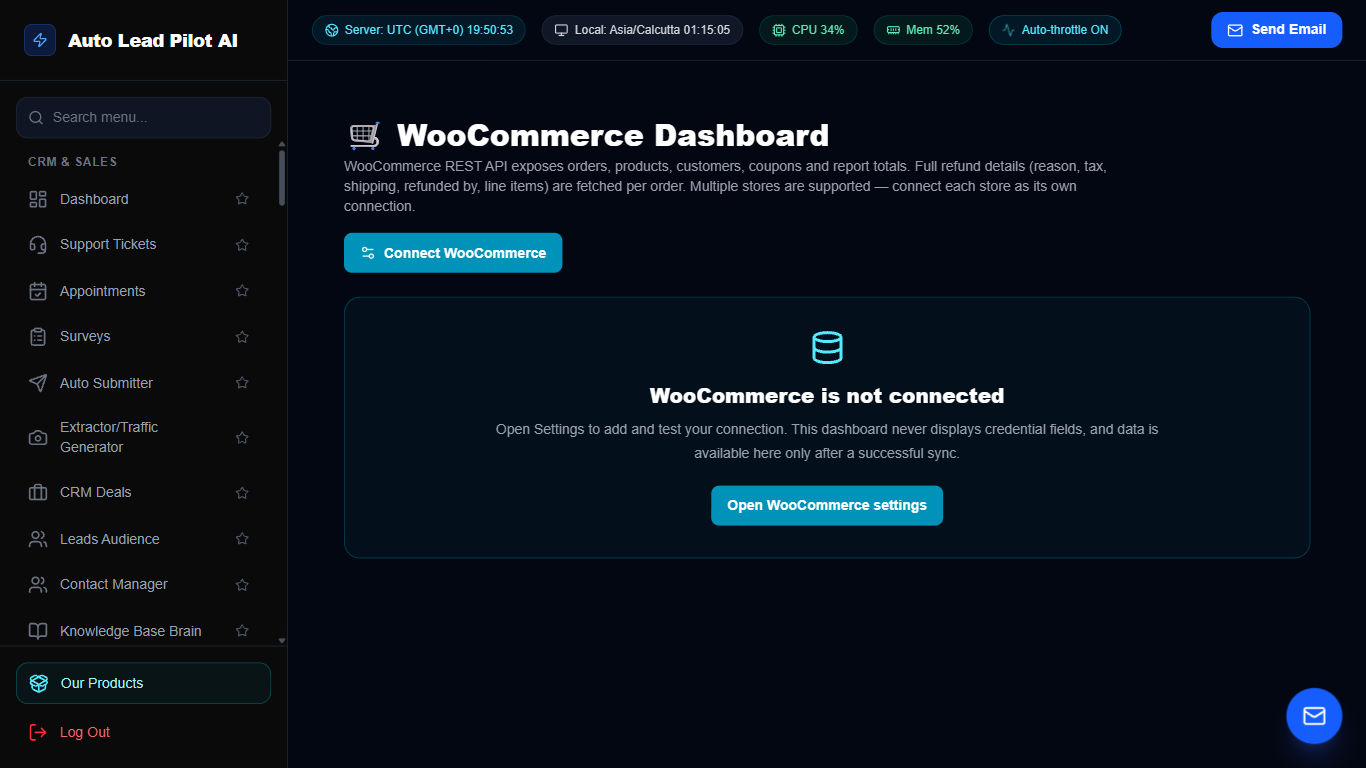
Figure 57: WooCommerce Store Bi-Directional Synchronization Interface Preview
📋 Module Overview & Purpose
Integrate your WordPress WooCommerce online store with AutoLead. Sync product catalogs, customer purchase histories, order fulfillment statuses, and trigger automated abandoned cart recovery outreach.
📑 Internal Navigation & Tabs Structure
⚡ In-Depth Features & Autonomous Capabilities
- ✓
Real-Time Bi-Directional Order Sync:
Automatically imports new WooCommerce orders with line items and customer details. - ✓
Customer Purchase History:
Correlates online orders with CRM lead records to calculate Customer Lifetime Value (LTV). - ✓
Automated Abandoned Cart Outreach:
Detects abandoned carts and triggers multi-channel recovery messages via WhatsApp and Email. - ✓
Stock Level & Product Catalog Sync:
Reflects real-time inventory counts inside the AI Knowledge Base Brain. - ✓
Order Status Webhooks:
Automatically updates order fulfillment statuses upon successful shipping.
Module 58 of 87
Payhip Digital Downloads & Membership Sync
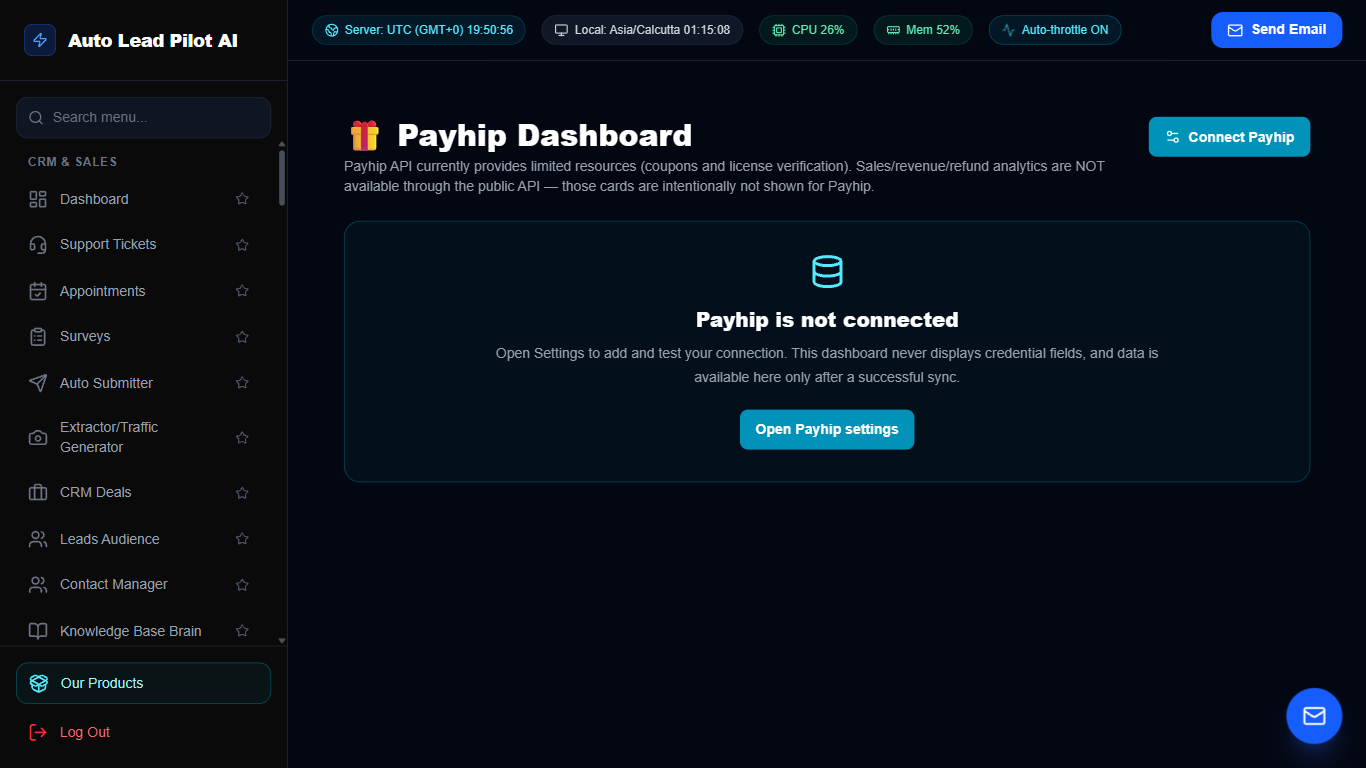
Figure 58: Payhip Digital Downloads & Membership Sync Interface Preview
📋 Module Overview & Purpose
Designed for creators and software vendors selling eBooks, digital downloads, software licenses, and recurring memberships via Payhip. Automatically issues software licenses and provisions customer accounts.
📑 Internal Navigation & Tabs Structure
⚡ In-Depth Features & Autonomous Capabilities
- ✓
Instant Digital Delivery Reconciliation:
Tracks sales of software packages, eBooks, and digital assets in real time. - ✓
Automated Software License Issuance:
Automatically creates and delivers unique license keys upon purchase. - ✓
Membership Tier Tracking:
Syncs active, paused, and cancelled membership subscribers with CRM tags. - ✓
Customer Contact Import:
Automatically enrolls digital buyers into post-purchase onboarding email sequences. - ✓
Refund & Revocation Automation:
Automatically revokes software access or license keys if a digital purchase is refunded.
Module 59 of 87
Twilio Cloud Telephony & Infrastructure Hub
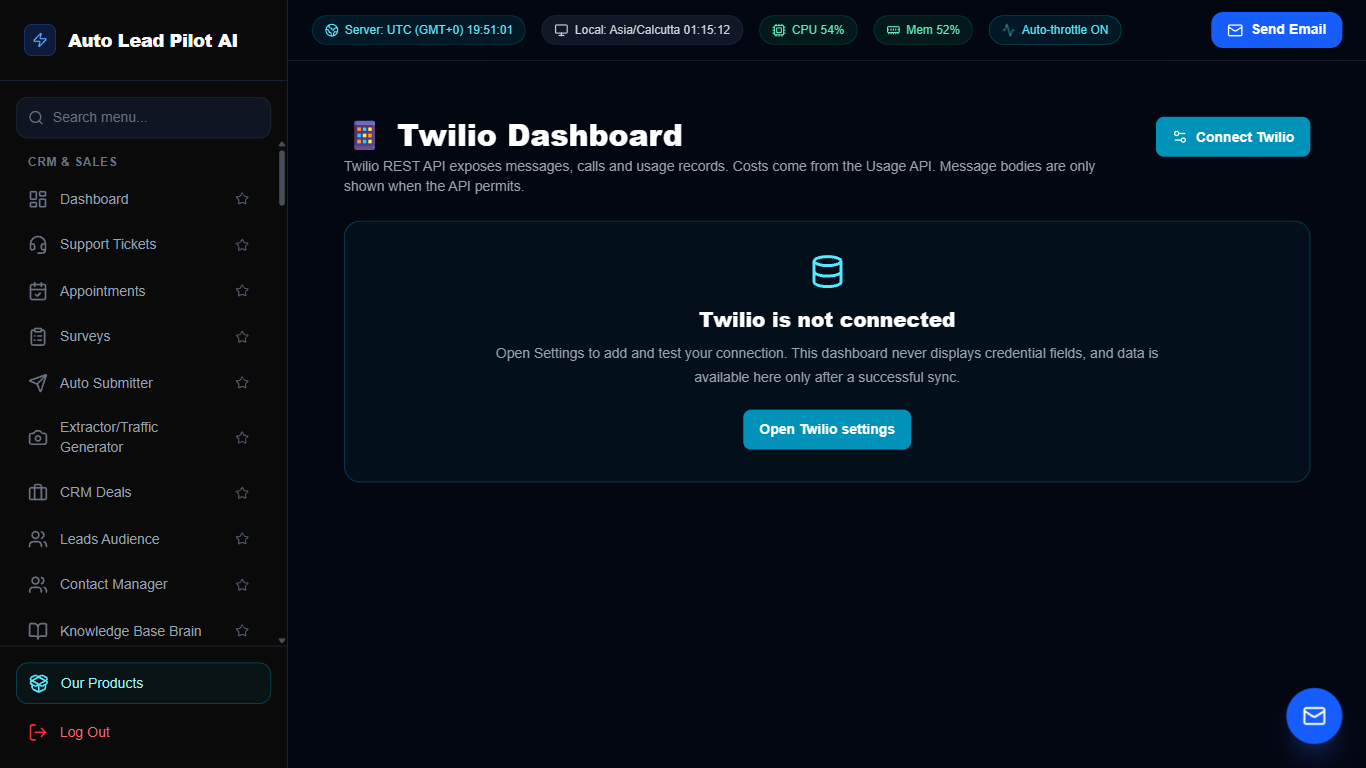
Figure 59: Twilio Cloud Telephony & Infrastructure Hub Interface Preview
📋 Module Overview & Purpose
Manage your global telephony infrastructure. Purchase local and toll-free phone numbers, configure SMS and Voice routing webhooks, manage regulatory compliance, and audit message delivery logs.
📑 Internal Navigation & Tabs Structure
⚡ In-Depth Features & Autonomous Capabilities
- ✓
Phone Number Management:
Search and purchase dedicated phone numbers across 80+ countries directly within AutoLead. - ✓
Universal Notification Account:
Serves as the central default SMS engine for Appointments, Live Chat, and Reminders. - ✓
Messaging Service Integration:
Utilize Twilio Messaging Services with automated carrier sticky sender algorithms. - ✓
Call Log & Recording Audit:
Inspect complete voice call duration, audio recordings, and carrier status logs. - ✓
Real-Time Balance & Usage Monitor:
Monitors Twilio account balance and alerts admins when prepaid funds run low.
Module 60 of 87
Cloudflare DNS, SSL & Security Edge Manager
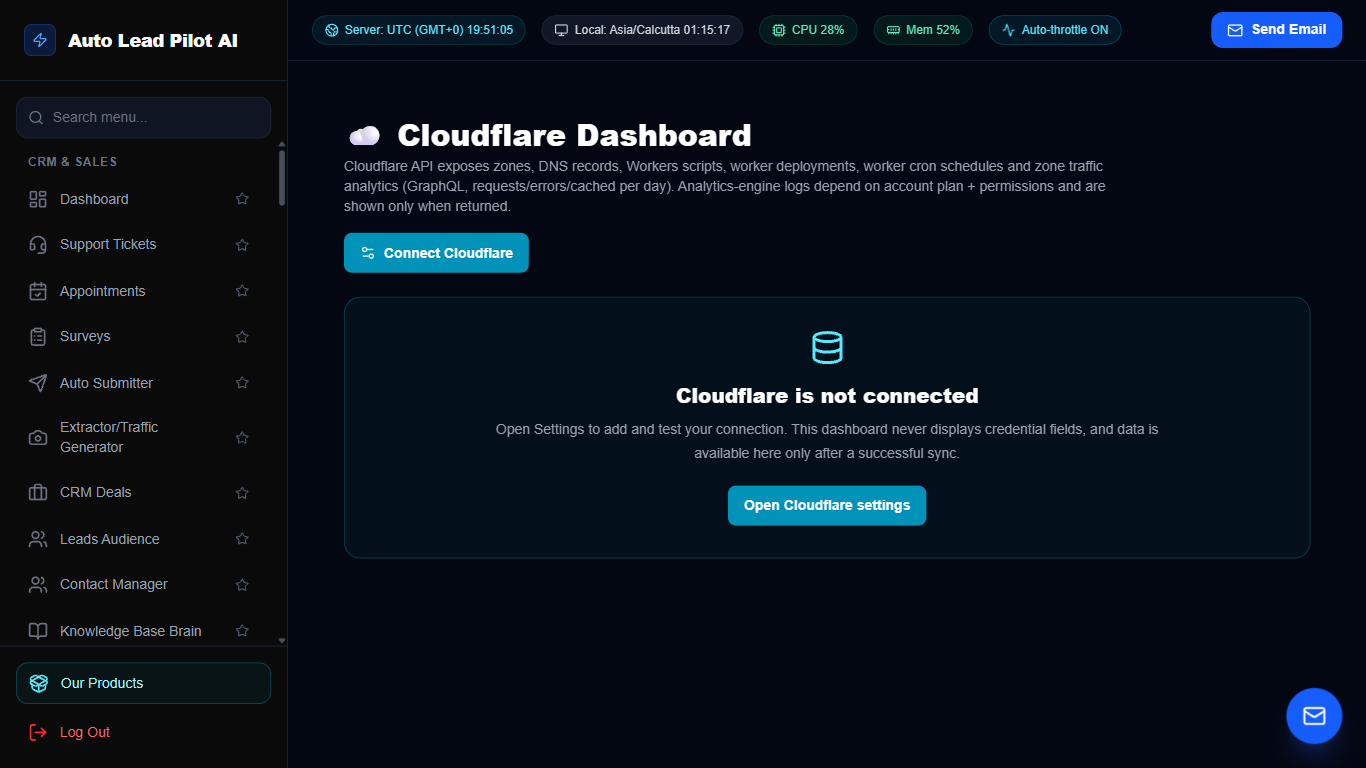
Figure 60: Cloudflare DNS, SSL & Security Edge Manager Interface Preview
📋 Module Overview & Purpose
Control Cloudflare edge security and DNS routing directly from AutoLead. Add and modify DNS records (A, CNAME, TXT, MX), configure SSL encryption modes, manage DDoS firewall rules, and purge cache.
📑 Internal Navigation & Tabs Structure
⚡ In-Depth Features & Autonomous Capabilities
- ✓
Direct DNS Record Management:
Add, edit, or delete DNS records with proxy toggle (Orange Cloud) support. - ✓
Instant Global Cache Purge:
Purge CDN cache globally in seconds when website assets or stylesheets are updated. - ✓
SSL/TLS Encryption Configuration:
Toggle between Flexible, Full, and Full (Strict) SSL encryption modes. - ✓
Security & DDoS Challenge Rules:
Configure IP firewall blocklists and Managed Challenge security rules. - ✓
Multi-Zone Domain Support:
Switch between multiple client and corporate domains from a single interface.
Module 61 of 87
Instagram Business Analytics & Growth Insights
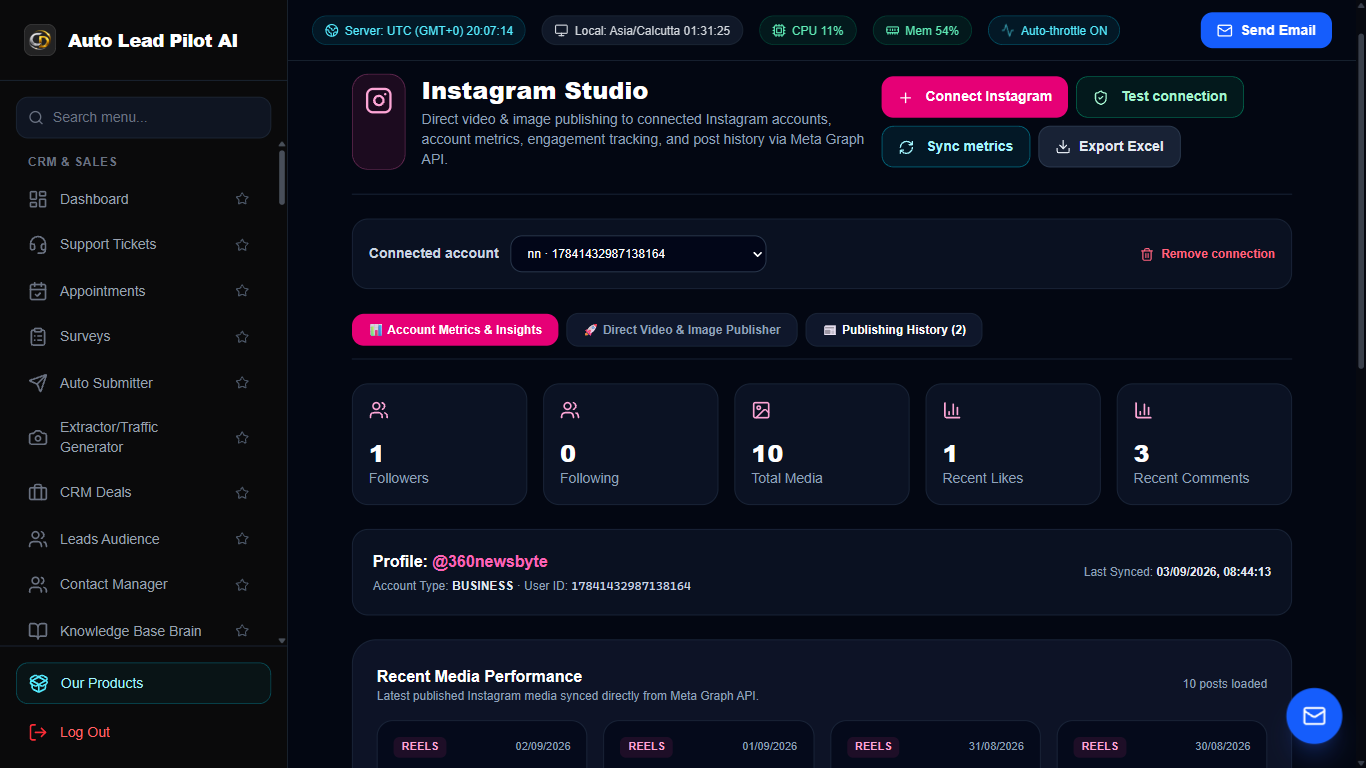
Figure 61: Instagram Business Analytics & Growth Insights Interface Preview
📋 Module Overview & Purpose
Deep analytics and performance tracking for professional Instagram business accounts. Track follower growth velocity, Story view retention, Reel engagement, post reach, and profile click trends.
📑 Internal Navigation & Tabs Structure
⚡ In-Depth Features & Autonomous Capabilities
- ✓
Follower Growth Velocity:
Tracks net follower gain and loss trends over daily, weekly, and monthly timeframes. - ✓
Reel & Video Reach Intelligence:
Analyzes video play counts, completion rates, shares, and saves. - ✓
Audience Demographic Heatmaps:
Visualizes follower distribution by country, city, age bracket, and gender. - ✓
Optimal Posting Time Analysis:
Identifies specific peak hours when your followers are most active on Instagram. - ✓
Direct Link in Bio Click Tracking:
Monitors clicks driven to your sales funnels and product catalog.
Module 62 of 87
Cron-Job.org Cloud Integration & Task Orchestrator
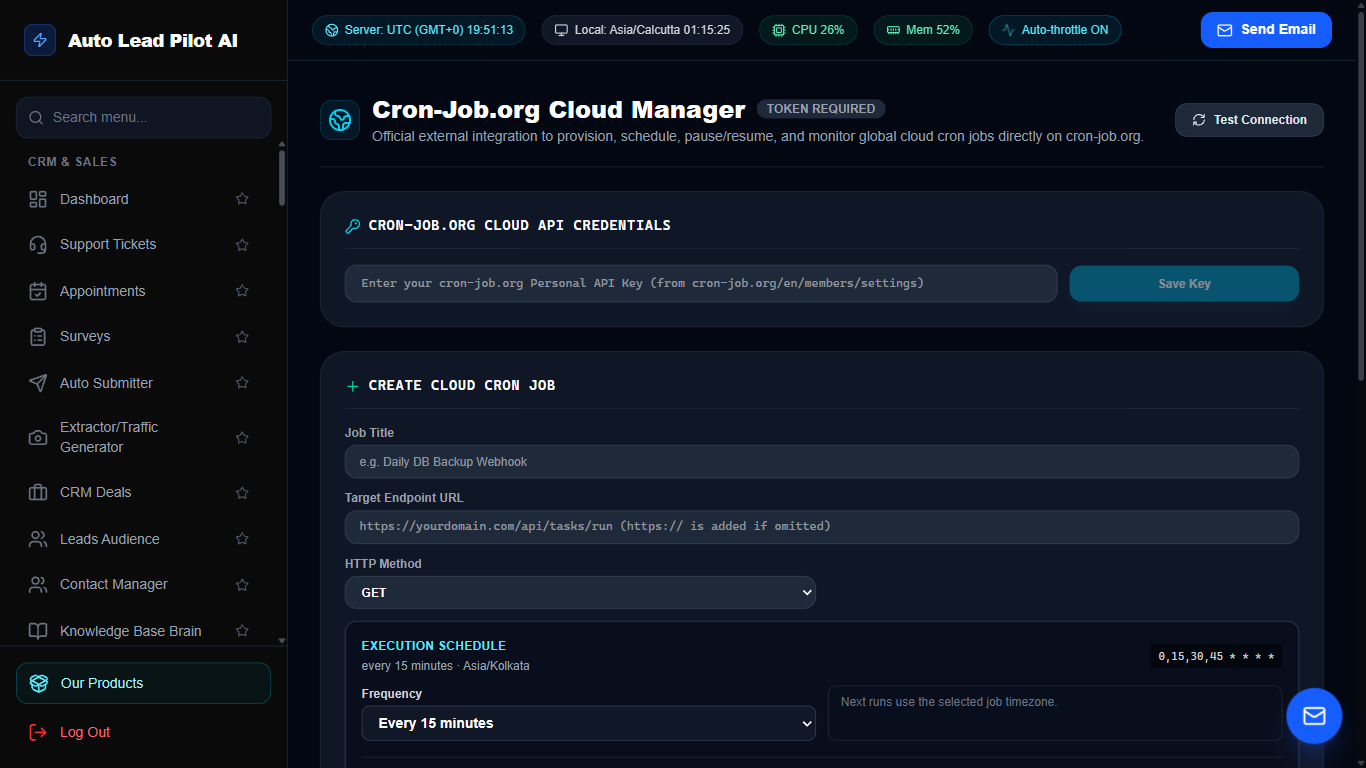
Figure 62: Cron-Job.org Cloud Integration & Task Orchestrator Interface Preview
📋 Module Overview & Purpose
Connect your Cron-Job.org account via API to orchestrate resilient, distributed cloud cron executions. Run automated syncs, email campaign triggers, and uptime probes from external cloud servers.
📑 Internal Navigation & Tabs Structure
⚡ In-Depth Features & Autonomous Capabilities
- ✓
Cloud-Based Remote Execution:
Executes scheduled tasks from distributed external servers independent of local uptime. - ✓
Flexible Scheduling Frequencies:
Supports 1-minute, 5-minute, hourly, daily, and custom cron timing rules. - ✓
Failure Alert Webhooks:
Configures instant alerts to your email or team chat if a scheduled task fails. - ✓
Historical Response Logs:
View execution duration graphs, HTTP status codes, and server response payloads. - ✓
One-Click Pause & Resume:
Temporarily disable or activate individual cron tasks without deleting configurations.
Module 63 of 87
Gmail Full HTML Inbox & Advanced Compose Engine
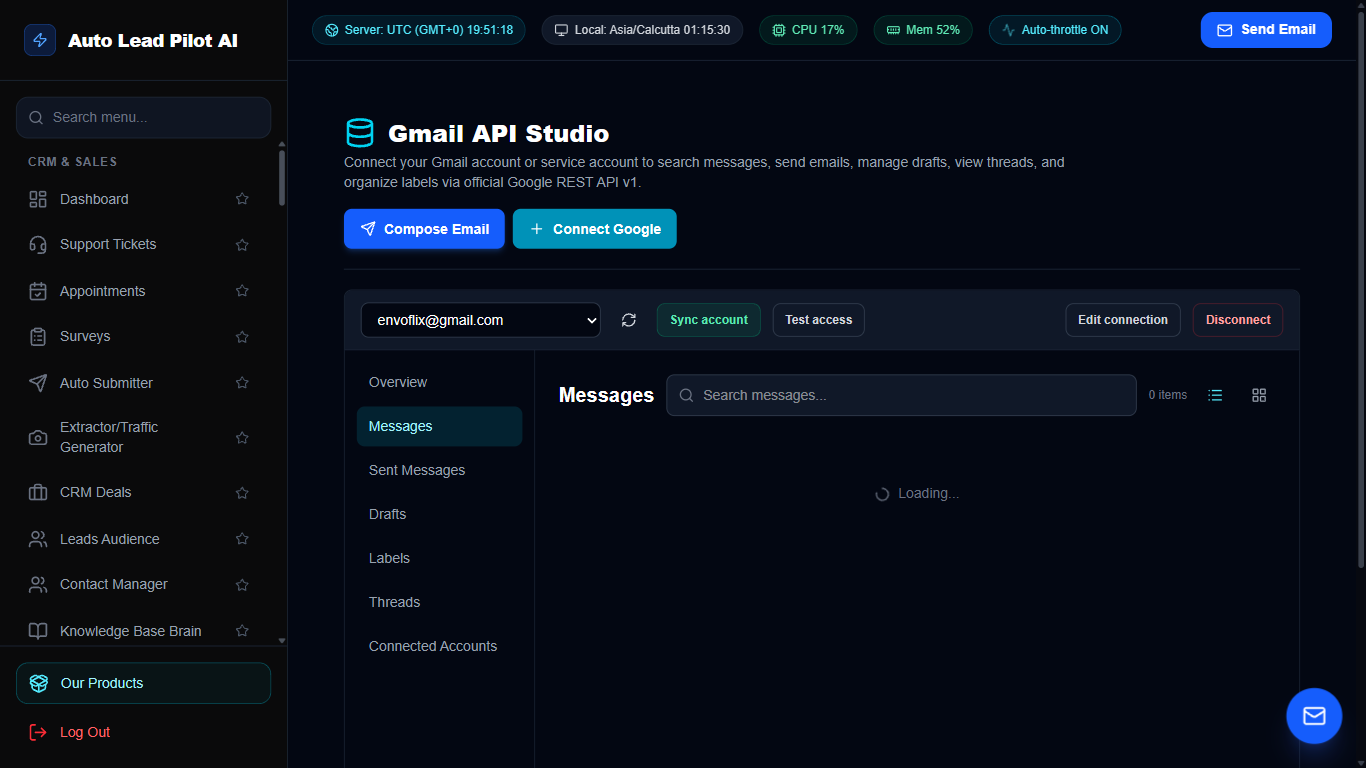
Figure 63: Gmail Full HTML Inbox & Advanced Compose Engine Interface Preview
📋 Module Overview & Purpose
Direct Gmail integration via Google OAuth API. Access your full Gmail inbox, view complete HTML email styling with inline images, manage thread replies, and compose new emails with tracking and attachments.
📑 Internal Navigation & Tabs Structure
⚡ In-Depth Features & Autonomous Capabilities
- ✓
Full Rich HTML Email Rendering:
Displays authentic email HTML layouts, fonts, logos, and styling seamlessly. - ✓
Comprehensive Email Composer:
Write emails with rich text formatting, file attachments, and direct SMTP/Gmail delivery. - ✓
Thread & Conversation Sync:
Synchronizes entire conversation threads and replies bi-directionally with Google servers. - ✓
Drafts & Staging:
Save email drafts locally or push them directly to your Gmail account drafts folder. - ✓
Secure Google OAuth 2.0:
Official Google API authentication eliminating the need for insecure app passwords.
Module 64 of 87
Google Docs Document Generator & Cloud Sync
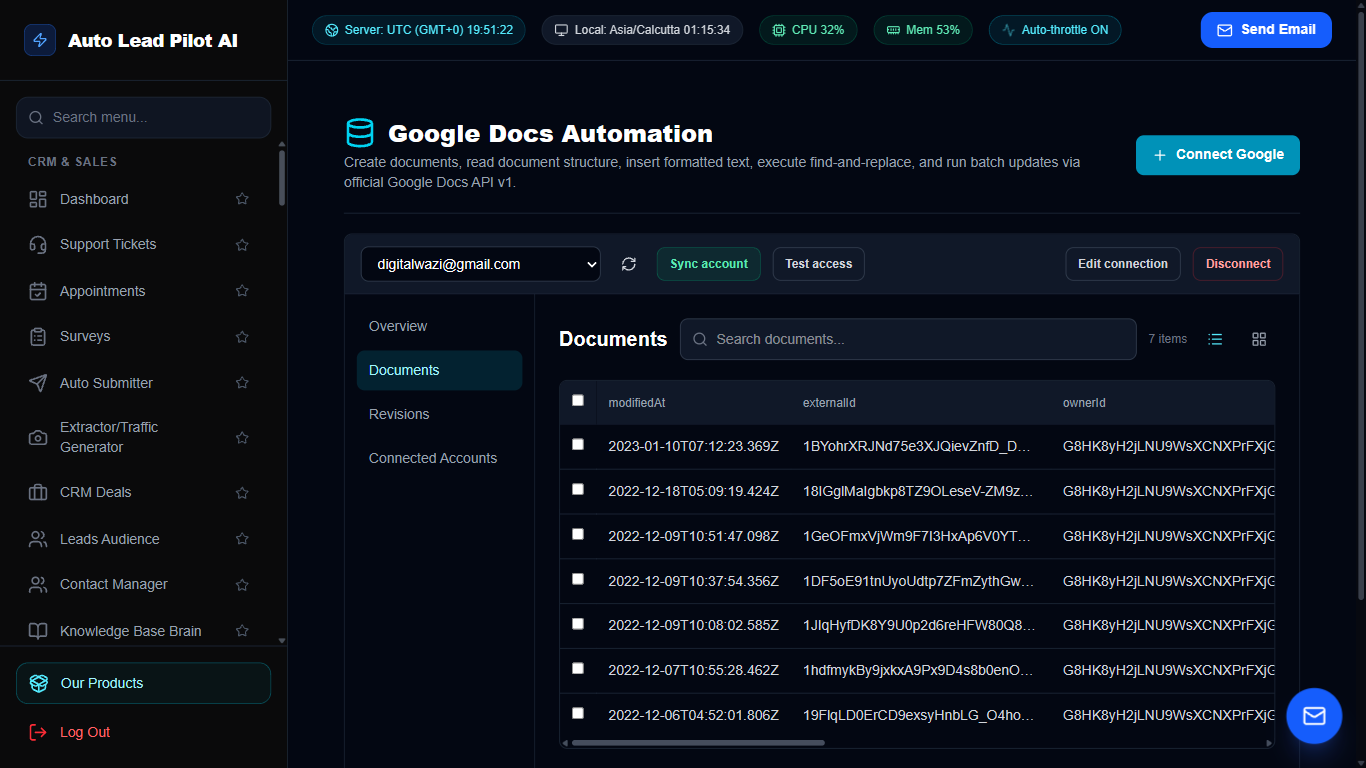
Figure 64: Google Docs Document Generator & Cloud Sync Interface Preview
📋 Module Overview & Purpose
Connect Google Docs to automatically generate customer contracts, proposals, invoices, and executive reports. Populate dynamic placeholders with CRM lead data and export finished documents as PDF or Word files.
📑 Internal Navigation & Tabs Structure
⚡ In-Depth Features & Autonomous Capabilities
- ✓
Automated Placeholder Merging:
Merge `{client_name}`, `{deal_value}`, and `{date}` directly into Google Docs templates. - ✓
Contract & Proposal Automation:
Generate bespoke client proposals with one click from the CRM Deals pipeline. - ✓
Bi-Directional Cloud Sync:
Changes made in Google Docs are automatically synced and accessible inside AutoLead. - ✓
Instant PDF Export:
Download completed Google Docs as publication-ready PDF files for signing. - ✓
Shared Team Permissions:
Configure Google Docs view or edit permissions for team members automatically.
Module 65 of 87
Google Drive Cloud Asset Management & File Storage
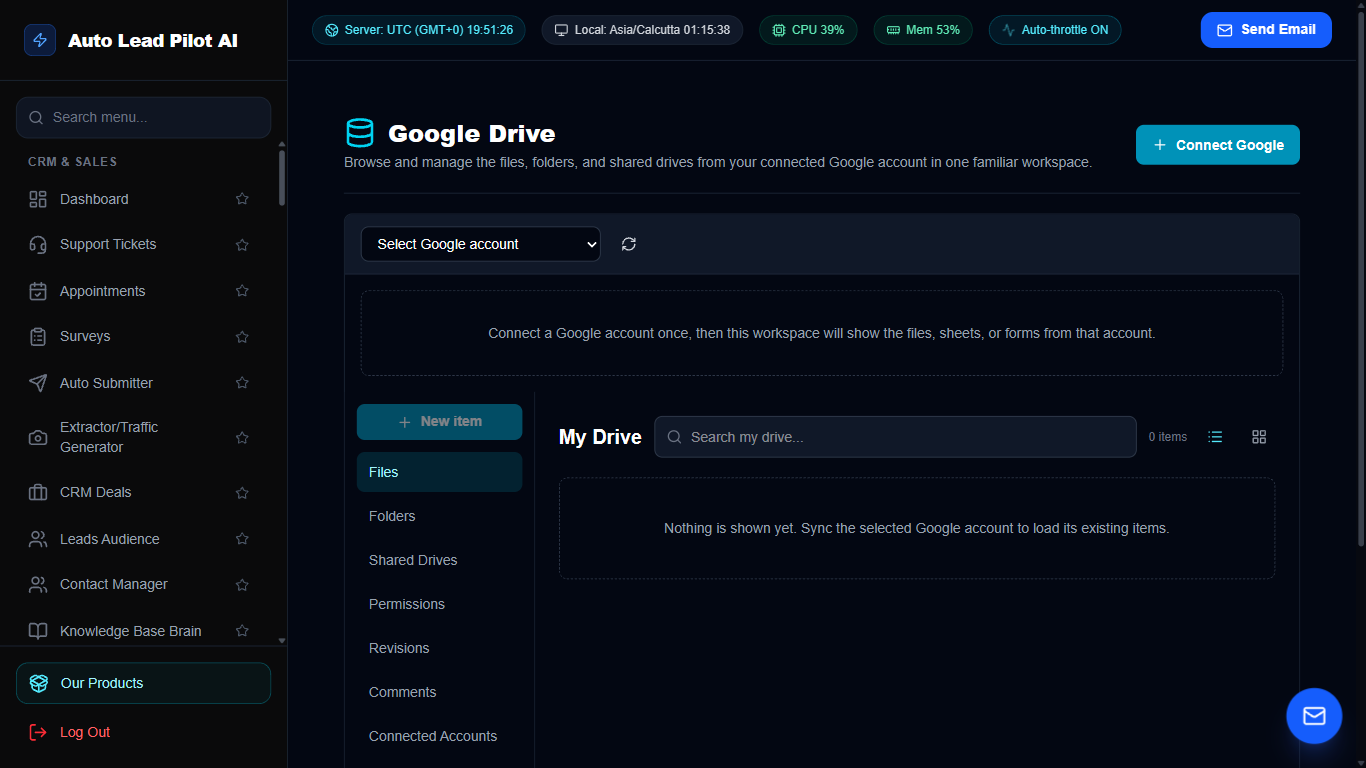
Figure 65: Google Drive Cloud Asset Management & File Storage Interface Preview
📋 Module Overview & Purpose
Organize, manage, and back up your corporate assets in Google Drive. Automatically create dedicated client folders, upload lead export CSVs, store recorded AI voice calls, and manage file sharing permissions.
📑 Internal Navigation & Tabs Structure
⚡ In-Depth Features & Autonomous Capabilities
- ✓
Automated Client Folder Creation:
Automatically creates structured Google Drive folders when a new CRM deal is closed. - ✓
Automated Database & CSV Backups:
Exports and uploads daily lead backups directly into secure Google Drive folders. - ✓
Media Asset Sync:
Store and link video recordings, image assets, and contract PDFs stored on Google Drive. - ✓
Direct File Uploads:
Upload local files directly to specific Google Drive directories without leaving AutoLead. - ✓
Search & Filter by File Type:
Quickly locate spreadsheets, PDFs, slide decks, and images across connected Drives.
Module 66 of 87
Google Sheets Live Two-Way Spreadsheet Sync
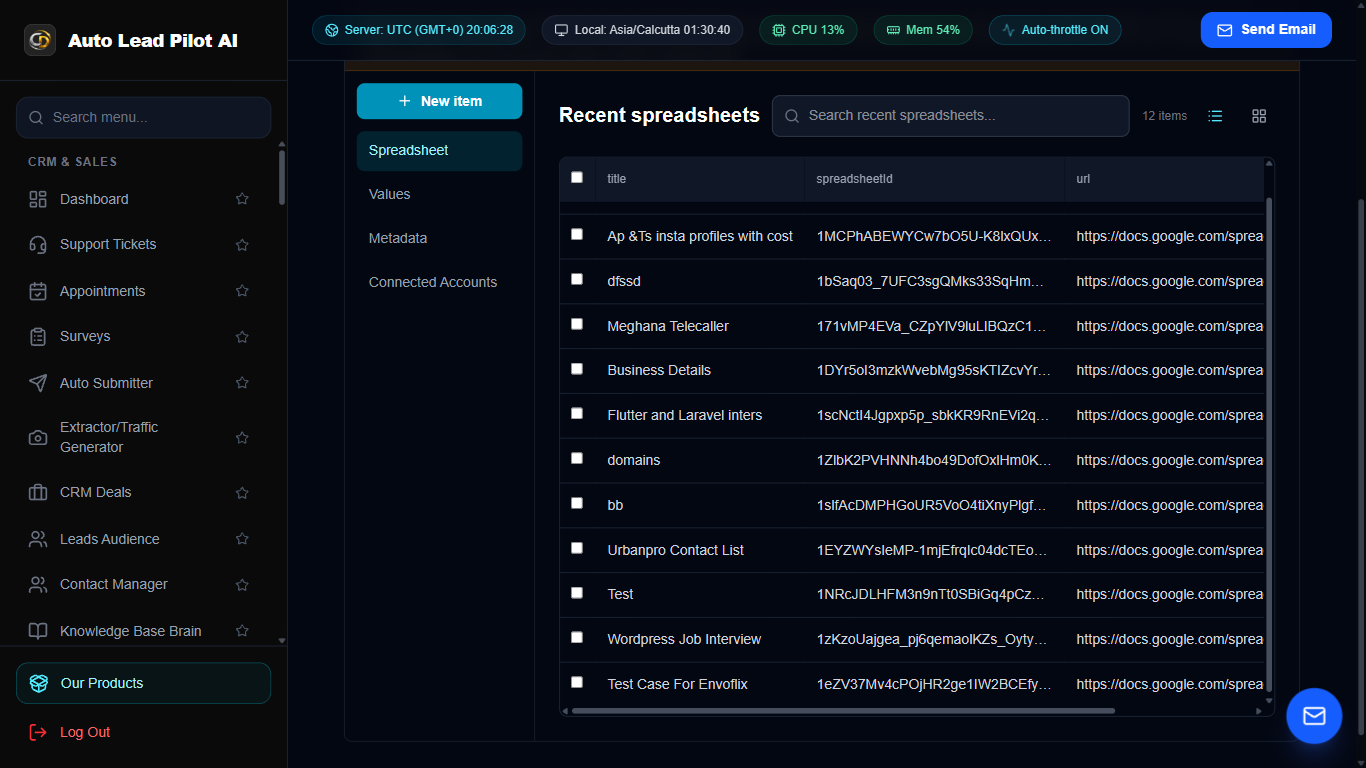
Figure 66: Google Sheets Live Two-Way Spreadsheet Sync Interface Preview
📋 Module Overview & Purpose
Synchronize leads, survey responses, and sales data bi-directionally with Google Sheets. Any lead scraped or captured in AutoLead appends to your Google Sheet in real time, while updates in Sheets sync back to the CRM.
📑 Internal Navigation & Tabs Structure
⚡ In-Depth Features & Autonomous Capabilities
- ✓
Real-Time Row Appending:
Newly acquired leads are instantly pushed as new rows into your designated Google Sheet. - ✓
Custom Column Mapping:
Map AutoLead fields (Name, Email, Phone, Company) to exact spreadsheet columns. - ✓
Bi-Directional Sync:
Edit a lead’s status in Google Sheets and watch the update reflect inside the CRM pipeline. - ✓
Automated Formula Preservation:
Appends data cleanly without breaking existing sheet formulas, charts, or macros. - ✓
Multi-Sheet Orchestration:
Route leads from different scrapers into separate specialized Google Sheets tabs.
Module 67 of 87
Google Forms Response Importer & Lead Bridge
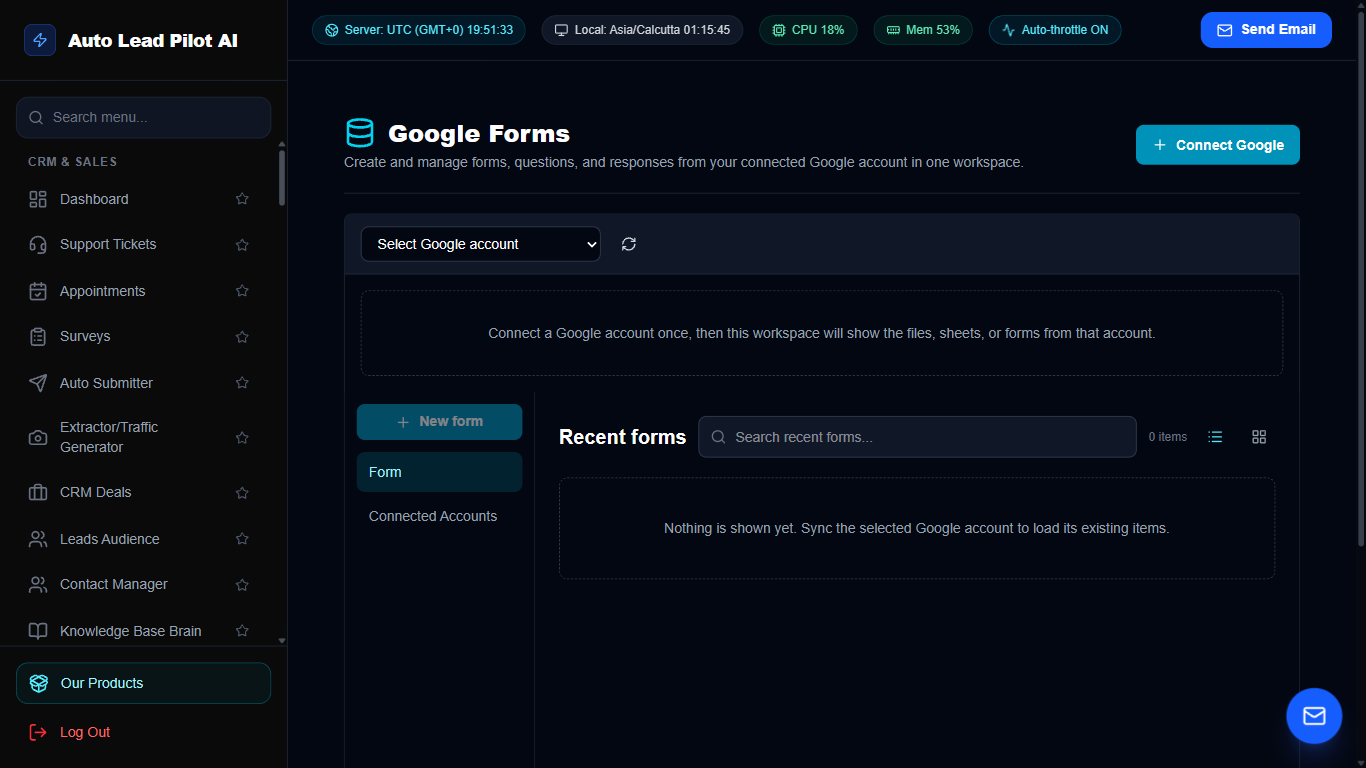
Figure 67: Google Forms Response Importer & Lead Bridge Interface Preview
📋 Module Overview & Purpose
Connect existing Google Forms used across your business. Automatically ingest form submissions into the CRM, qualify respondent answers, trigger follow-up email sequences, and notify sales team members.
📑 Internal Navigation & Tabs Structure
⚡ In-Depth Features & Autonomous Capabilities
- ✓
Automated Response Polling:
Ingests new Google Forms submissions within seconds of completion. - ✓
Intelligent Answer Mapping:
Maps form questions directly to CRM lead attributes and custom fields. - ✓
Instant Email Auto-Responder:
Automatically triggers tailored email follow-ups when prospects complete Google Forms. - ✓
Lead Qualification Filtering:
Automatically tags respondents based on their answers (e.g. Budget > $10k). - ✓
Team Alert Triggers:
Sends instant notifications to assigned sales representatives upon high-value form submissions.
Module 68 of 87
Gmail Postmaster & Email Deliverability Auditor
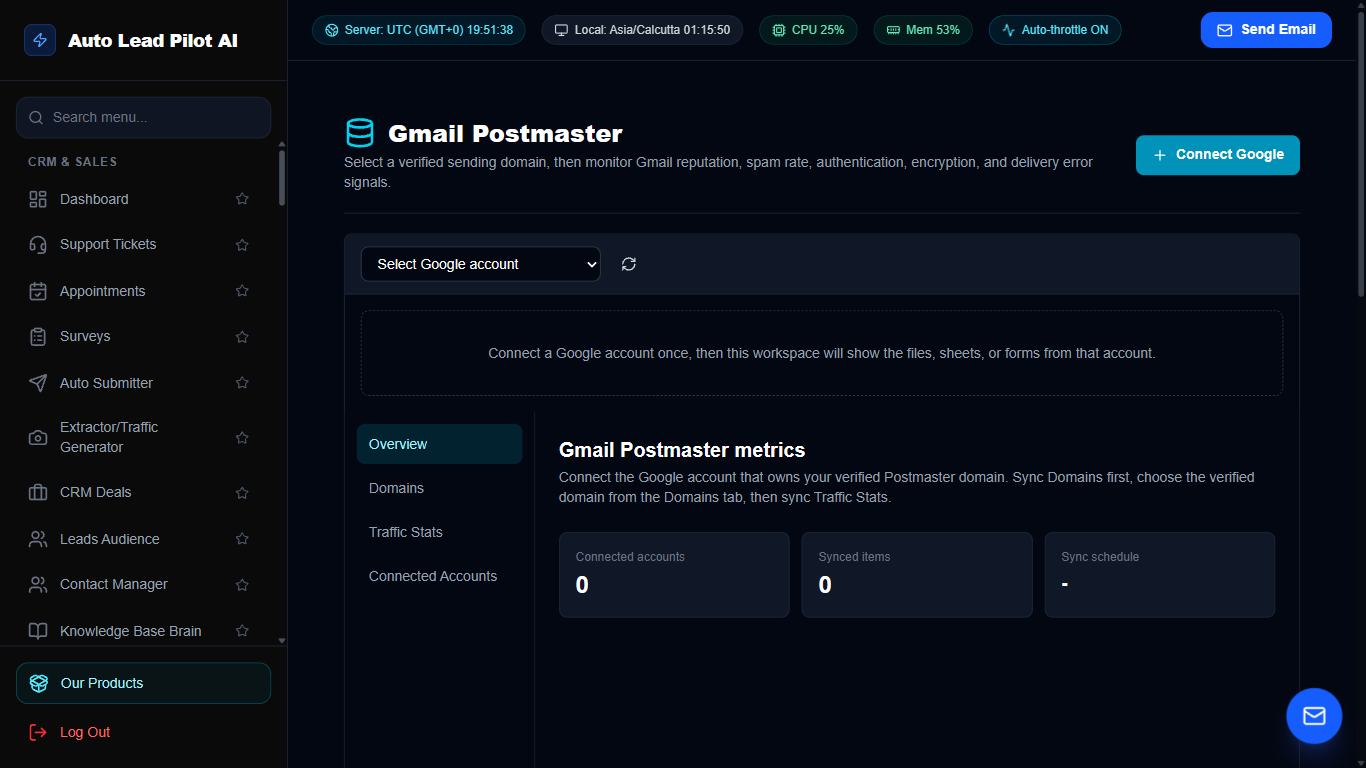
Figure 68: Gmail Postmaster & Email Deliverability Auditor Interface Preview
📋 Module Overview & Purpose
Ensure cold outreach emails land in the primary inbox rather than the spam folder. Audits domain DNS records (SPF, DKIM, DMARC, PTR), monitors Google Postmaster IP reputation, and analyzes email spam trigger words.
📑 Internal Navigation & Tabs Structure
⚡ In-Depth Features & Autonomous Capabilities
- ✓
Automated SPF, DKIM & DMARC Checker:
Validates that your domain DNS records comply with Google and Yahoo 2024 sending rules. - ✓
Google Postmaster IP Reputation:
Tracks domain and IP reputation grades (High, Medium, Low, Bad) directly from Google. - ✓
Spam Trigger Word Scanner:
Analyzes email subject lines and body copy for spam keywords before campaigns launch. - ✓
Reverse DNS (PTR) Verification:
Confirms mail server IP addresses match reverse DNS hostnames. - ✓
Global Blacklist Monitoring:
Checks sending domains and IPs against 50+ major spam blacklists (Spamhaus, Barracuda, etc.).
Module 69 of 87
Google Calendar Two-Way Meeting Synchronization
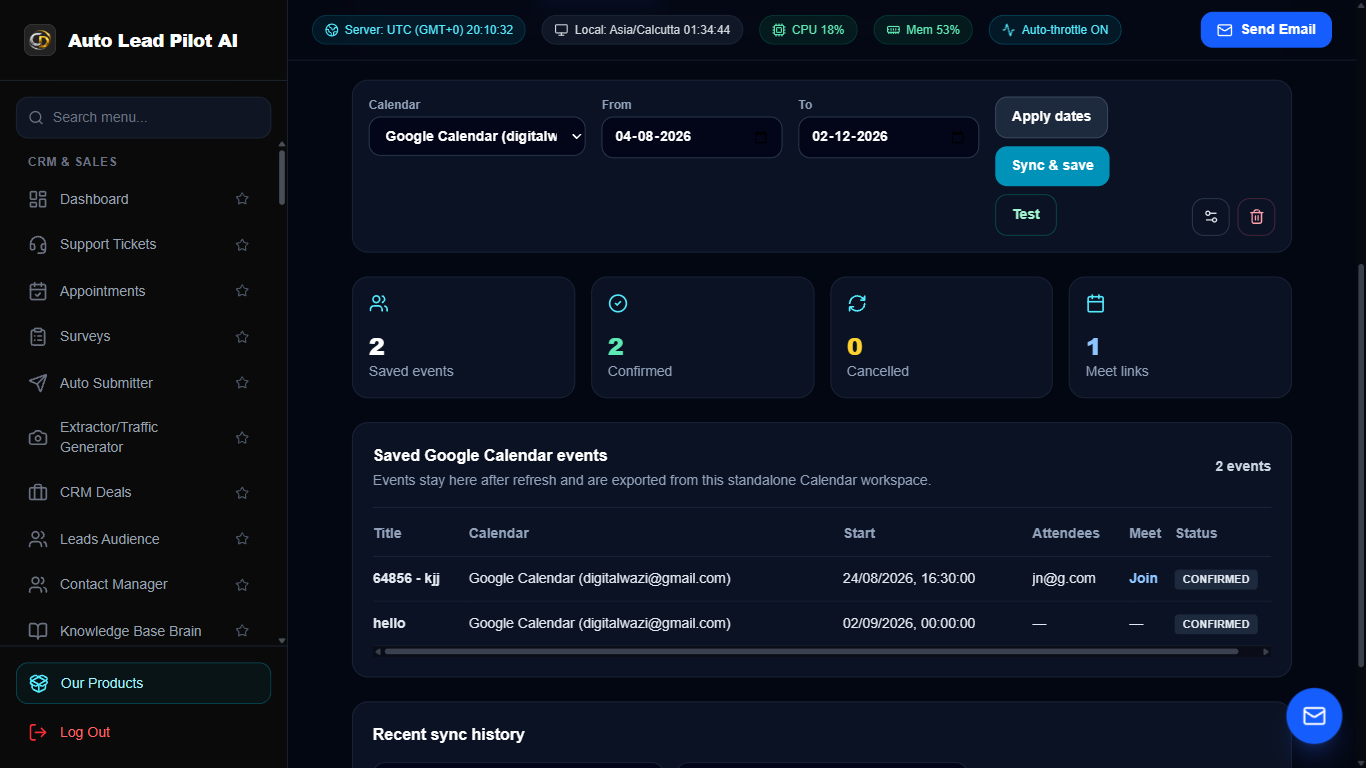
Figure 69: Google Calendar Two-Way Meeting Synchronization Interface Preview
📋 Module Overview & Purpose
Bi-directional synchronization between AutoLead Appointments and Google Calendar. Automatically prevents double-booking, reserves appointment time slots, syncs client details, and attaches Google Meet conference links.
📑 Internal Navigation & Tabs Structure
⚡ In-Depth Features & Autonomous Capabilities
- ✓
Real-Time Two-Way Sync:
Appointments booked in AutoLead appear in Google Calendar; personal calendar events block out availability. - ✓
Automated Google Meet Creation:
Generates unique Google Meet conference links and attaches them to calendar invites. - ✓
Conflict Prevention Engine:
Scans all connected personal and business calendars to eliminate double-booking errors. - ✓
Automated Rescheduling & Cancellation:
Updating or canceling meetings in either interface synchronizes instantly across both. - ✓
Multi-Calendar Support:
Connect and monitor schedules across multiple Google accounts for team members.
Module 70 of 87
Google Meet Video Conferencing Automation Bridge
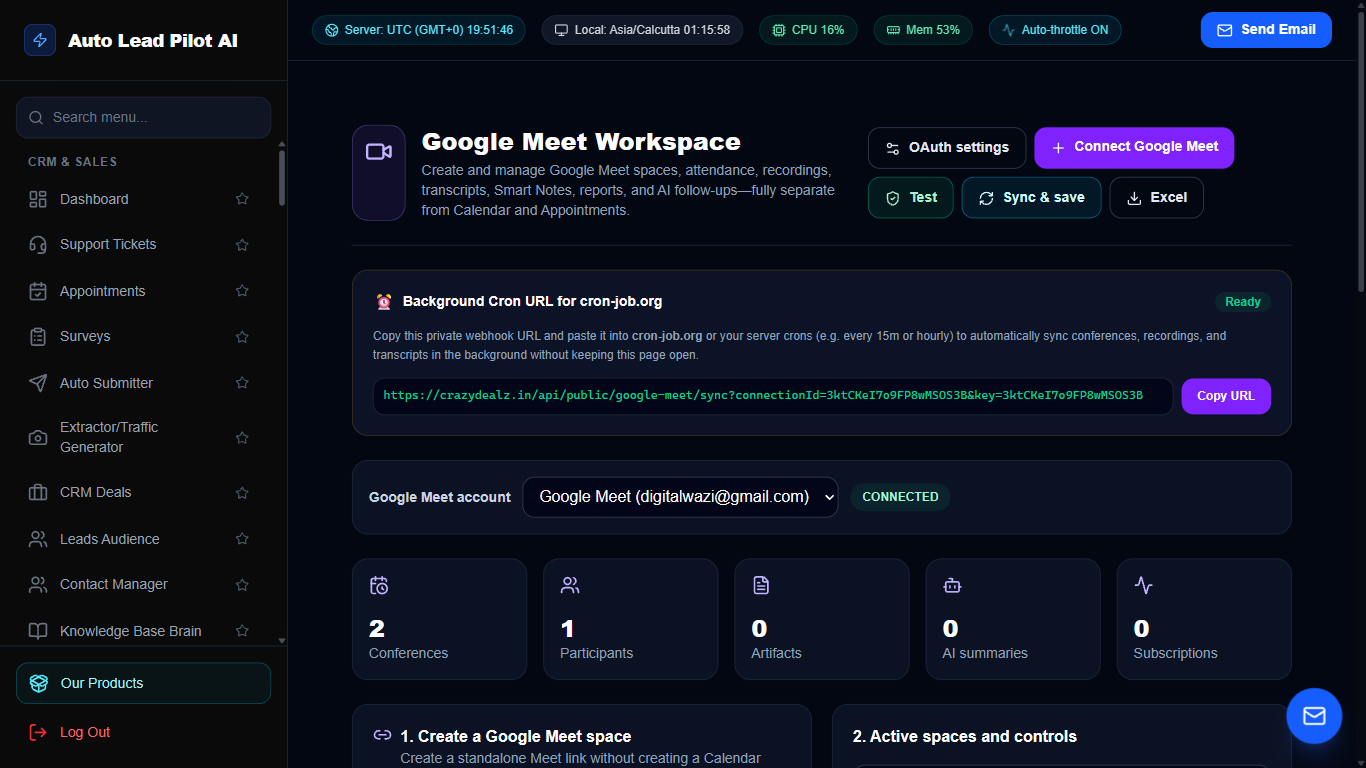
Figure 70: Google Meet Video Conferencing Automation Bridge Interface Preview
📋 Module Overview & Purpose
Automates video meeting operations. Generates secure Google Meet conference links for scheduled consultations, dispatches join links to clients via SMS and Email, and tracks meeting attendance.
📑 Internal Navigation & Tabs Structure
⚡ In-Depth Features & Autonomous Capabilities
- ✓
Instant Meeting Link Generator:
Create secure Google Meet video rooms on-demand with one click. - ✓
Automated Link Distribution:
Injects video room URLs directly into appointment confirmation emails and calendar invites. - ✓
One-Click Join:
Clients and agents join video rooms directly from the dashboard appointment card. - ✓
Meeting Duration & Log Tracking:
Records scheduled start times, attendee emails, and meeting completion statuses. - ✓
Zero Software Download:
Google Meet runs natively in all browsers without requiring clients to install software.
Module 71 of 87
Google AdSense Revenue & Ad Placement Analytics
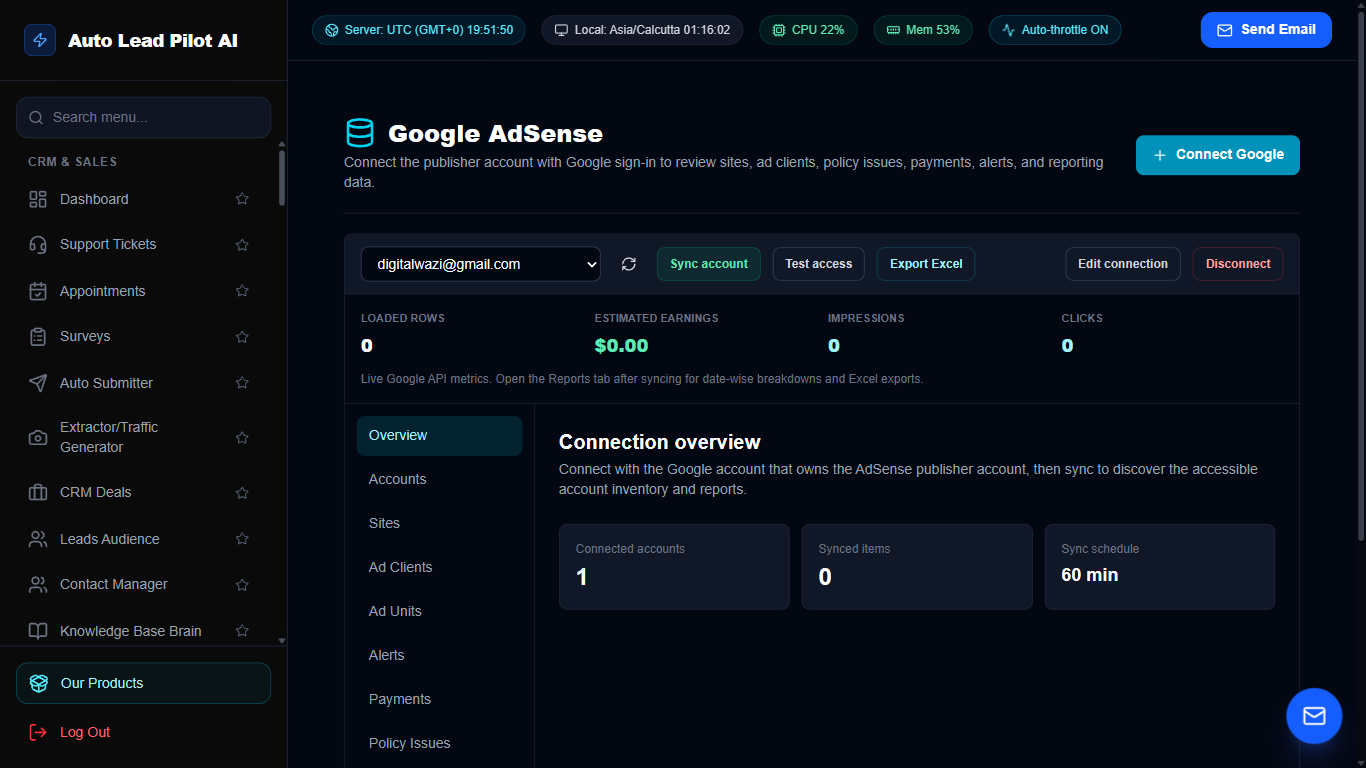
Figure 71: Google AdSense Revenue & Ad Placement Analytics Interface Preview
📋 Module Overview & Purpose
Designed for digital publishers and blog owners monetizing content with Google AdSense. Track daily advertising earnings, page impressions, Cost Per Click (CPC), and Page RPM (Revenue Per Mille).
📑 Internal Navigation & Tabs Structure
⚡ In-Depth Features & Autonomous Capabilities
- ✓
Real-Time Earnings Telemetry:
Monitor estimated daily, weekly, monthly, and all-time AdSense revenue. - ✓
Page RPM & CTR Tracking:
Analyze Revenue Per Mille and Click-Through Rates to identify top-earning pages. - ✓
Ad Unit Performance:
Compare earnings between display banners, in-article ads, and multiplex ad units. - ✓
Geographic Revenue Distribution:
Identify which visitor countries yield the highest advertising CPMs. - ✓
Payout Threshold Watchdog:
Tracks progress toward Google’s monthly payment disbursement threshold.
Module 72 of 87
Google AdMob Mobile App Advertising Monetization
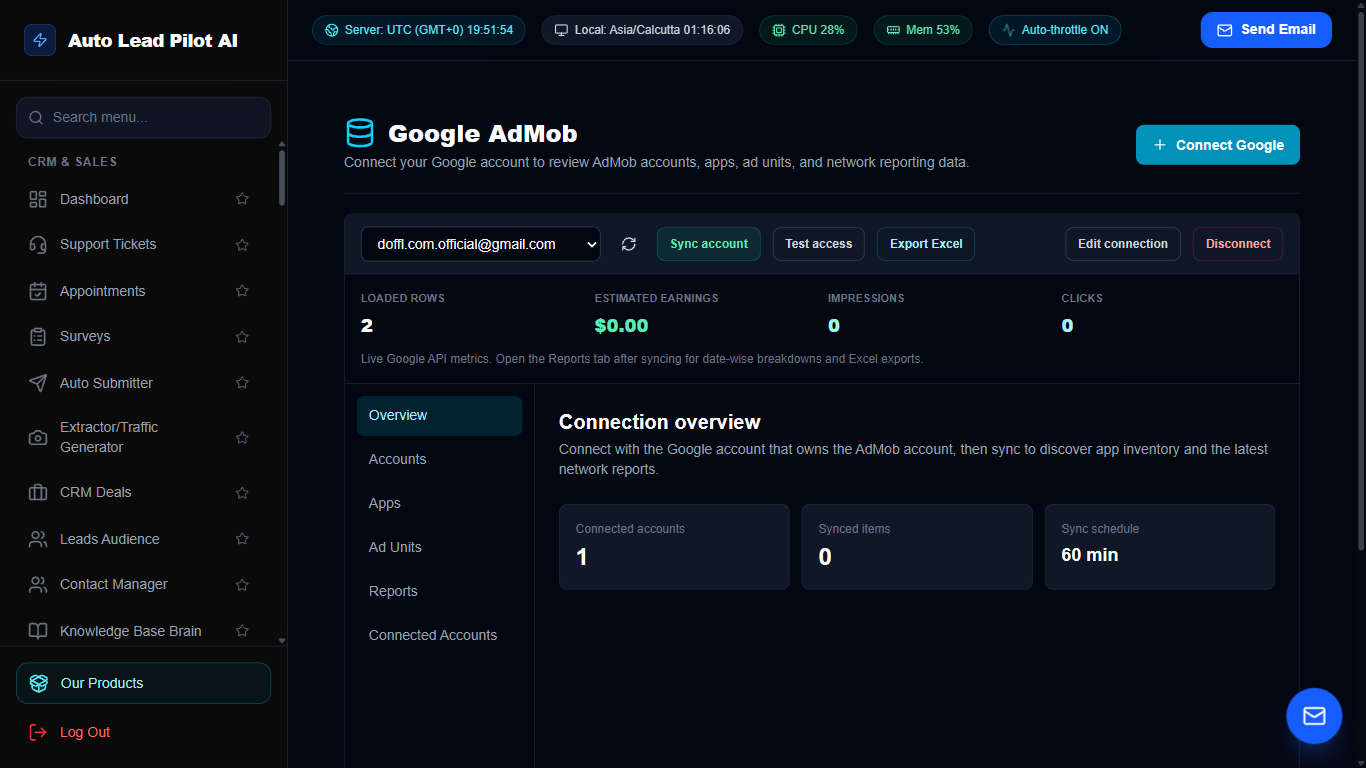
Figure 72: Google AdMob Mobile App Advertising Monetization Interface Preview
📋 Module Overview & Purpose
Monitor mobile application monetization performance across iOS and Android apps powered by Google AdMob. Track interstitial ads, rewarded video performance, eCPM rates, and user retention.
📑 Internal Navigation & Tabs Structure
⚡ In-Depth Features & Autonomous Capabilities
- ✓
Cross-Platform App Tracking:
Monitor monetization performance for iOS and Android mobile apps simultaneously. - ✓
Ad Format Breakdown:
Evaluate revenue contribution from Banners, Interstitial Ads, and Rewarded Video units. - ✓
Global eCPM Analysis:
Track effective Cost Per Mille fluctuations across different global user regions. - ✓
Impression & Match Rate Telemetry:
Monitor ad request fill rates and impression delivery percentages. - ✓
Mediation Performance:
Analyze performance across third-party ad network mediation partners.
Module 73 of 87
Google Safe Browsing & URL Security Scanner
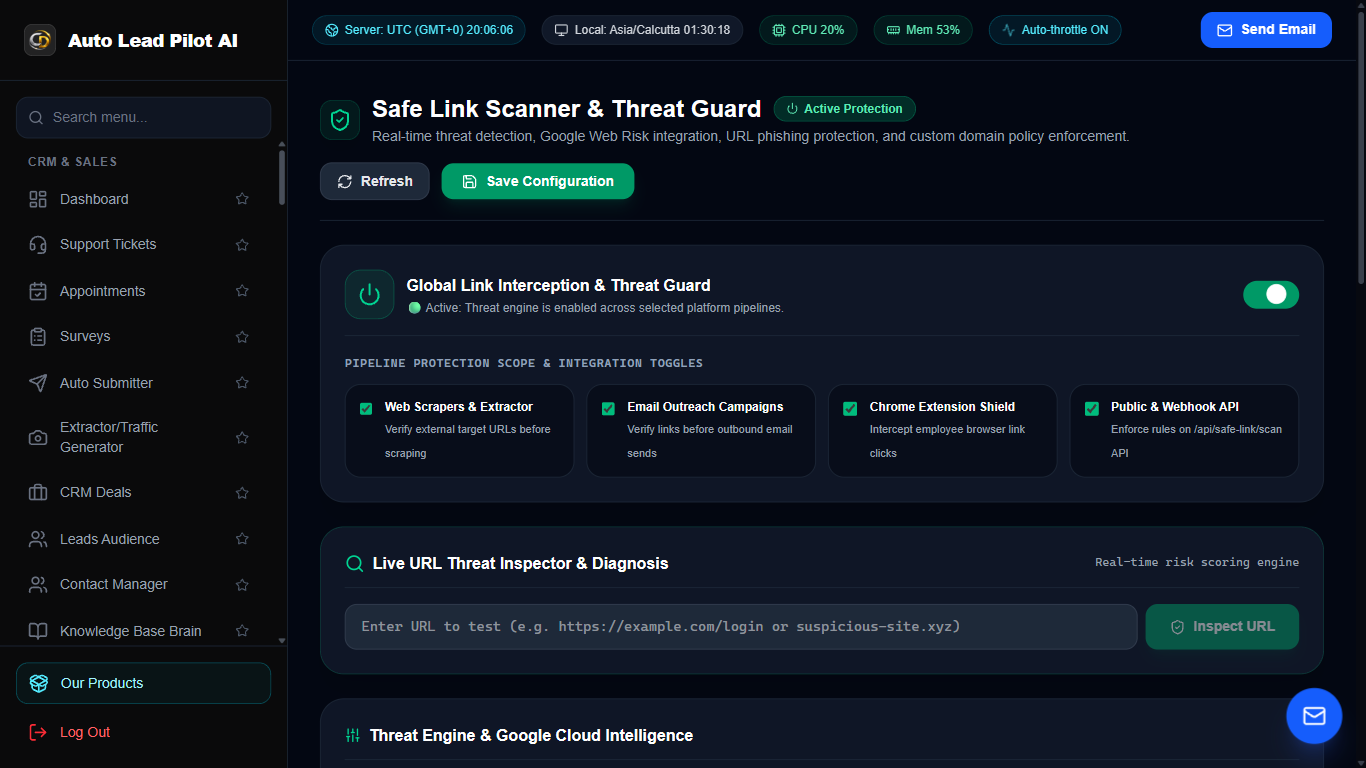
Figure 73: Google Safe Browsing & URL Security Scanner Interface Preview
📋 Module Overview & Purpose
Protect your brand, outbound outreach links, and users from malicious threats. Scans URLs against the Google Safe Browsing API to detect malware, phishing scams, social engineering traps, and unwanted software.
📑 Internal Navigation & Tabs Structure
⚡ In-Depth Features & Autonomous Capabilities
- ✓
Real-Time Google Safe Browsing API Scan:
Verifies URLs against Google’s global malware and phishing database. - ✓
Outreach Campaign Link Pre-Check:
Audits all links included in email and SMS campaigns before dispatch to prevent blacklisting. - ✓
Threat Classification:
Flags specific security hazards including Malware, Social Engineering, Unwanted Software, and Phishing. - ✓
Batch URL Auditing:
Scan hundreds of scraped prospect links simultaneously to weed out hazardous websites. - ✓
Security Audit Reports:
Generates timestamped safety certificates proving URL compliance for enterprise security.
Module 74 of 87
Chrome Browser Extension Command Toolkit
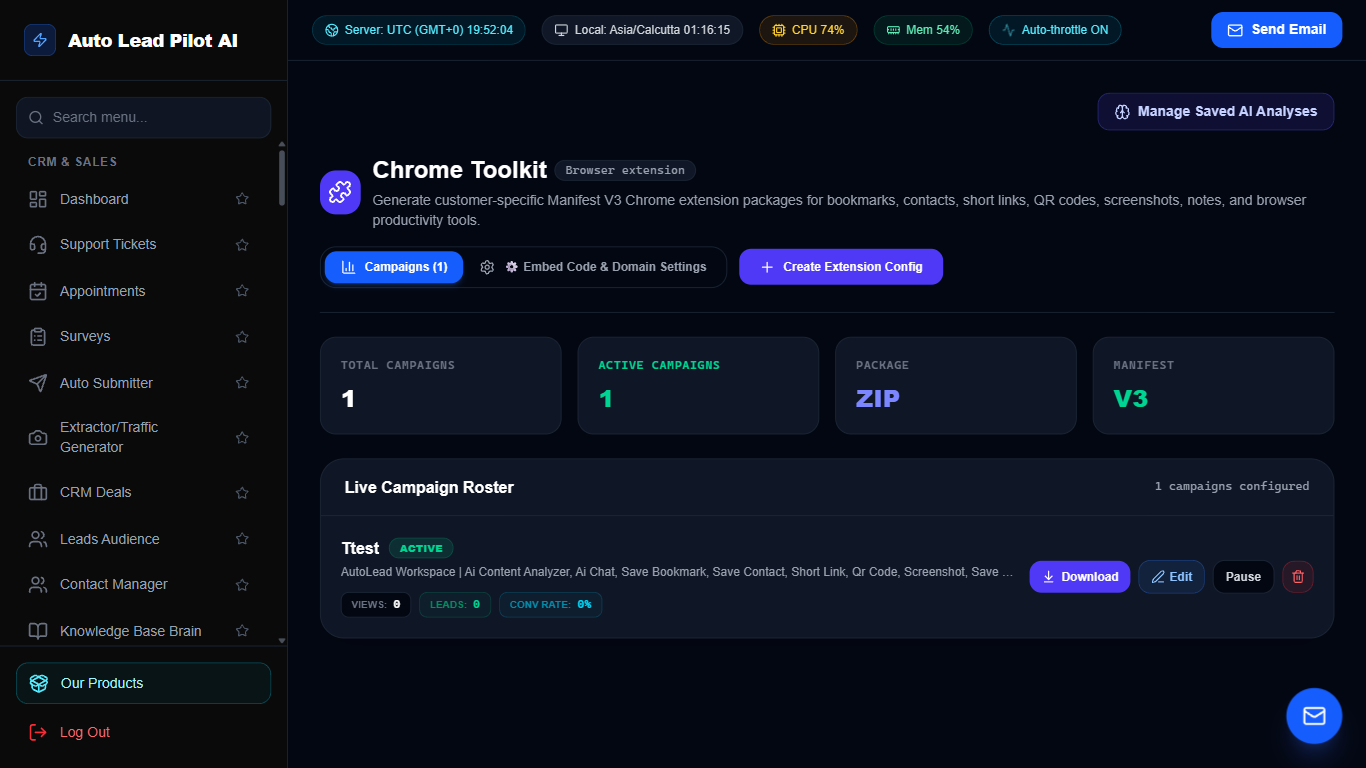
Figure 74: Chrome Browser Extension Command Toolkit Interface Preview
📋 Module Overview & Purpose
The control center for the official AutoLead Chrome Extension. Enables one-click lead capture directly from LinkedIn, Google Maps, Twitter, and company websites, syncing prospect data directly into your CRM.
📑 Internal Navigation & Tabs Structure
⚡ In-Depth Features & Autonomous Capabilities
- ✓
One-Click Prospect Ingestion:
Capture complete contact details from any web page directly into AutoLead with one click. - ✓
LinkedIn Profile Extraction:
Automatically pulls prospect name, title, company, location, and bio from LinkedIn profiles. - ✓
Google Maps Business Grabber:
Extracts business phone numbers, addresses, and website URLs from Google Maps search results. - ✓
Instant Email & Phone Lookup:
Discovers verified work emails and phone numbers for decision-makers while browsing. - ✓
Seamless API Synchronization:
Real-time encrypted connection syncs data directly into your cloud CRM database.
Module 75 of 87
Chrome AI Webpage Analysis & SEO Tech Inspector
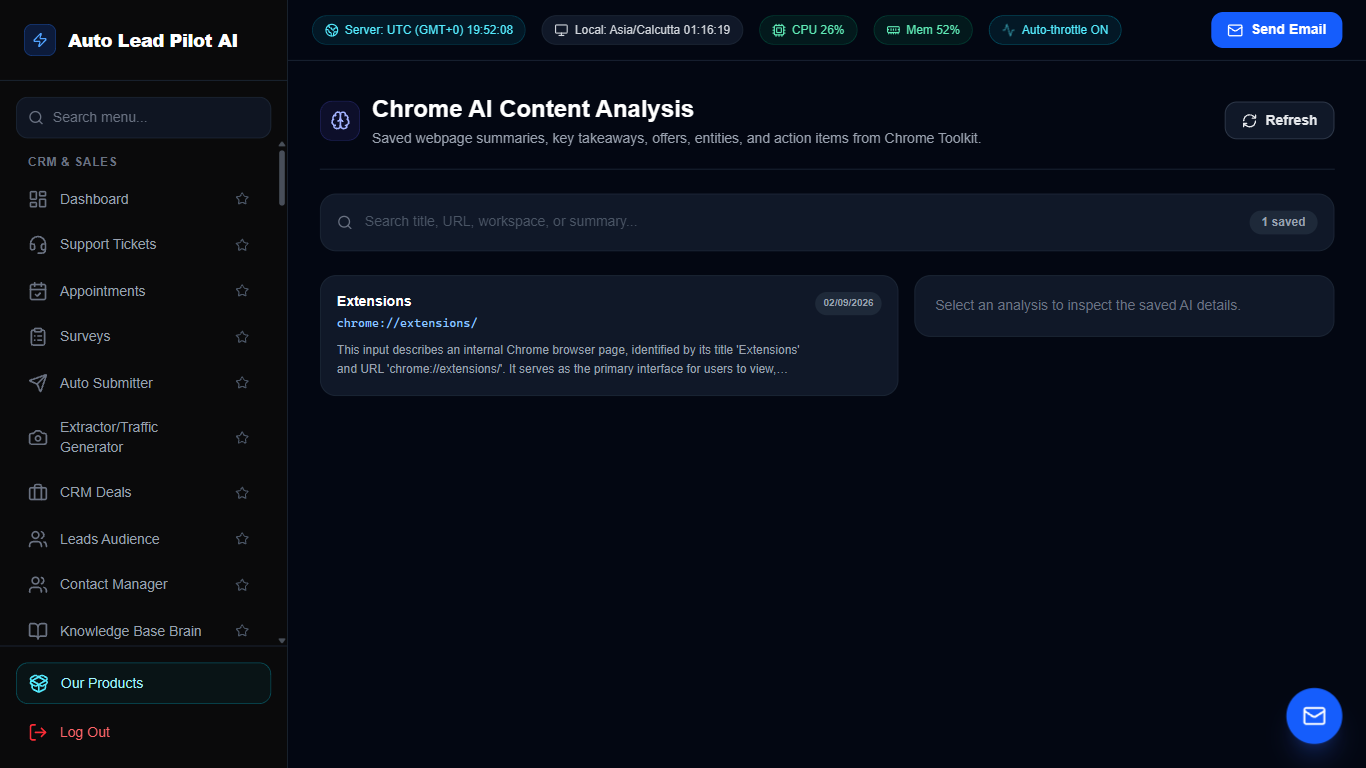
Figure 75: Chrome AI Webpage Analysis & SEO Tech Inspector Interface Preview
📋 Module Overview & Purpose
An AI-powered web inspection extension module. Analyzes any webpage you visit in Chrome to detect technology stacks (WordPress, Shopify, React, Next.js), audit on-page SEO health, and summarize company value propositions.
📑 Internal Navigation & Tabs Structure
⚡ In-Depth Features & Autonomous Capabilities
- ✓
Instant Technology Stack Detection:
Identifies CMS (WordPress, Shopify), e-commerce platforms, analytics tools, and frameworks. - ✓
On-Page SEO Health Audit:
Evaluates H1-H6 structure, meta tags, image alt texts, OpenGraph tags, and mobile readiness. - ✓
AI Value Proposition Summarizer:
Gemini AI reads the page and summarizes the company’s products, pricing, and target market. - ✓
Contact & Social Handle Harvester:
Pulls all contact emails, phone numbers, and social media handles present in page code. - ✓
Sales Pitch Angle Generator:
Generates personalized cold outreach hooks based on the weaknesses discovered on the page.
Module 76 of 87
Studio Screen Recorder, Audio & Media Capture
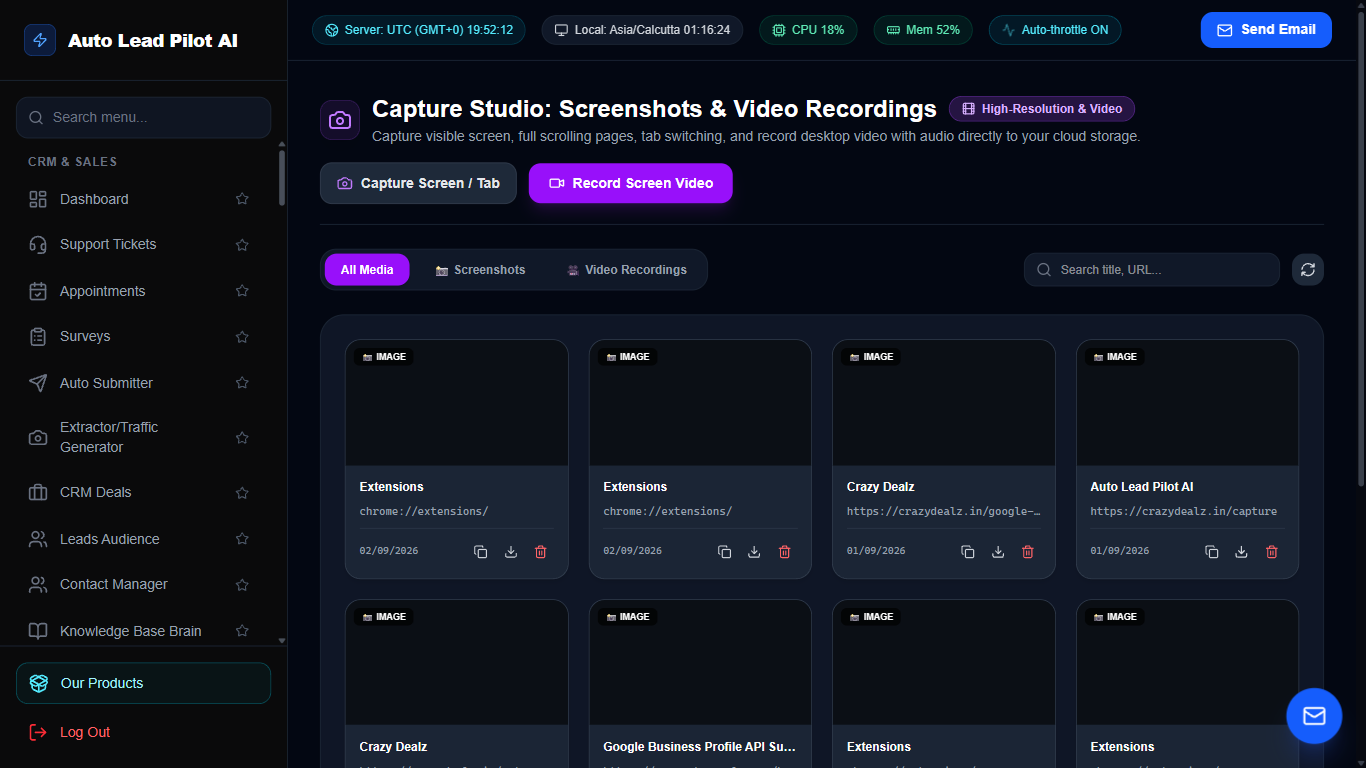
Figure 76: Studio Screen Recorder, Audio & Media Capture Interface Preview
📋 Module Overview & Purpose
A native screen recording and video studio directly in your browser. Record high-definition product demo walkthroughs, video sales letters (VSLs), webcam intros, and audio voiceovers with instant cloud hosting and sharing.
📑 Internal Navigation & Tabs Structure
⚡ In-Depth Features & Autonomous Capabilities
- ✓
Flexible Recording Modes:
Record entire screen, specific application window, or browser tab with picture-in-picture webcam. - ✓
High-Definition 1080p Video:
Lossless crystal-clear video capture with synchronized microphone audio recording. - ✓
Instant Cloud Upload & Hosting:
Automatically uploads recordings to cloud storage with instant shareable playback links. - ✓
Embeddable Video Player:
Embed recorded video walkthroughs directly on landing pages and customer support tickets. - ✓
Direct MP4 & WebM Export:
Download recorded media locally for video editing and YouTube publishing.
Module 77 of 87
Agile Project & Task Management Workstation
Figure 77: Agile Project & Task Management Workstation Interface Preview
📋 Module Overview & Purpose
Keep your team aligned and deliverables on schedule. Create agile project workspaces, organize tasks into visual Kanban columns, assign team members, track milestone deadlines, and attach files and task comments.
📑 Internal Navigation & Tabs Structure
⚡ In-Depth Features & Autonomous Capabilities
- ✓
Visual Task Kanban Board:
Move tasks fluidly across To-Do, In Progress, Review, and Completed stages. - ✓
Task Assignments & Priority Badges:
Assign tasks to specific team members with Urgency, Priority, and Due Date indicators. - ✓
Milestone Tracking & Progress Bars:
Group tasks into major project milestones and track completion percentages. - ✓
File & Asset Attachments:
Attach screenshots, PDFs, and design assets directly inside task discussion cards. - ✓
Activity Audit Trail:
Complete chronological log of who created, updated, commented, or completed each task.
Module 78 of 87
Complete Enterprise HRM & Payroll System
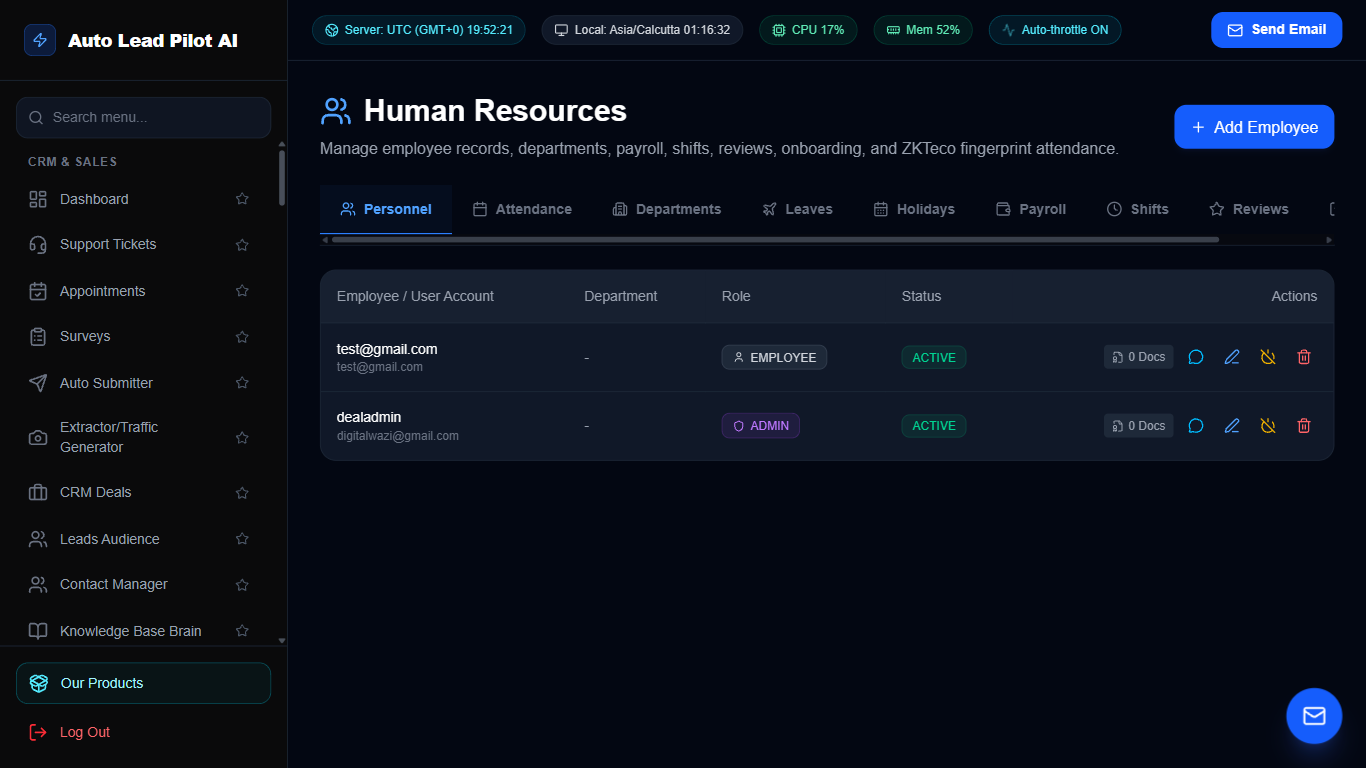
Figure 78: Complete Enterprise HRM & Payroll System Interface Preview
📋 Module Overview & Purpose
A full-featured Human Resource Management system. Manage employee profiles, track attendance and working hours, manage paid time off (PTO) and leave requests, maintain department hierarchies, and process payroll records.
📑 Internal Navigation & Tabs Structure
⚡ In-Depth Features & Autonomous Capabilities
- ✓
Comprehensive Employee Profiles:
Store job titles, contact information, emergency contacts, hire dates, and compensation. - ✓
Attendance & Shift Time Tracking:
Logs daily employee clock-in/clock-out timestamps and calculate total billable hours. - ✓
Leave Management Workflow:
Employees submit vacation/sick leave requests with manager approval/rejection workflows. - ✓
Department & Organizational Hierarchy:
Group employees into Sales, Engineering, Support, and Marketing departments. - ✓
Payroll Ledger:
Track monthly base salaries, bonuses, deductions, and generate employee payslips.
Module 79 of 87
Collaborative Rich-Text Team Notebook
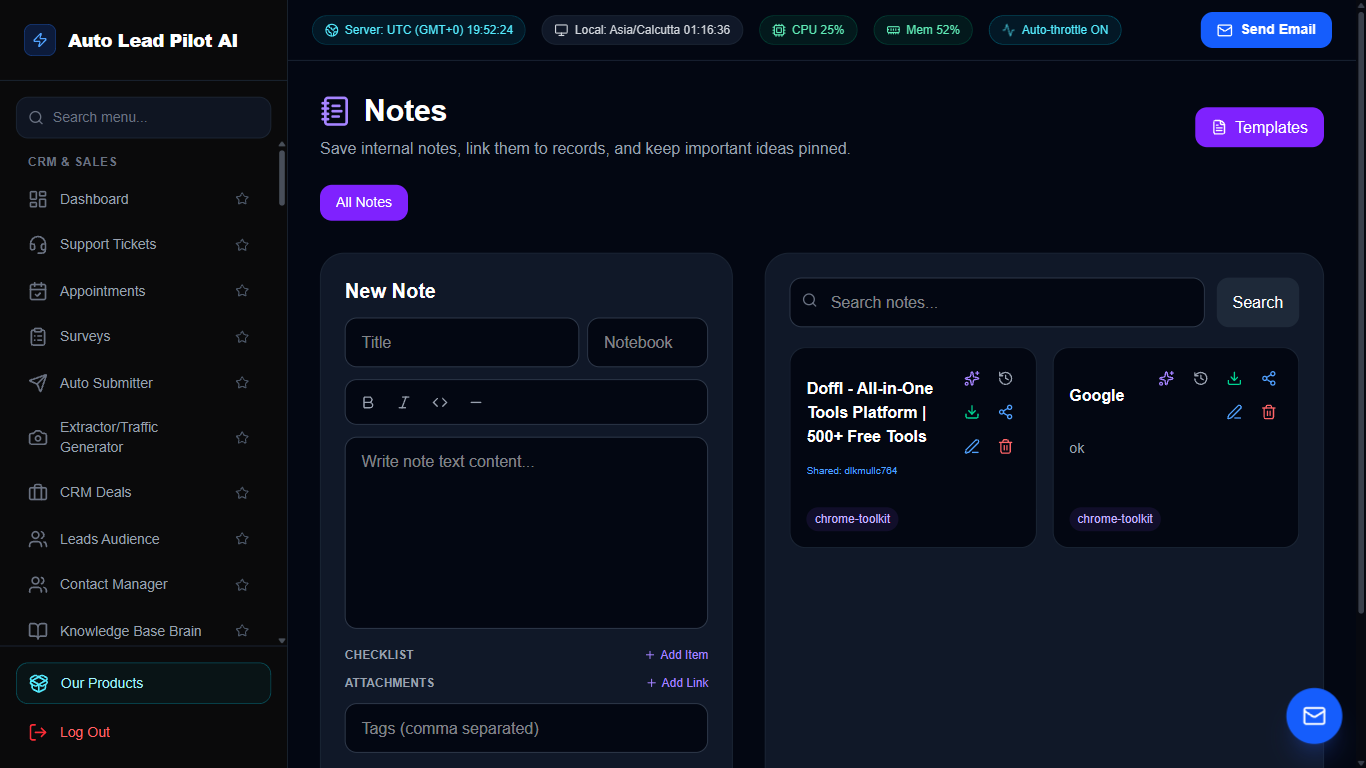
Figure 79: Collaborative Rich-Text Team Notebook Interface Preview
📋 Module Overview & Purpose
A fast, collaborative rich-text notebook for internal SOPs, meeting notes, sales scripts, and strategy outlines. Organize notes by tags, pin critical documents, and search across your entire corporate knowledge vault.
📑 Internal Navigation & Tabs Structure
⚡ In-Depth Features & Autonomous Capabilities
- ✓
WYSIWYG Rich Text Editor:
Format notes with bold headings, bullet lists, code blocks, tables, and highlighted callouts. - ✓
Tagging & Taxonomy:
Categorize documents with colorful tags (e.g. `#sales-scripts`, `#meeting-notes`, `#sops`). - ✓
Pin Critical Notes:
Keep essential standard operating procedures pinned to the top of the notebook for instant access. - ✓
Instant Search:
Search through thousands of words in sub-seconds with highlighted match results. - ✓
Real-Time Auto-Save:
Continuous auto-saving prevents accidental loss of brainstorming notes and drafts.
Module 80 of 87
Encrypted Cloud File Sharing & Document Vault
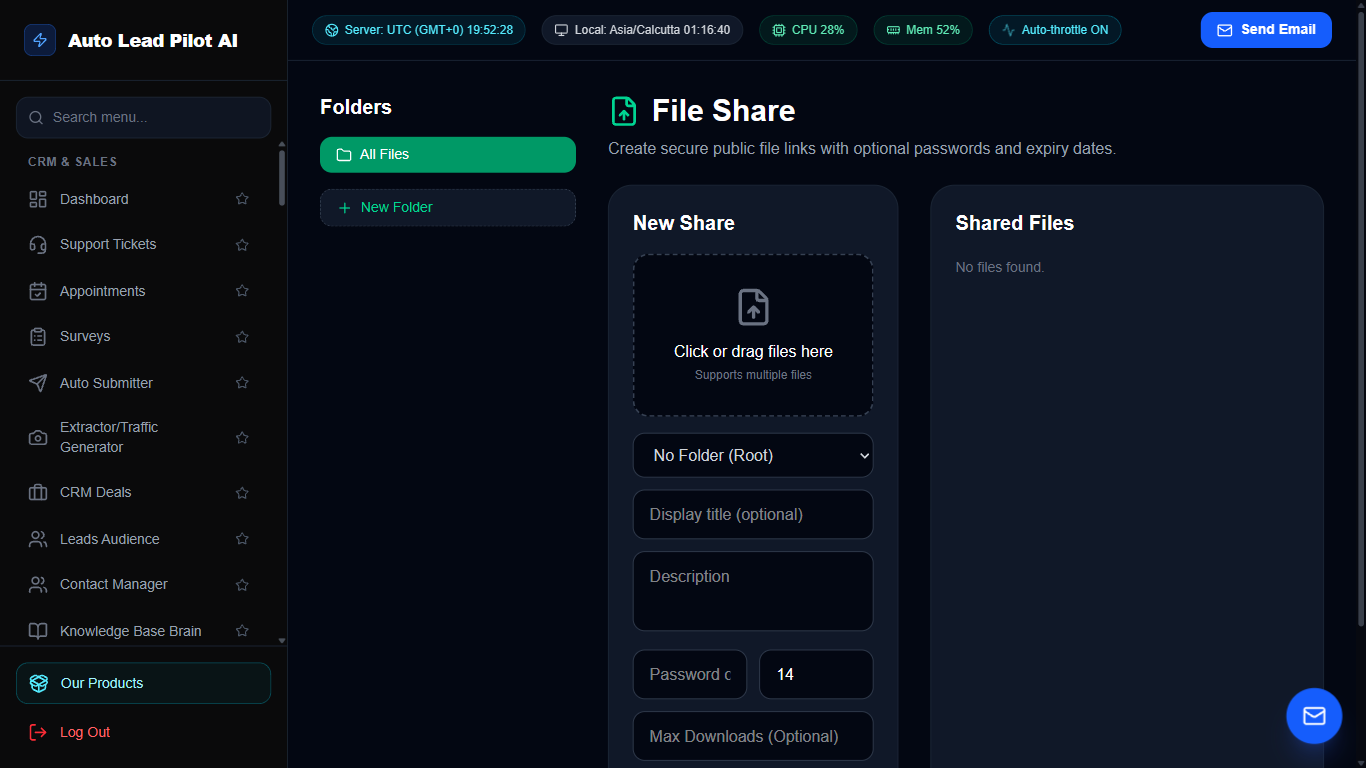
Figure 80: Encrypted Cloud File Sharing & Document Vault Interface Preview
📋 Module Overview & Purpose
Secure enterprise cloud file storage and external sharing. Upload documents, invoices, and large ZIP archives. Generate password-protected download links with custom expiration dates and track download counts.
📑 Internal Navigation & Tabs Structure
⚡ In-Depth Features & Autonomous Capabilities
- ✓
Secure Cloud Storage:
Upload and organize corporate assets, contracts, product images, and software installers. - ✓
Expiring Download Links:
Generate public share links that expire after 24 hours, 7 days, or after a specific download count. - ✓
Password-Protected Links:
Require recipients to enter a secret passphrase to download sensitive business documents. - ✓
Download Telemetry & Audit:
Tracks total download counts, IP addresses of downloaders, and access timestamps. - ✓
Multi-File Batch Operations:
Move, delete, tag, or share multiple files simultaneously.
Module 81 of 87
Centralized Marketing Media Asset Library
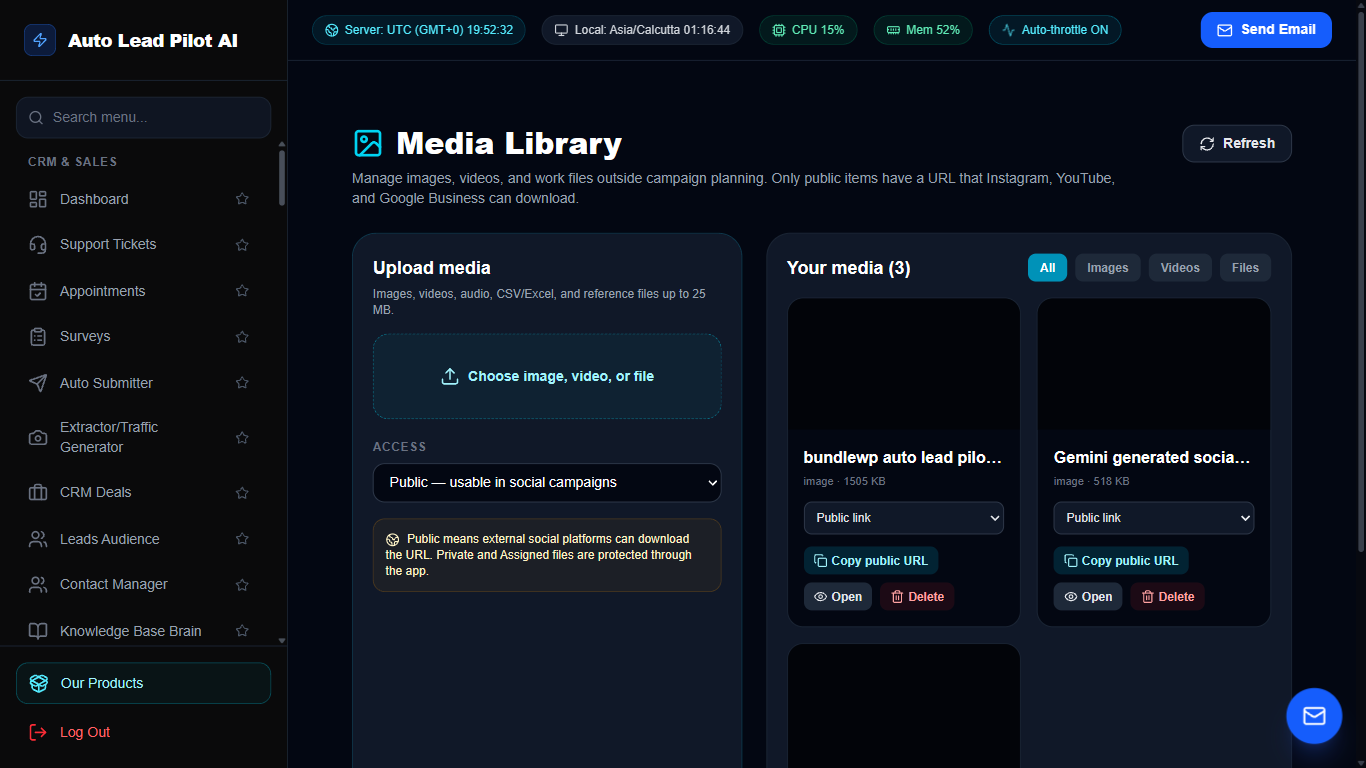
Figure 81: Centralized Marketing Media Asset Library Interface Preview
📋 Module Overview & Purpose
The creative asset headquarters for marketing and sales. Upload brand logos, high-resolution product photography, video clips, and banner designs. One-click copy direct CDN URLs for use across email campaigns, funnels, and websites.
📑 Internal Navigation & Tabs Structure
⚡ In-Depth Features & Autonomous Capabilities
- ✓
Visual Grid Asset Gallery:
Browse images and videos with thumbnail previews, dimensions, and file size metadata. - ✓
One-Click Direct CDN URL Copy:
Copy lightning-fast CDN image URLs ready for embedding in email campaigns and widgets. - ✓
Tag & Folder Categorization:
Group media assets by brand, promotional campaign, or product line. - ✓
Built-In Image Optimization:
Automatically compresses uploads to deliver rapid loading speeds without quality degradation. - ✓
Multi-Format Ingestion:
Supports PNG, JPG, WEBP, SVG, MP4, PDF, and GIF media formats.
Module 82 of 87
Digital E-Signature Agreement & Contract Vault
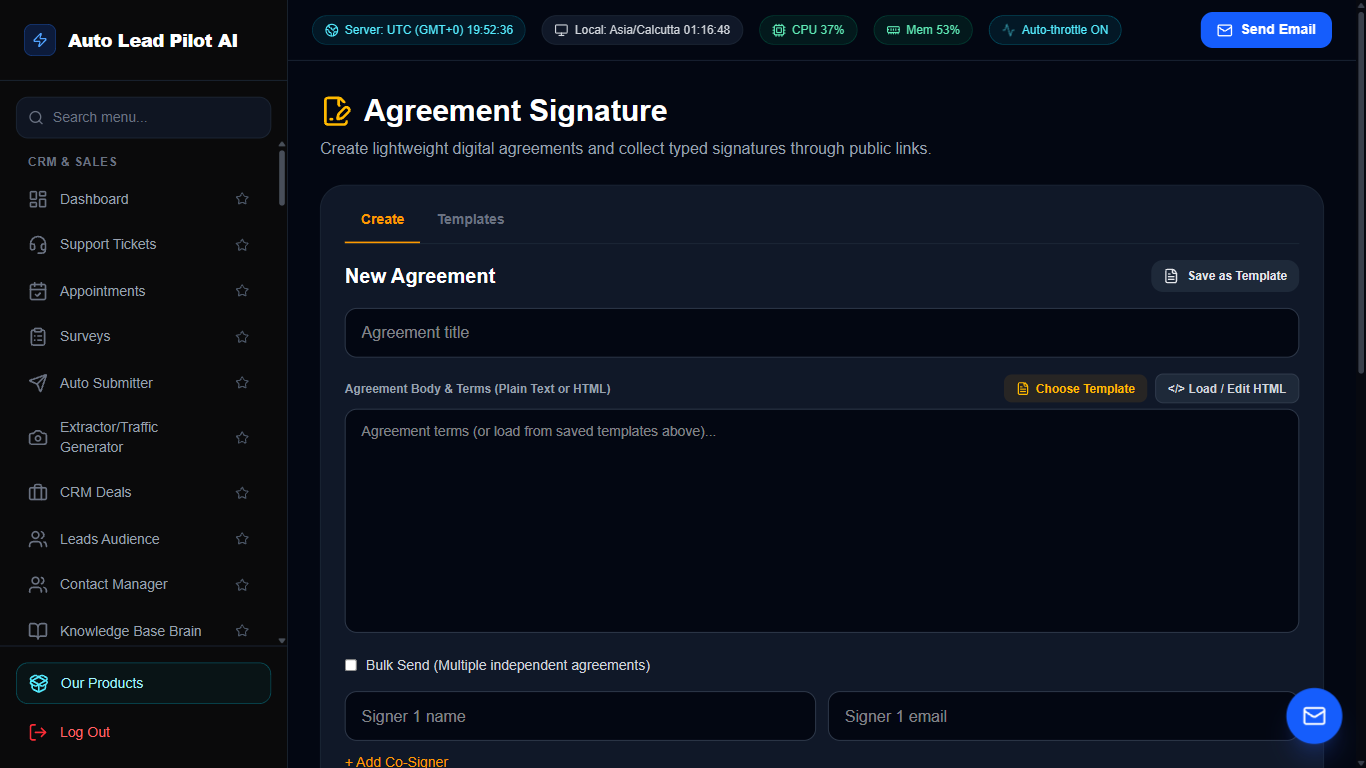
Figure 82: Digital E-Signature Agreement & Contract Vault Interface Preview
📋 Module Overview & Purpose
A legally binding digital agreement and contract signing platform. Create customized Service Level Agreements (SLAs), Non-Disclosure Agreements (NDAs), and client contracts. Send for e-signature with tamper-proof audit trails.
📑 Internal Navigation & Tabs Structure
⚡ In-Depth Features & Autonomous Capabilities
- ✓
Pre-Loaded Legal Clause Library:
Rapidly assemble contracts using verified clauses for Confidentiality, Deliverables, and Governing Law. - ✓
Legally Binding E-Signatures:
Signees draw signatures on desktop or mobile screens with digital certificate verification. - ✓
Tamper-Proof Audit Trail:
Records signee IP addresses, email confirmation timestamps, and browser user-agents. - ✓
Automated Email Delivery & Reminders:
Automatically notifies signees and follows up if contracts remain unsigned. - ✓
Permanent PDF Storage:
Automatically generates and stores completed, signed contracts with embedded signature certificates.
Module 83 of 87
Automated KYC & Identity Verification System
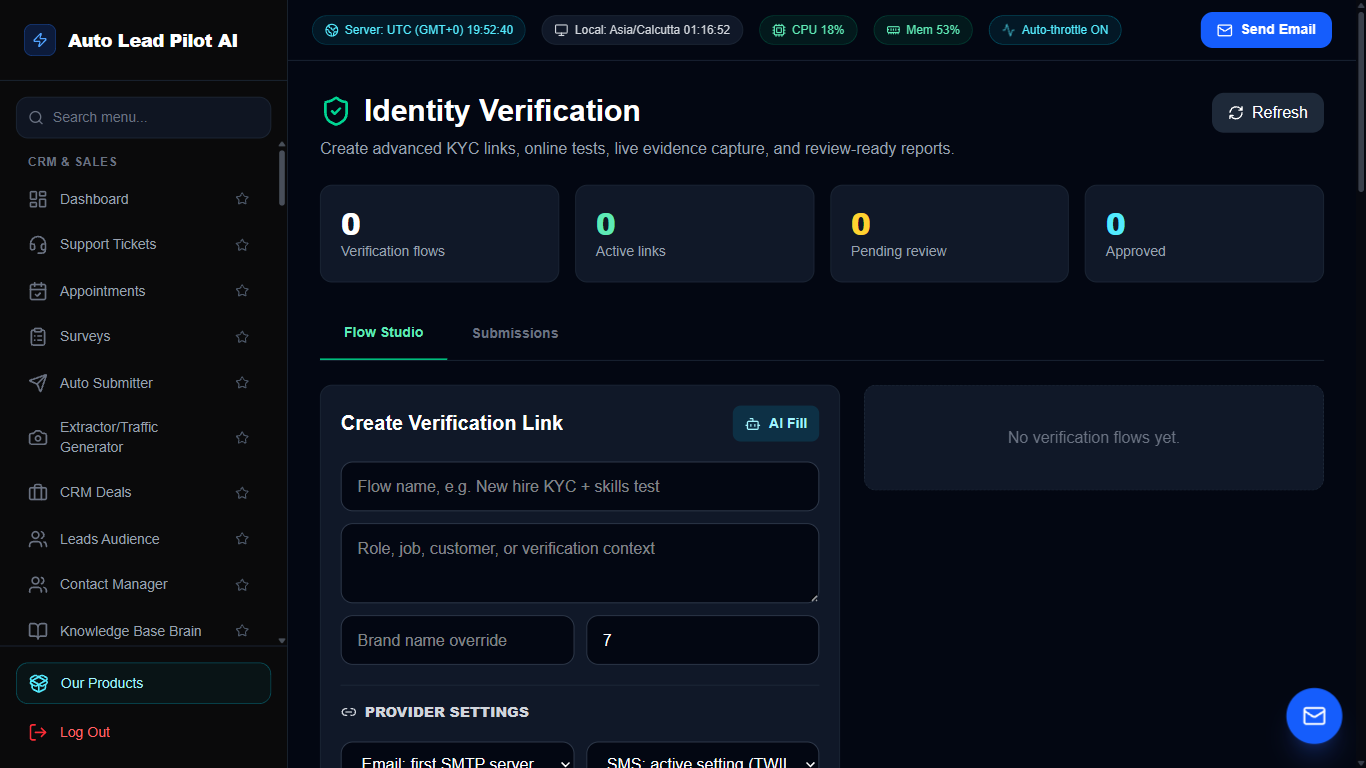
Figure 83: Automated KYC & Identity Verification System Interface Preview
📋 Module Overview & Purpose
Verify the identity of clients, employees, and marketplace vendors. Collect government-issued photo IDs, passports, and proof-of-address documents with encrypted storage and automated compliance status badges.
📑 Internal Navigation & Tabs Structure
⚡ In-Depth Features & Autonomous Capabilities
- ✓
Multi-Document Verification:
Collects Driver’s Licenses, Passports, National ID Cards, and utility bill proof of address. - ✓
Encrypted Document Storage:
Documents are stored in encrypted, signed cloud vaults restricted to authorized compliance officers. - ✓
Automated Face Match & OCR:
Inspects document validity, expiration dates, and compares document photos with selfie uploads. - ✓
Compliance Status Badges:
Visual indicators for Verified, Pending Review, Rejected, and Expired. - ✓
Audit Logging for Regulations:
Generates compliance audit certificates to satisfy KYC and AML legal requirements.
Module 84 of 87
Centralized Team Bookmark & Resource Navigator
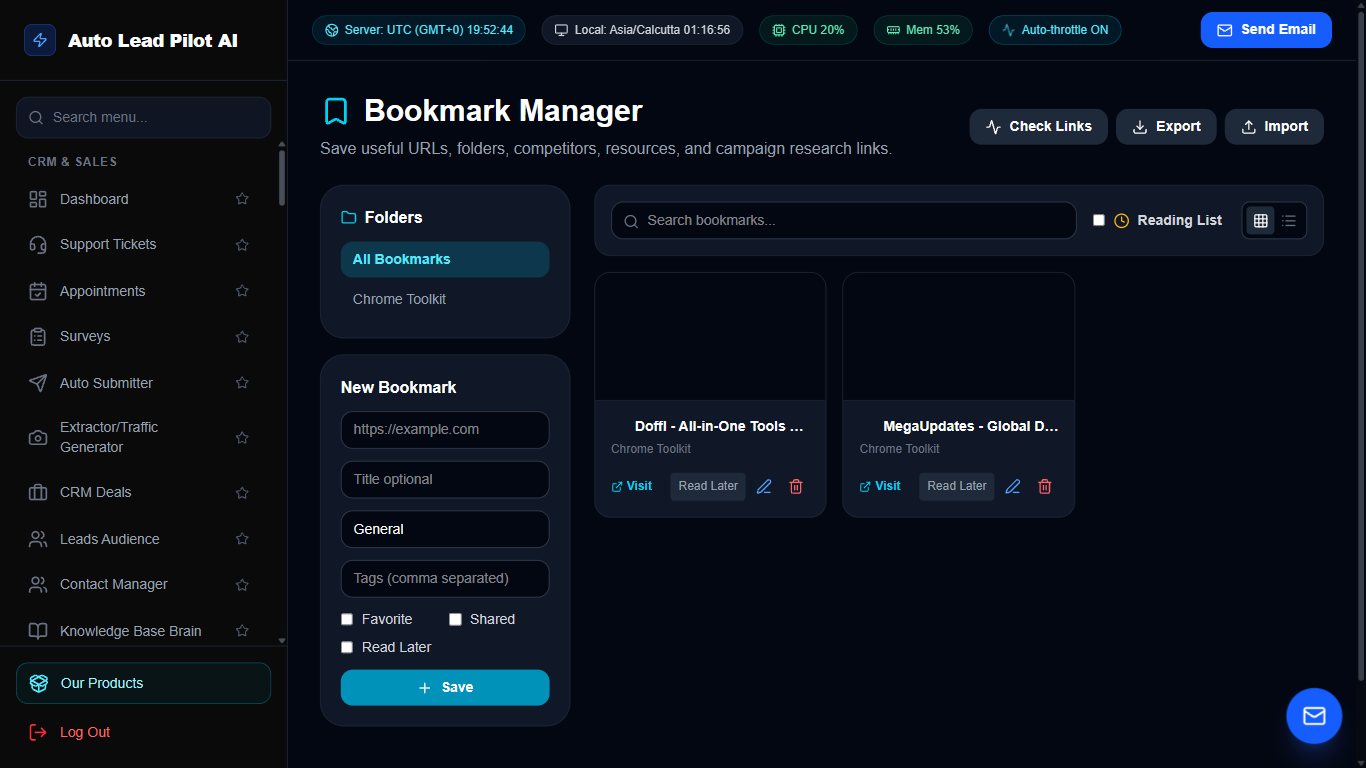
Figure 84: Centralized Team Bookmark & Resource Navigator Interface Preview
📋 Module Overview & Purpose
A shared resource directory for internal company bookmarks, frequently used software tools, design libraries, and partner portals. Categorize links by department and share resources across your entire team.
📑 Internal Navigation & Tabs Structure
⚡ In-Depth Features & Autonomous Capabilities
- ✓
Department Categorization:
Organize bookmarks into Sales Tools, Marketing Assets, Design Inspiration, and Developer Docs. - ✓
Favicon & Domain Preview:
Automatically fetches target site favicons and descriptions for quick visual identification. - ✓
One-Click Quick Launch:
Open essential daily applications and portals directly from your dashboard. - ✓
Role-Based Visibility:
Keep management-only tools private while sharing universal resources with all employees. - ✓
Chrome Extension Sync:
Add bookmarks directly from your Chrome browser with the AutoLead extension.
Module 85 of 87
Employee Activity Tracking & Productivity Monitor
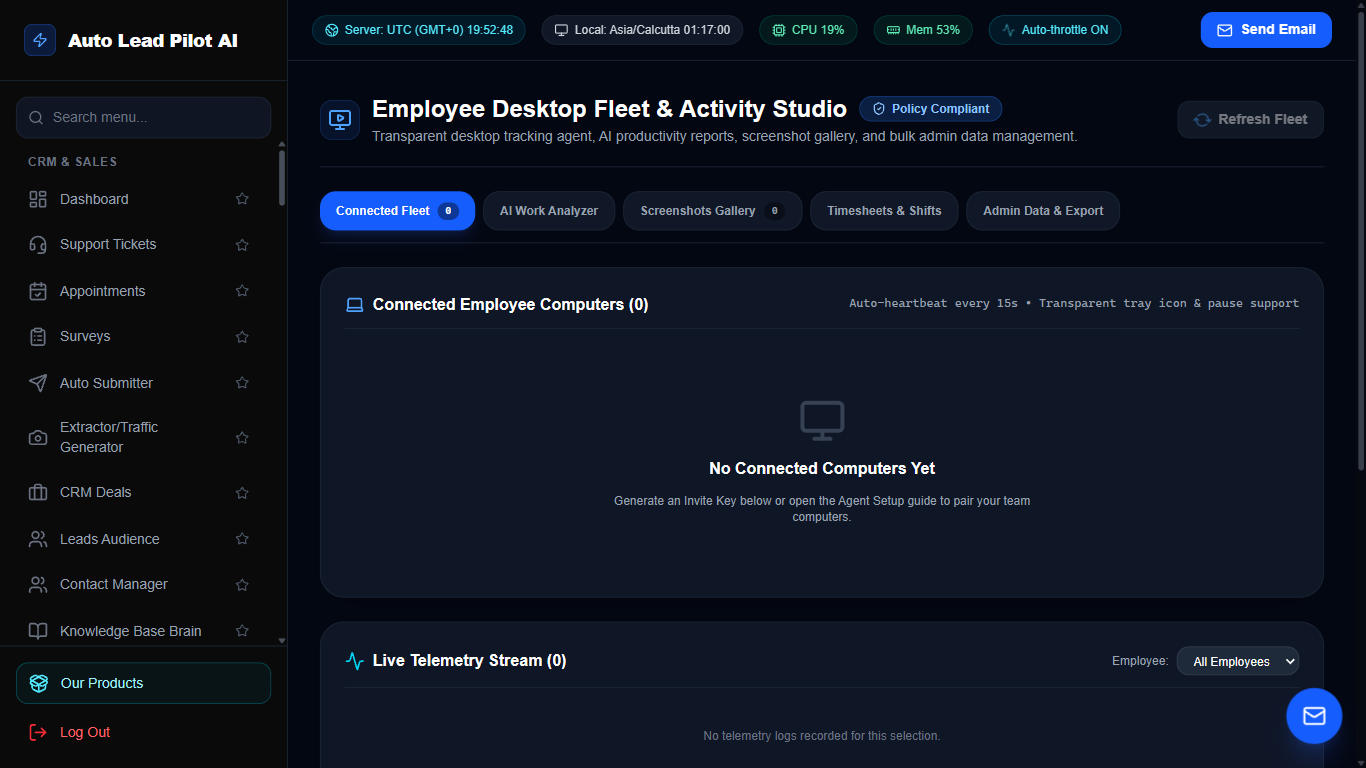
Figure 85: Employee Activity Tracking & Productivity Monitor Interface Preview
📋 Module Overview & Purpose
Monitor remote team productivity and work velocity ethically. Tracks active working hours, application and website usage breakdown, keyboard/mouse activity ratios, and captures periodic desktop screenshots.
📑 Internal Navigation & Tabs Structure
⚡ In-Depth Features & Autonomous Capabilities
- ✓
Live Active Status:
See which team members are currently clocked in, active, idle, or offline in real time. - ✓
Automated Periodic Screenshots:
Captures desktop screenshots at randomized intervals to confirm task engagement. - ✓
Application & URL Usage Tracking:
Accurately logs time spent across productive tools (Figma, VS Code, CRM) vs distractions. - ✓
Daily Productivity Scoring:
Automatically calculates individual and department productivity efficiency percentages. - ✓
Privacy & Compliance Controls:
Configurable blur options for sensitive personal data to protect employee privacy.
Module 86 of 87
Zero-Knowledge Team Password & Credential Vault
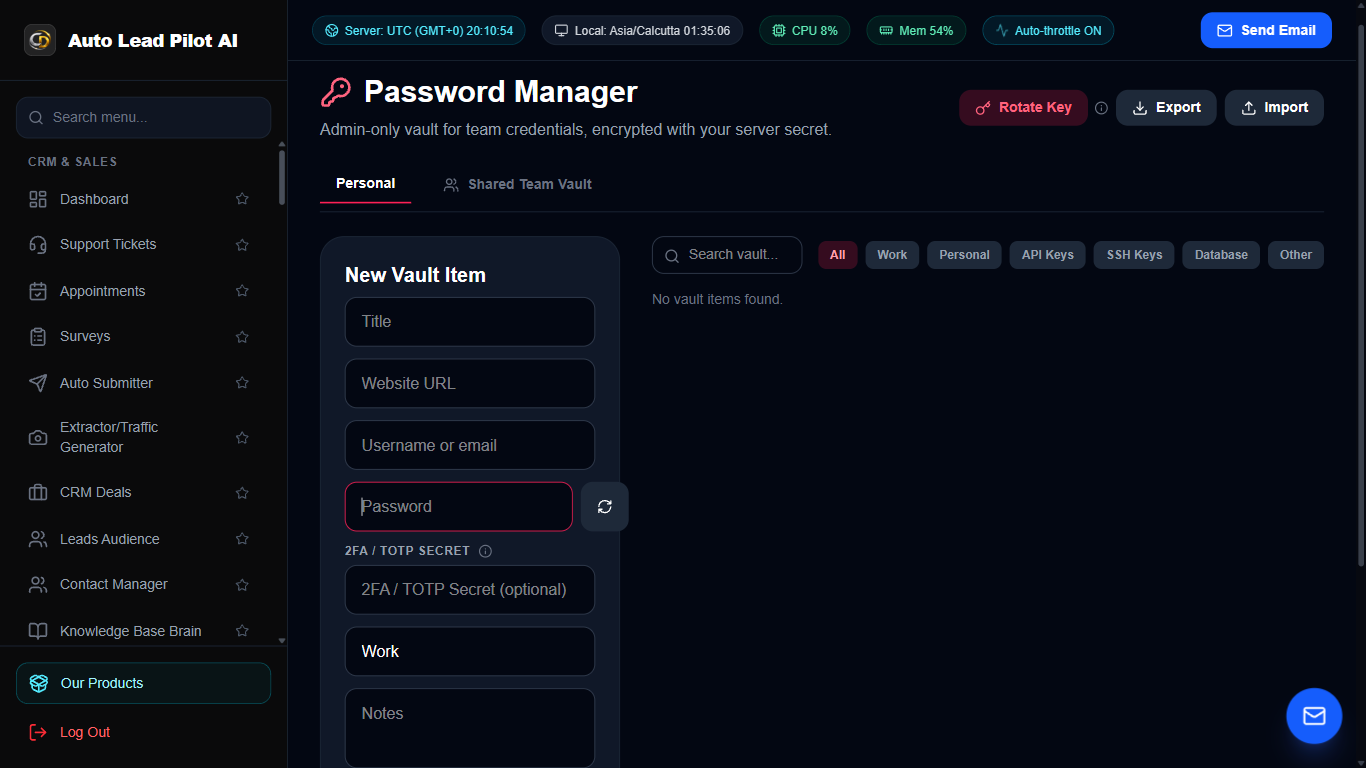
Figure 86: Zero-Knowledge Team Password & Credential Vault Interface Preview
📋 Module Overview & Purpose
A secure, encrypted team password manager designed to eliminate credential sharing over insecure chat channels. Store logins, API keys, SSH keys, and credit cards with granular permission controls.
📑 Internal Navigation & Tabs Structure
⚡ In-Depth Features & Autonomous Capabilities
- ✓
Client-Side Zero-Knowledge Encryption:
Credentials are encrypted before saving, ensuring only authorized team members can read them. - ✓
Role-Based Credential Sharing:
Share server or advertising credentials with specific employees without exposing master passwords. - ✓
Cryptographic Password Generator:
Generates unbreakable, high-entropy passwords with custom length and symbol rules. - ✓
Security Audit & Breach Alert:
Scans stored credentials for weak, reused, or compromised passwords. - ✓
One-Click Masked Copy:
Copy usernames and passwords directly to the clipboard without revealing passwords on screen.
Module 87 of 87
Administrative CMS & Global Site Content Editor
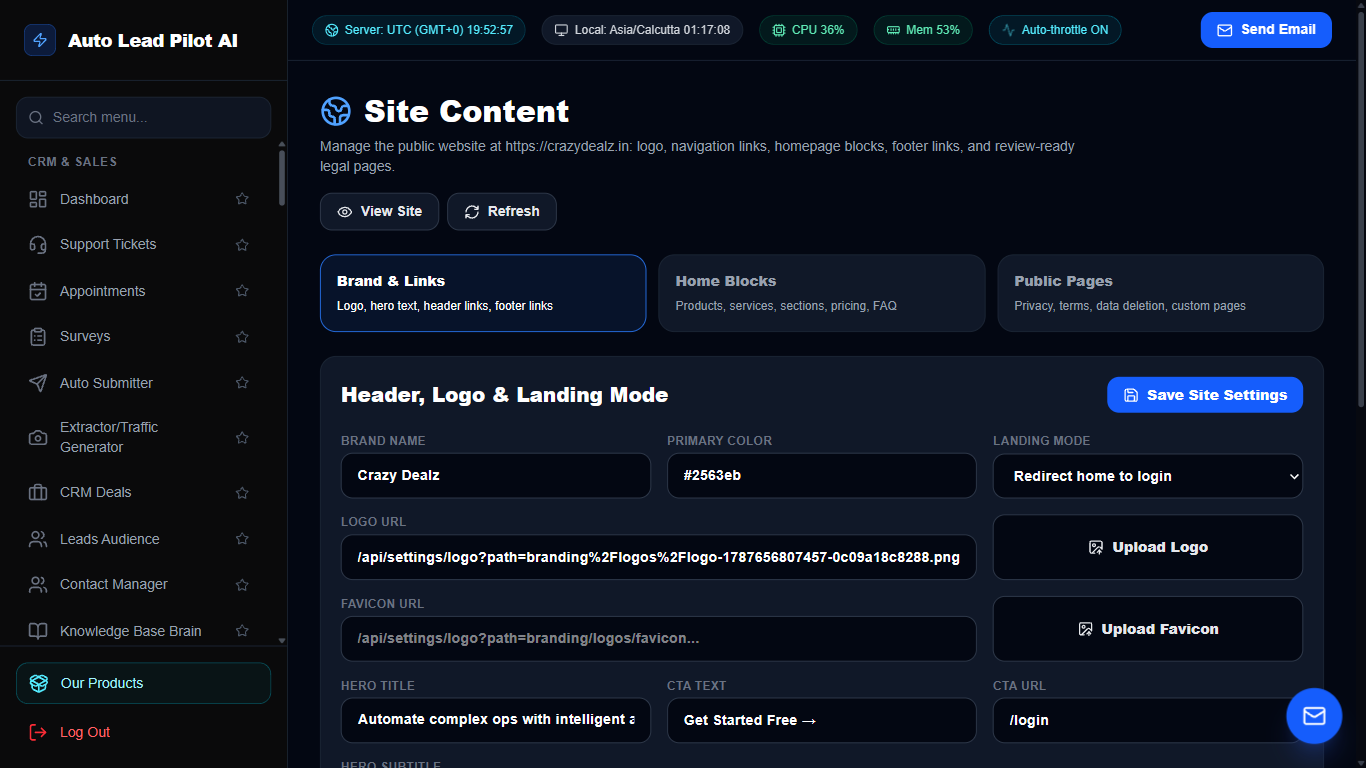
Figure 87: Administrative CMS & Global Site Content Editor Interface Preview
📋 Module Overview & Purpose
The content management headquarters for administrators. Customize public landing page headlines, hero sections, pricing tier descriptions, testimonials, and global platform announcement banners without editing code.
📑 Internal Navigation & Tabs Structure
⚡ In-Depth Features & Autonomous Capabilities
- ✓
Live Copy Editor:
Modify website headlines, sub-headlines, and call-to-action text with immediate live preview. - ✓
Pricing Tier Customizer:
Update monthly/annual pricing, feature checkmarks, and checkout button URLs dynamically. - ✓
Testimonial Manager:
Add customer quotes, reviewer headshots, star ratings, and company logos. - ✓
FAQ Accordion Editor:
Update frequently asked questions to preempt sales objections and improve search SEO. - ✓
Instant Production Deployment:
Changes publish immediately to the live production website with zero build downtime.


Reviews
There are no reviews yet.